Top 3D architecture model examples for urban design

Choosing the right 3D architectural model can make or break an urban development project. With dozens of modelling approaches, software platforms, and detail levels available, many real estate developers and urban planners find themselves paralysed by options rather than empowered by them. The wrong choice wastes budget, slows approvals, and creates coordination headaches across project teams. This article cuts through that complexity by presenting a clear evaluation framework, real-world project examples, a direct comparison of modelling methods, and practical guidance on storage and performance. Whether you are assessing a heritage site or planning a city-scale mixed-use development, these insights will sharpen your decision-making from the outset.
Key Takeaways
| Point | Details |
|---|---|
| Set clear selection criteria | Identifying your project’s purpose, detail needs, and tech compatibility ensures you choose effective 3D models. |
| Hybrid workflows boost accuracy | Combining manual and automated modelling significantly increases both speed and reliability for complex projects. |
| Model storage efficiency matters | Converting to formats like CityGML reduces file size up to 24 times while keeping vital data intact. |
| Real-world examples save time | Analysing successful projects helps urban planners avoid common pitfalls and embrace proven modelling strategies. |
How to evaluate 3D architecture models for urban planning
Now that you understand the value of choosing the right 3D architecture model, let us explore how to evaluate and select the most effective options. Without clear selection criteria, teams often default to familiar tools rather than the most appropriate ones. That default costs time, accuracy, and stakeholder confidence.
The role of 3D models in urban planning extends far beyond visualisation. Models must serve specific functions: regulatory compliance, environmental simulation, infrastructure coordination, or public engagement. Each function demands a different level of detail and a different data structure.
When evaluating a model, consider these core factors:
- Purpose: Define whether the model supports design, analysis, or communication before selecting a format.
- Level of Detail (LoD): LoD ranges from simple massing (LoD1) to full interior modelling (LoD4). Match the LoD to your project phase.
- Scalability: Can the model handle city-scale datasets without degrading performance?
- Integration: Does the model connect with BIM workflows or CityGML standards for interoperability?
- Semantic accuracy: Does the model retain attribute data such as building use, material type, and construction year?
Accuracy is particularly critical for heritage projects. Hybrid automated-manual approaches achieve 90 to 95% accuracy for heritage buildings, compared to just 60 to 70% with fully automated methods. That gap is significant when working with listed structures or conservation areas.
When using 3D city models across multiple project phases, the LoD should evolve alongside the design. Starting with LoD1 for feasibility and progressing to LoD3 for planning submissions keeps modelling effort proportionate to decision-making needs.
Pro Tip: Align your LoD selection with the current project phase rather than the final deliverable. Over-modelling early stages inflates cost and creates unnecessary revision cycles.
Project showcase: Five standout 3D architecture model examples
With the evaluation framework in place, examine how leading real-world projects have harnessed the strengths of 3D architectural models. These examples span scale, geography, and purpose, each offering distinct lessons for urban planners and developers.
Aventura Cross, Florida (mixed-use BIM)
This 449,000 sq ft development used Revit and Navisworks for clash detection across disciplines, reducing Requests for Information and achieving 25% faster project delivery. The BIM model served as a single source of truth for architects, engineers, and contractors throughout construction.
- Strengths: Multi-discipline coordination, clash detection, real-time design updates
- Limitations: High initial modelling investment; requires BIM-literate teams across all contractors
CMAB city-scale benchmark
The CMAB dataset covers 31 million buildings with less than 0.5 metre height error, validating automated modelling at national scale. This benchmark demonstrates that automated workflows can deliver reliable results when applied to standardised building stock.
- Strengths: Massive scalability, consistent accuracy across diverse building types
- Limitations: Accuracy drops on irregular or heritage structures
European urban 3D model examples
Across Europe, cities are adopting collaborative 3D design approaches to support flood resilience planning, particularly in Rotterdam, where 3D models simulate water flow across entire districts. These models integrate GIS layers with CityGML semantics to produce actionable flood risk assessments.
Rotterdam’s use of 3D urban models for flood simulation shows how spatial data, when structured correctly, becomes a genuine decision-support tool rather than a visualisation exercise.
Heritage building reconstructions
Public institutions across the UK and Europe are using photogrammetry combined with manual modelling to reconstruct listed buildings with high fidelity. These future-ready 3D environments support conservation planning, tourism applications, and structural assessments.
- Strengths: High visual and geometric accuracy, preserves architectural detail
- Limitations: Time-intensive; requires specialist survey equipment and expertise
Smart city digital twin pilots
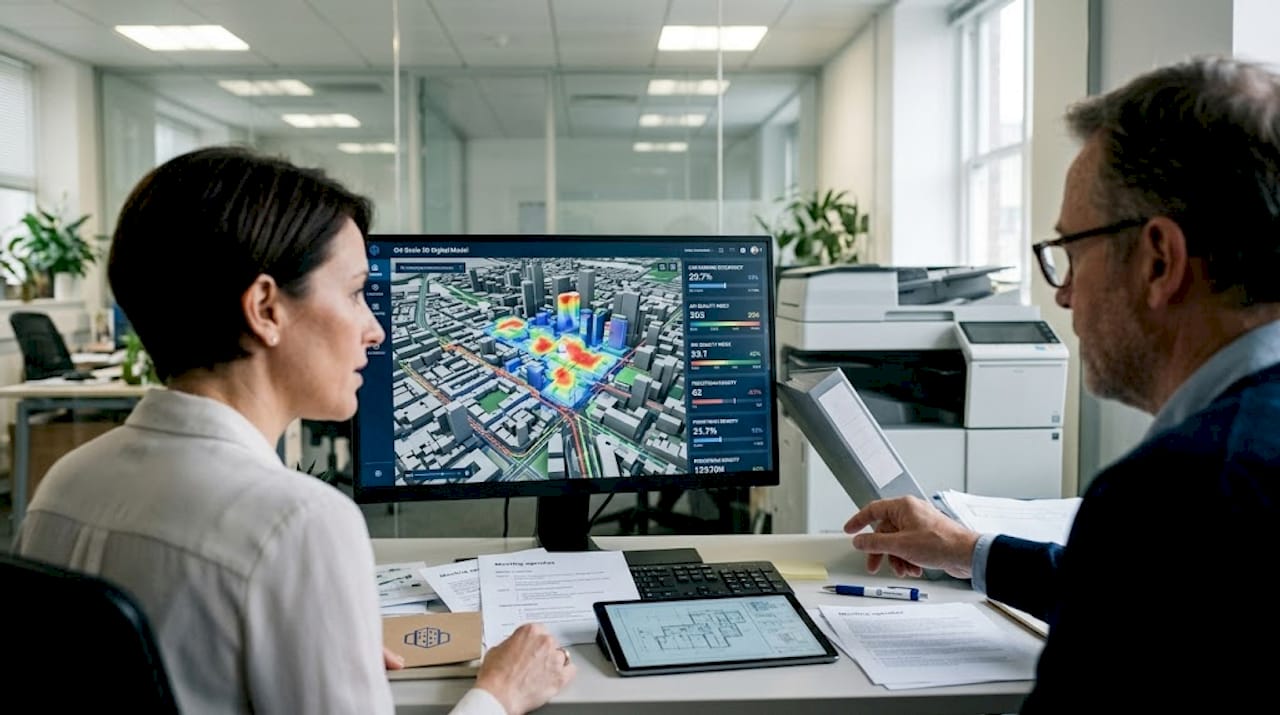
Several municipalities are deploying city-scale digital twins that integrate real-time sensor data with 3D models. These living simulation environments support traffic management, energy planning, and emergency response coordination simultaneously.
Methods and technology: Automated vs hybrid workflows
Examining these examples leads to a bigger question: how do different modelling methods shape results in practice? The choice between automated and hybrid workflows is one of the most consequential decisions a project team makes.
Automated workflows use algorithms, LiDAR point clouds, and aerial imagery to generate 3D models at speed. They excel when processing large, standardised datasets such as national building registers or new-build residential estates. A 3D building modelling tutorial will typically show automated tools generating LoD1 and LoD2 models within hours for thousands of structures.
Hybrid workflows combine automated generation with manual correction. They are essential for complex contexts. Heritage buildings require hybrid workflows to reach 90 to 95% accuracy, while multi-floor complex layouts often challenge models trained on synthetic data. Manual intervention fills the gaps that automation cannot reliably handle.
| Method | Speed | Accuracy | Best application |
|---|---|---|---|
| Fully automated | Very fast | 60 to 70% (complex sites) | Large-scale standardised stock |
| Hybrid automated-manual | 10 to 50x faster than manual alone | 90 to 95% | Heritage, dense urban, mixed-use |
| Fully manual | Slow | Up to 99% | High-value individual structures |
Key technologies underpinning both approaches include BIM for project-level coordination, CityGML EU models for city-scale semantic data exchange, and multimodal AI frameworks for automated feature extraction from imagery and point clouds.
Pro Tip: For projects spanning both new-build and heritage elements, use automated methods for the new-build portions and reserve hybrid workflows for the sensitive or irregular structures. This balances cost with quality across the full site.
Comparison: Storage, semantics, and performance
To understand the practical implications of these methods, let us compare their performance in real-world urban planning scenarios. Storage efficiency and semantic retention are often overlooked until a project scales up and data management becomes a bottleneck.
BIM-to-CityGML conversion is one of the most effective ways to manage this challenge. The conversion reduces geometry complexity by 24 times while preserving semantic attributes through Application Domain Extensions (ADE). ADE extensions allow planners to retain building-specific data such as energy performance ratings, occupancy classifications, and structural materials within a lightweight model format.
| Model type | Storage reduction | Semantic retention | Typical use case |
|---|---|---|---|
| Raw BIM (IFC) | Baseline | High | Project-level design and coordination |
| CityGML LoD2 | Moderate | Medium | City-scale planning and zoning |
| BIM-to-CityGML (ADE) | Up to 24x | High | Urban digital twins, financial modelling |
| Point cloud | Low | Very low | Survey capture, heritage documentation |
Semantics matter enormously in complex urban and financial modelling. A model without semantic attributes is essentially a geometric shell. It cannot answer questions about land use, energy demand, or infrastructure capacity. For urban digital twins, the 3D modelling software options that support ADE extensions provide a measurable advantage in analytical depth.
At city scale, performance depends on how models are tiled, streamed, and indexed. Efficient tiling strategies reduce rendering load, while spatial indexing enables rapid querying across millions of building objects. These technical considerations should be part of your model selection process from the start, not retrofitted after deployment.
Our perspective: Why most 3D architecture model guides overlook workflow and context
Most guides on 3D architecture models focus on templates, software features, and visual outputs. They rarely address the harder question: does this model fit the way your team actually works, and does it suit the specific context of your site?
In practice, the teams that achieve the best outcomes are not those with the most sophisticated tools. They are the ones that adapt their modelling approach to the project type, the legacy data available, and the decision-making needs of their stakeholders. A city-scale automated model is useless if your planning authority requires LoD3 semantic detail for a heritage impact assessment.
The uncomfortable truth is that many 3D modelling failures stem from misaligned expectations, not technical limitations. Teams adopt a single method and apply it uniformly, ignoring the variation in site conditions, regulatory requirements, and data quality across a project area.
The most effective approach is iterative. Start with the best available data, apply the most appropriate method for each building type, and refine as the project progresses. Understanding how to create 3D models within a flexible workflow, rather than a rigid pipeline, is what separates high-performing teams from those that struggle to deliver.
Blending methods, iterating on outputs, and optimising based on real feedback is not a workaround. It is the standard of practice for serious urban development work.
Next steps: Explore advanced 3D city modelling tools
The examples and comparisons in this article point to one consistent theme: the right tools, applied in the right context, produce measurably better urban development outcomes. Understanding the theory is only the first step.
The 3D Cityplanner platform brings together automated building generation, semantic modelling, line-of-sight visualisation, and 4D timeline planning in a single environment. Whether you are coordinating a mixed-use development or assessing flood resilience across a district, the platform gives your team the analytical depth and collaborative tools to move from insight to decision with confidence. Explore a free trial and see how advanced 3D city modelling fits your next project.
Frequently asked questions
What types of 3D architecture models are best for heritage buildings?
Hybrid automated-manual workflows currently achieve the highest accuracy, up to 95% for heritage buildings, making them the preferred approach for mapping and reconstructing listed or complex historic structures.
How do BIM and CityGML improve 3D architectural models?
BIM and CityGML enable efficient data workflows and ensure rich semantic detail is retained. BIM-to-CityGML conversion reduces geometry complexity by up to 24 times, making city-scale deployment far more manageable.
What is the accuracy of automated 3D building models compared to real measurements?
Automated models benchmarked on large datasets like CMAB can achieve less than 0.5 metre accuracy in building heights, though this performance is most reliable on standardised building stock.
Are there challenges in modelling dense urban sites or multi-floor buildings?
Yes. Dense urban areas require voxel-based depth constraints to handle occlusion, and multi-floor layouts often need global context modelling rather than per-floor solutions to capture complex spatial relationships accurately.
Recommended
- The role of 3D models in architecture and urban planning – 3D Urban Development
- 3D Urban Development – Where data, 3D and urban design come together
- 3d Building Modeling Tutorial for Efficient Urban Planning – 3D Urban Development
- Top 3D city visualisation examples for smarter planning – 3D Urban Development


