3D modelling types in architecture for better urban design

Urban planners, architects, and developers today face a formidable challenge: the 3D modelling landscape has expanded rapidly, offering tools that range from quick massing sketches to fully data-integrated Building Information Models. The stakes are high. Choosing the wrong modelling approach at the wrong project stage can mean wasted resources, misaligned stakeholder expectations, or costly redesigns later in the process. This article cuts through the confusion by presenting the main types of 3D modelling used in architecture and urban design, explaining when each excels, and offering a clear framework for making smarter decisions at every phase of your project.
Key Takeaways
| Point | Details |
|---|---|
| Choose model by project phase | Early massing suits quick concepts while BIM and parametric models excel for analysis and detail. |
| Data integration boosts outcomes | Linking geometry and data in BIM or parametric models delivers smarter, evidence-driven decisions. |
| Collaboration depends on detail | The right model level enables clear communication and effective teamwork across all project parties. |
| Comparing strengths is crucial | A side-by-side look at each modelling type’s features helps avoid costly mistakes. |
How to choose the right 3D modelling method for your project
Now that the importance of choosing the right approach is clear, let’s unpack what actually shapes this choice. Not every project demands the same level of detail, and not every team needs the same tools. Matching the modelling method to the specific demands of your project phase is one of the most effective ways to protect both budget and schedule.
The role of 3D models in contemporary practice goes far beyond simple visualisation. Models now serve as analytical environments, collaboration platforms, and decision-support systems. Understanding this wider purpose is the first step in selecting wisely.
Several key factors should guide your choice:
- Project goals: Are you testing spatial concepts, producing construction documentation, or preparing a stakeholder presentation? Each goal calls for a different model type.
- Level of detail: Urban-scale projects often benefit from simplified massing, while individual building projects require increasingly precise geometry as design develops.
- Data integration requirements: If cost estimation, energy performance, or acoustic analysis matters to your project, the modelling approach must support data attachment and exchange.
- Interoperability needs: Projects involving structural engineers, MEP consultants, and planning authorities require models that communicate cleanly across software platforms.
- Collaboration structure: Multi-disciplinary teams working in parallel need a shared modelling environment with clear data standards.
Performance-driven design methods integrate BIM, parametric scripting, and decision-making frameworks, ranking models by factors such as cost and embodied energy. This means the choice of modelling type is not merely a technical preference but a strategic decision that directly influences the quality of your outcomes.
Selecting the right 3D modelling software is closely linked to this decision. Some tools specialise in rapid massing, others in detailed surface modelling, and others in data-rich BIM workflows.
Pro Tip: Match model complexity to decision milestones. Early planning stages rarely need the level of detail required for construction. Keeping models appropriately lean at each stage saves significant processing time and keeps the team focused on the decisions that actually matter at that moment.
Volumetric, conceptual and massing models
After assessing your criteria, start with broad-brush volumetric models, which form the backbone of early ideation. These are the simplest category of 3D model, and deliberately so. Their purpose is to test spatial ideas quickly, without the overhead of detailed geometry or data management.
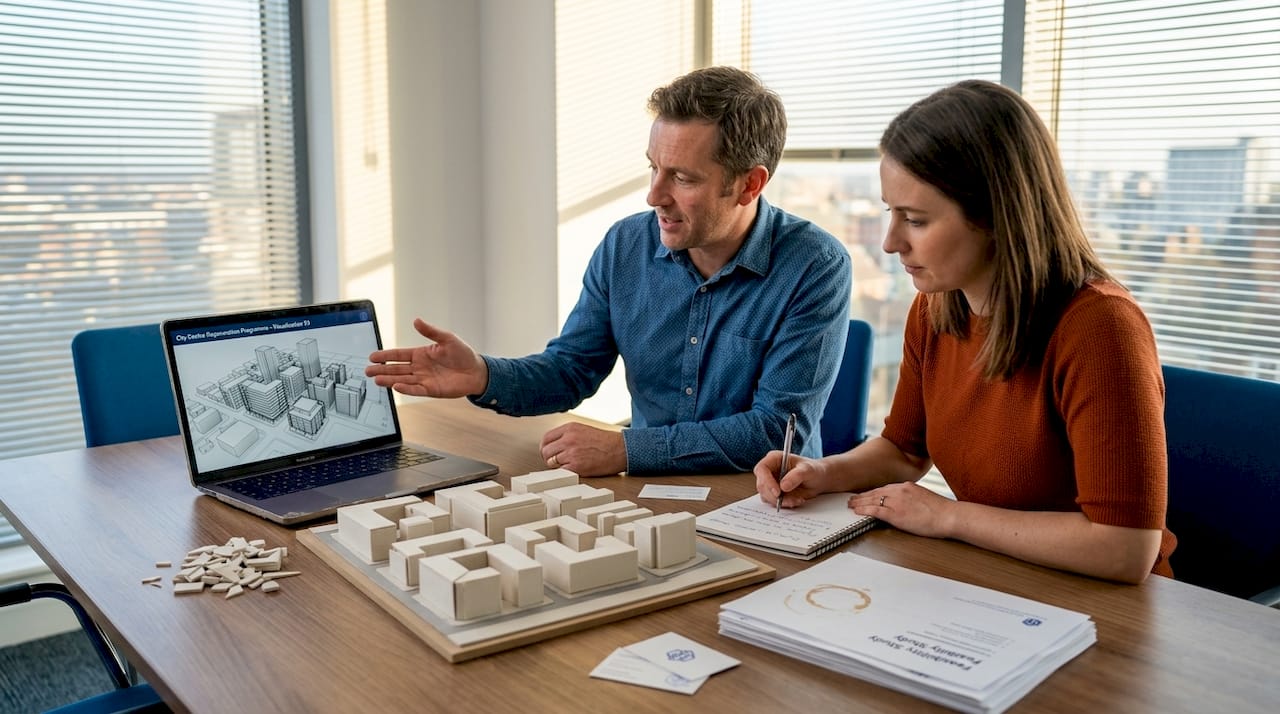
Massing models represent buildings and urban blocks as simplified solid volumes. They carry no internal structure, no material detail, and no complex geometry. What they do offer is extraordinary speed and clarity. A planner can test ten different massing configurations in the time it would take to refine a single detailed model.
The primary uses of massing and conceptual models include:
- Site capacity testing: Quickly assess how much floor area can be achieved within planning height limits and site boundaries.
- Spatial relationships: Understand how proposed buildings relate to each other, to streets, and to open spaces.
- Solar and shadow analysis: Run sun path studies to evaluate overshadowing on public spaces or neighbouring properties.
- View corridor assessment: Identify how proposed volumes affect sightlines from key locations.
- Early planning dialogue: Present spatial proposals to planning authorities before committing to detailed design.
“Early-stage massing models are essential for rapidly testing site layouts, solar studies, and spatial capacity.”
The limitation of massing models is equally clear. They are not suitable for construction documentation, technical coordination, or detailed client approvals. Attempting to use them for these purposes leads to misunderstandings and unrealistic expectations. Their power lies in early decisions, not late ones.
Reviewing 3D architecture model examples from real urban design projects illustrates how massing studies have shaped major city developments. The 3D visualisation benefits at this stage are primarily about speed and clarity, not photorealism.
Pro Tip: Use massing models specifically for stakeholder meetings during the early planning phase. Simplified geometry keeps attention on spatial and planning issues rather than allowing stakeholders to fixate on material finishes or interior layouts, which are not yet decided.
Detailed mesh, surface and solid models
From simple massing, we now move toward advanced modelling, a necessary step when decisions shift toward realism and exactitude. As a project moves from concept to schematic design and beyond, the modelling approach must evolve to match the complexity of the questions being asked.
Three primary model types serve this stage:
- Mesh models: Constructed from networks of polygons, mesh models can represent highly complex geometry with extraordinary visual richness. They are the preferred format for photorealistic rendering, virtual walkthroughs, and immersive visualisation. The trade-off is file size. Detailed mesh models can become very large, requiring powerful hardware and careful file management.
- Surface models: These define form through a series of surfaces rather than solid volumes or polygon networks. Surface modelling excels at representing curving architectural forms, such as sweeping roof profiles, complex facades, and free-form canopies. Parametric surface tools like those found in Rhino and Grasshopper are widely used for ambitious architectural geometry where precise curvature control matters.
- Solid models: Unlike mesh and surface models, solid models represent the full volume of an object mathematically. Every part of the building is defined as a closed, coherent solid. This precision makes solid models the preferred choice for construction documentation, manufacturing coordination, and BIM workflows. Solid modelling underpins most professional architecture and engineering software.
“High-resolution mesh and solid models enable photorealistic rendering and virtual walkthroughs for client presentations.”
Understanding when to deploy each type is a mark of professional maturity. During schematic design, surface modelling supports form exploration. At design development, solid modelling ensures dimensional accuracy. For client presentations and sales processes, high-quality mesh renders and walkthroughs build confidence and accelerate approvals.
The relationship between these model types and the wider project workflow is explored further in resources on 3D visualisation in urban planning, where the shift from conceptual to presentation-quality models is examined in practical depth.
BIM, parametric and data-driven models
When model fidelity and connection to data become essential, BIM and parametric models stand out as the most powerful tools in the urban planning and architecture toolkit. These are not simply more detailed versions of the models described above. They represent a fundamentally different relationship between geometry and information.
Building Information Modelling (BIM) treats every element of a building not as geometry alone but as an intelligent object carrying data. A wall in a BIM model knows its material composition, thermal properties, cost, and fire rating. A window knows its U-value, its dimensions, and its specification reference. This intelligence enables collaboration across disciplines, automated quantity take-offs, energy analysis, and clash detection, all from a single coordinated model.
Parametric models operate on a logic of rules and relationships. Rather than drawing geometry directly, the designer defines parameters and the relationships between them. Changing one parameter, such as the floor-to-ceiling height, automatically propagates through the entire model. This makes rapid design iteration genuinely fast and enables systematic performance optimisation.
Key advantages of BIM and parametric approaches include:
- Interdisciplinary coordination: Architects, structural engineers, MEP consultants, and cost managers all work from the same model, reducing errors and conflicts.
- Performance analysis: Energy consumption, acoustic performance, and daylighting can all be tested within or directly linked to the model.
- Cost management: Automatic quantity schedules reduce manual take-off errors and keep cost plans aligned with design intent.
- Regulatory compliance: BIM models can be checked against planning and building regulation requirements automatically.
- Evidence-based decision-making: Performance-driven design using BIM and parametric scripting ranks envelope options by multiple factors, speeding up informed decision-making.
Statistic to note: BIM-enabled models can reduce project errors by up to 30% and significantly streamline project scheduling by creating a coordinated single source of truth across all disciplines.
| Feature | BIM models | Parametric models | Standard 3D models |
|---|---|---|---|
| Data attachment | High | Medium | Low |
| Design iteration speed | Medium | Very high | High |
| Collaboration support | Very high | Medium | Low |
| Analysis capability | Very high | High | Limited |
| Software complexity | High | High | Low to medium |
The BIM integration benefits for urban development projects are particularly significant at the detailed design and construction phases, where coordination complexity is greatest and errors are most costly.
Comparing 3D modelling types: summary table and use cases
To help you choose the right tool for your needs, here is a visual summary and some practical recommendations drawn from professional practice.
| Model type | Level of detail | Primary use | Best project stage | Key strength | Main challenge |
|---|---|---|---|---|---|
| Massing/conceptual | Very low | Spatial testing | Pre-design and concept | Speed and clarity | No data, no construction use |
| Surface model | Medium | Form development | Schematic design | Complex geometry | Limited data integration |
| Mesh model | High | Visualisation | Design development | Photorealism | Large file sizes |
| Solid model | High | Construction coordination | Detailed design | Dimensional accuracy | Modelling time |
| BIM model | Very high | Collaboration and analysis | All stages | Data richness and coordination | Software investment |
| Parametric model | Variable | Performance optimisation | Concept to detailed design | Rapid iteration | Scripting expertise required |
The integration of BIM and parametric scripting supports more informed decision-making by ranking design options across parameters such as cost, environmental impact, and acoustics.
Scenario-based recommendations for urban planning and architecture projects:
- Early concept and masterplanning: Use massing models to test multiple site configurations rapidly. Keep geometry simple. Run solar and shadow studies to inform layout decisions.
- Stakeholder and public consultation: Use high-quality mesh renders and interactive models to communicate proposals clearly to non-technical audiences.
- Design development and technical coordination: Transition to BIM. Introduce solid geometry and data-rich objects. Use clash detection and quantity schedules actively.
- Performance analysis and optimisation: Layer in parametric scripting to test facade options, floor plate configurations, or structural systems against energy and cost targets.
- Sales and marketing of real estate: Commission photorealistic mesh renders and virtual walkthroughs to support marketing campaigns and off-plan sales.
- Construction planning: Rely on coordinated BIM models with full solid geometry, accurate schedules, and linked programme information for site management.
A practical guide to 3D building modelling for urban planning projects provides step-by-step guidance on moving between these model types as your project advances through its lifecycle.
The best practice principle is straightforward: no single model type serves all purposes. The most effective project teams use a sequence of model types, each appropriate to the decisions being made at that stage. Starting with detailed BIM on day one wastes time. Using massing models for construction coordination wastes money. The discipline is in knowing when to transition.
Our perspective: the hidden cost of over-modelling
The architecture and urban planning industry has embraced 3D modelling with enthusiasm, and rightly so. But there is a pattern worth addressing directly. Many project teams invest enormous effort in creating highly detailed models far earlier than the design actually justifies. This is over-modelling, and it is more common and more costly than most professionals acknowledge.
Over-modelling at the concept stage locks teams into geometric decisions before planning and urban design issues have been resolved. It creates false confidence, because a beautifully rendered model looks resolved even when the fundamental planning strategy is still unclear. It also burns budget and schedule on model management rather than design thinking.
The counterintuitive lesson from experienced practitioners is this: restraint in modelling is a professional skill. Knowing when not to add detail is as important as knowing how to produce it. A massing model that answers the right spatial questions is worth far more than a photorealistic render that answers the wrong ones.
The best urban design outcomes tend to come from teams that treat modelling as a tool for decision-making rather than a product in itself. The model serves the decision. The decision does not wait for the model to become beautiful.
This perspective aligns with the direction that performance-driven design research is taking the profession. Data-driven modelling, parametric optimisation, and evidence-based decision frameworks are shifting the emphasis from visual output to analytical rigour. Platforms that support this shift are becoming the infrastructure of intelligent urban development.
How 3dcityplanner.com supports your modelling strategy
Selecting the right modelling approach is only half the challenge. Having a platform that supports multiple model types, integrates data from GIS and building databases, and enables real-time collaboration is equally important.
3dcityplanner.com is designed precisely for this professional reality. The platform supports automatic building generation, line-of-sight visualisation, noise simulation, and 4D planning timelines, all within a single environment. Whether you are presenting a massing study to a planning authority or coordinating a detailed urban development with multiple stakeholders, the platform’s tools adapt to your project stage. Explore the full capabilities of 3dcityplanner.com and start a free trial to see how it fits your workflow without any upfront commitment.
Frequently asked questions
What is the difference between a massing model and a BIM model?
Massing models offer simplified solid volumes for early spatial and sunlight studies, while BIM models integrate detailed geometry with rich data for interdisciplinary collaboration, analysis, and construction coordination. Performance-driven design increasingly ties parametric BIM to automated decision-making frameworks that go far beyond what massing alone can achieve.
When should parametric modelling be used in urban development?
Parametric modelling is most valuable when a project requires rapid customisation across multiple design options, performance analysis, or optimisation against criteria such as cost and energy. Performance-driven design using BIM and parametric scripting ranks envelope options systematically, making it ideal for complex or large-scale urban development projects.
How does 3D modelling improve urban planning decisions?
3D modelling supports visualisation, spatial analysis, and data integration, enabling planners and developers to make evidence-based decisions and communicate proposals effectively to diverse stakeholders. Performance-driven design methods integrate BIM and parametric scripting specifically to improve the quality and speed of design decision-making.
Is BIM suitable for all architectural projects?
BIM delivers its greatest value on complex projects requiring data management across multiple disciplines, detailed analysis, and coordinated delivery. For smaller or very early-stage projects, simpler model types may be more efficient, though performance-driven design frameworks increasingly support BIM adoption even on mid-scale projects where coordination benefits outweigh the setup investment.


