Why use cloud-based city planning tools for efficiency
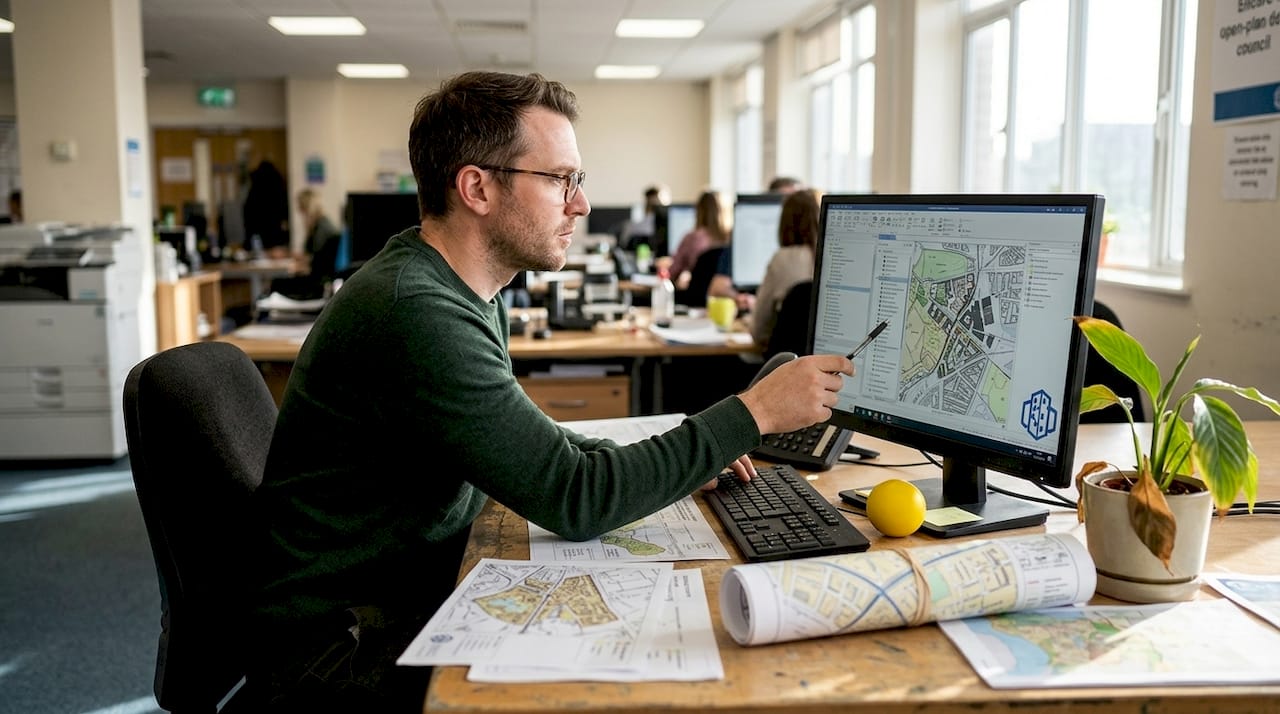
Urban development teams that still rely on desktop GIS software and paper-based approval workflows are operating with one hand tied behind their back. The evidence is difficult to ignore: cloud-based city planning tools have delivered 30% faster approval cycles, 25% fewer revisions, and a 60% reduction in permit review time across documented case studies. Yet many councils and developers hesitate, citing security concerns or the perceived complexity of migration. This article examines what cloud-based planning actually delivers, where the genuine risks lie, and how forward-thinking teams are combining the best of both worlds to build smarter, faster, and more collaboratively.
Table of Contents
- The evolution from manual to cloud-based city planning
- Driving efficiency and collaboration: How cloud tools deliver real results
- Unlocking advanced analytics: The role of real-time data and digital twins
- Barriers, hybrid approaches and emerging best practices
- A new era: What most councils miss about cloud city planning
- Innovate your next urban project with advanced planning tools
- Frequently asked questions
Key Takeaways
| Point | Details |
|---|---|
| Efficiency gains | Cloud-based tools reduce approval cycles and manual revisions, speeding up city planning. |
| Real-time collaboration | Teams can access, edit, and simulate planning scenarios together from anywhere. |
| Advanced analytics | Digital twins and real-time data help planners test, refine, and optimise urban solutions. |
| Hybrid solutions | Many cities blend cloud and on-premise tools to balance collaboration with security needs. |
The evolution from manual to cloud-based city planning
City planning has never been a simple process. For decades, teams worked through printed maps, siloed spreadsheets, and on-premise software that required specialist IT support to maintain. Collaboration meant emailing large files, waiting for version control, and scheduling meetings to reconcile conflicting datasets. Progress was slow, and errors were costly.
On-premise GIS and CAD tools improved accuracy, but they introduced their own friction. Licences were expensive, updates required downtime, and remote access was either impossible or cumbersome. When multiple departments needed to work simultaneously on a single project, the result was often duplicated effort and misaligned data.
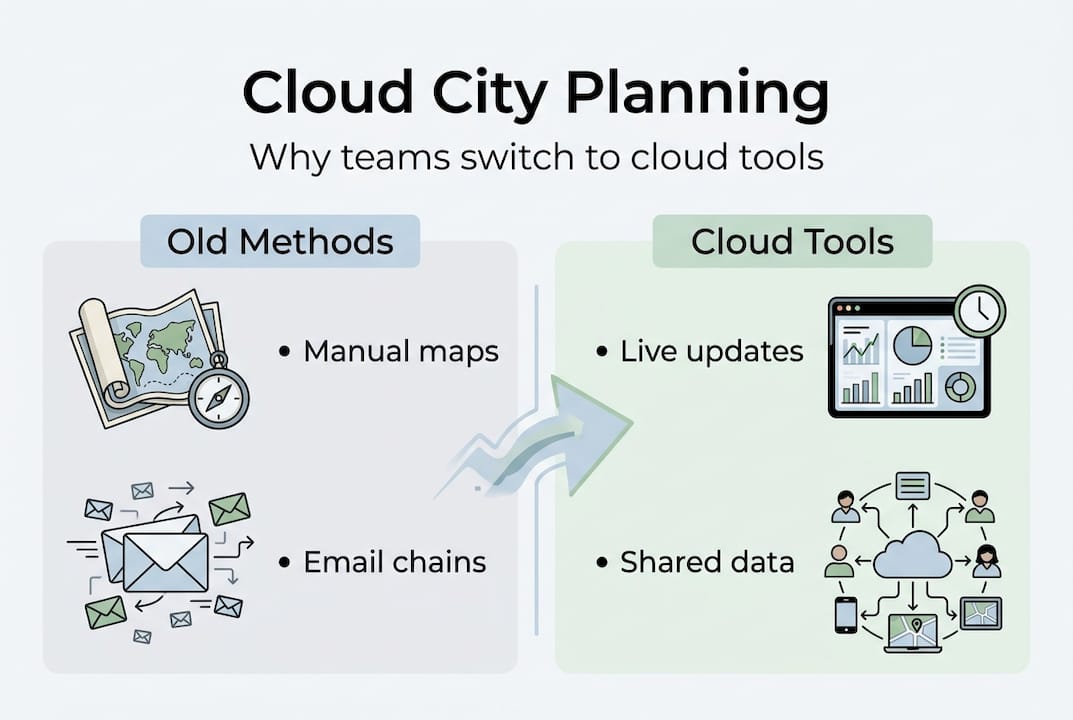
Cloud-based platforms change the equation entirely. As integrated data-driven workflows replace siloed manual processes, urban developers gain a single source of truth that every stakeholder can access in real time. The shift is not merely technical. It represents a fundamentally different way of managing complexity.
| Feature | Manual workflows | On-premise tools | Cloud-based platforms |
|---|---|---|---|
| Real-time collaboration | No | Limited | Yes |
| Remote access | No | Rare | Always |
| Scalability | Low | Medium | High |
| Update frequency | Manual | Scheduled | Continuous |
| Cost model | Fixed overheads | Licence fees | Subscription-based |
The main drivers behind cloud adoption in urban planning include:
- Scalability: Teams can expand or reduce capacity without hardware investment.
- Remote access: Planners, architects, and decision-makers work from any location.
- Live collaboration: Changes are visible to all stakeholders instantly, reducing miscommunication.
- Integration: Cloud platforms connect with GIS databases, sensor feeds, and public consultation tools.
Platforms that offer robust collaboration features are particularly valuable when multiple agencies or consultants are involved. The ability to use collaboration software that keeps every team member aligned, regardless of location, is no longer a luxury. For complex urban projects, it is a practical necessity.
“The move to cloud-based tools is not just about convenience. It is about making better decisions faster, with better data, shared across every relevant team.”
Driving efficiency and collaboration: How cloud tools deliver real results
Once workflows shift to the cloud, what happens to efficiency and collaboration? The numbers from real deployments are striking.
| Metric | Before cloud adoption | After cloud adoption |
|---|---|---|
| Approval cycle duration | Baseline | 30% faster |
| Number of revisions | Baseline | 25% fewer |
| Permit review time | Baseline | 60% shorter |
| Interdepartmental alignment | Inconsistent | Continuous |
These are not theoretical projections. They reflect documented outcomes from teams that replaced fragmented, sequential workflows with cloud-based platforms built for planning software with collaboration at their core.
To understand why, consider what a typical city planning workflow looks like before and after cloud adoption:
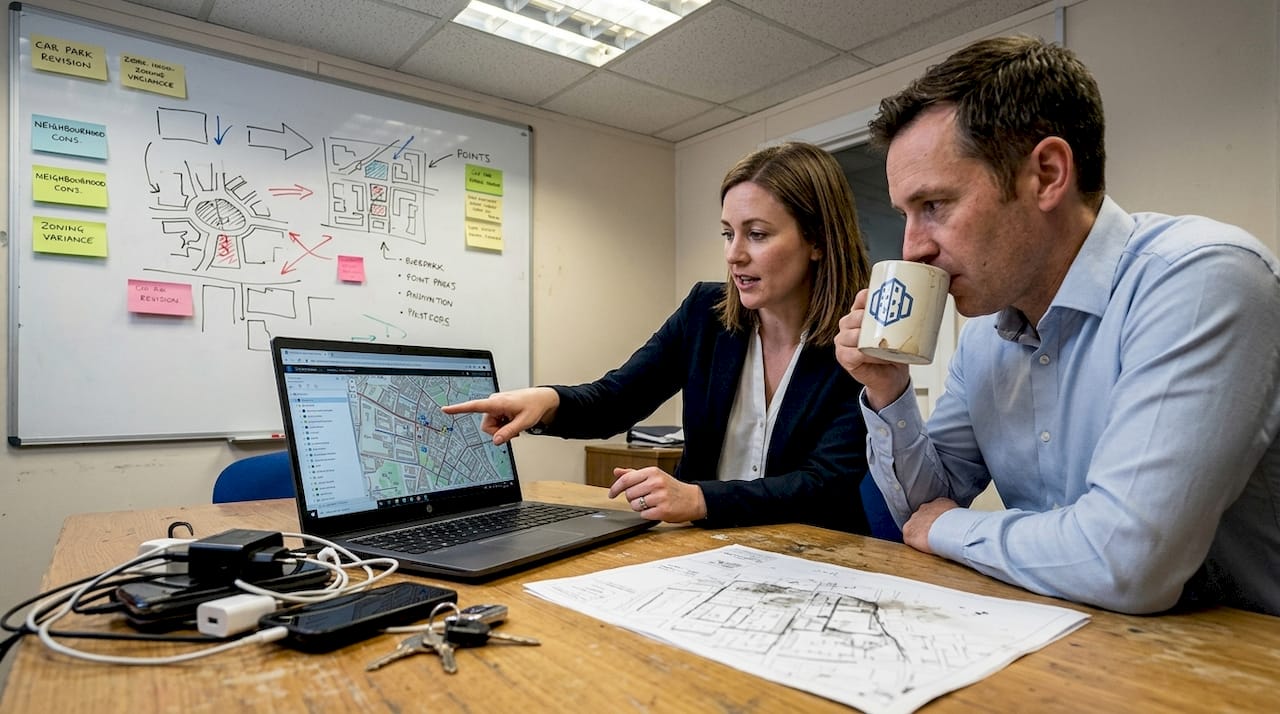
- Before: A planner exports a GIS dataset, emails it to a transport engineer, who updates it locally and sends it back. The urban designer is working from an older version. Three weeks pass before everyone is aligned.
- After: All team members access the same live dataset. The transport engineer’s update is visible immediately. The urban designer comments directly on the model. Alignment takes hours, not weeks.
- Before: A permit application requires printed documents, physical signatures, and manual review by multiple departments in sequence.
- After: The application is submitted digitally, routed automatically, and reviewed concurrently by all relevant departments.
- Before: Stakeholder presentations require assembling static maps and printed reports.
- After: Presentations use live 3D models that stakeholders can explore interactively, reducing misunderstandings and objections.
Pro Tip: When onboarding your team to a cloud platform, assign a dedicated project lead to manage permissions and layer naming conventions from day one. Consistent data hygiene at the start prevents significant rework later.
Platforms with strong collaboration features also reduce the communication overhead that typically consumes 20 to 30 percent of a planner’s working week. When every comment, revision, and approval is logged within the platform, accountability improves and audit trails become automatic.
Key insight: A 60% reduction in permit review time is not just an efficiency gain. It directly accelerates housing delivery, infrastructure upgrades, and economic development at the municipal level.
Unlocking advanced analytics: The role of real-time data and digital twins
With core processes streamlined, cloud tools also open up cutting-edge possibilities that were simply not accessible through desktop or on-premise systems.
A digital twin, in urban planning terms, is a dynamic, data-connected virtual model of a city or district. Unlike a static 3D model, it is continuously updated with real-world data from sensors, traffic systems, weather feeds, and population databases. Think of it as a living simulation environment where planners can test decisions before committing resources.
Real-time data integration enables scenario testing across traffic, emissions, and infrastructure, dramatically reducing the risk of costly planning errors. The practical advantages are significant:
- Rapid scenario testing: Run multiple development scenarios simultaneously and compare outcomes across metrics such as noise, shadow, traffic flow, and energy use.
- Improved stakeholder communication: Visual simulations make complex planning decisions accessible to non-technical councillors and community members.
- Reduced infrastructure risk: Identify bottlenecks, flood risks, and capacity issues before construction begins.
- Continuous model updating: As conditions change, the digital twin reflects those changes, keeping planning decisions grounded in current reality.
- Regulatory confidence: Simulated outcomes provide evidence-based justification for planning applications and policy decisions.
For teams exploring digital twin city planning, the learning curve is real but manageable. Cloud platforms increasingly abstract the technical complexity, allowing planners to focus on interpretation rather than data engineering.
Pro Tip: Start your digital twin implementation with a single district or infrastructure corridor rather than attempting a city-wide model immediately. Smaller scope allows your team to validate data sources, build confidence, and demonstrate value to decision-makers before scaling.
Platforms that combine real-time data visualisation with 3D modelling give planners a genuinely powerful analytical environment. The digital twin city guide for urban planners offers a practical starting point for teams assessing where to begin.
Barriers, hybrid approaches and emerging best practices
Cloud-based planning offers big advantages, but it is not universally perfect. Understanding the limitations is just as important as recognising the benefits.
The most common concerns raised by urban development teams include:
- Vendor dependency: Migrating away from a cloud platform can be complex and expensive if data is stored in proprietary formats.
- Accumulating subscription costs: Subscription costs accumulate over time and can exceed the cost of on-premise licences for large, stable teams.
- Data residency and compliance: Some jurisdictions require that planning data be stored on servers within national borders, which not all cloud providers can guarantee.
- Internet dependency: Cloud tools require reliable connectivity. In areas with poor infrastructure, this remains a practical barrier.
- Security perceptions: While cloud security has improved dramatically, some councils maintain strict internal policies that favour on-premise control.
For projects where strict data control or security is non-negotiable, on-premise solutions remain the appropriate choice. The key is matching the tool to the requirement rather than adopting cloud by default.
“The most effective teams we see are not purely cloud or purely desktop. They use cloud platforms for sharing, communication, and stakeholder engagement, while keeping intensive spatial analysis workflows on local or on-premise systems where performance and control matter most.”
This hybrid model is increasingly preferred by professionals who need the best of both environments. Cloud handles collaboration, version control, and public-facing outputs. On-premise handles deep GIS analysis, large raster processing, and sensitive data storage.
For teams exploring how digital tools are transforming city planning, the hybrid approach offers a pragmatic path that avoids the false choice between full cloud migration and maintaining the status quo.
Best practices emerging from experienced teams include negotiating data export rights before signing cloud contracts, maintaining local backups of critical datasets, and piloting cloud tools on lower-risk projects before committing to full deployment.
A new era: What most councils miss about cloud city planning
Most discussions about cloud-based city planning focus on features, costs, or security risks. These are valid considerations, but they miss something more fundamental.
The real transformation is cultural. When planning data becomes transparent and accessible to every relevant stakeholder in real time, the entire dynamic of a project changes. Decisions that previously required weeks of inter-departmental negotiation can be resolved in a single collaborative session. Accountability becomes visible. Assumptions are challenged earlier, when they are cheaper to correct.
We have seen councils adopt sophisticated cloud platforms and still fail to realise their potential, simply because the underlying culture remained siloed. The technology enables collaboration. It does not guarantee it. The teams that benefit most are those that use cloud tools as a catalyst for changing how they communicate, not just how they store data.
Cloud city planning, at its best, shifts teams from reactive problem-solving to continuous, collaborative improvement. That is a mindset shift as much as a technical one. And it is the shift that most councils are not yet having the conversation about.
Innovate your next urban project with advanced planning tools
Ready to shift your team’s approach and outcomes? The gap between teams that struggle with fragmented workflows and those that deliver projects faster and with fewer revisions often comes down to the tools they use and how well those tools support genuine collaboration.
3D Cityplanner brings together 3D modelling, real-time data integration, digital twin capabilities, and collaborative workflows in a single cloud-based platform designed specifically for urban development professionals. Whether you are assessing a new district, managing a phased infrastructure project, or presenting to stakeholders, explore the full range of city planning tools available to see how your team can work smarter from day one.
Frequently asked questions
What is the main advantage of cloud-based city planning tools?
Cloud-based city planning tools enable real-time collaboration, scalability, and faster project delivery compared to traditional or on-premise systems. Case studies show 30% faster approvals and a 60% reduction in permit review time.
Are cloud-based planning tools secure for sensitive urban data?
Modern cloud solutions invest heavily in security, but projects with strict data residency or control requirements may still favour on-premise models. Reviewing compliance and vendor terms before committing is essential.
How do digital twins benefit cloud-based city planning?
Digital twins integrated with cloud platforms allow planners to run complex simulations, test scenarios, and reduce infrastructure risk before construction begins. Real-time scenario testing covers traffic, emissions, and capacity planning.
Are hybrid cloud and on-premise models popular in city planning?
Yes, many professionals now use cloud platforms for collaboration and stakeholder engagement while keeping intensive spatial analysis on-premise. This hybrid approach is increasingly the preferred model among experienced GIS and planning teams.


