Urban design workflow guide 2026: cut project time 20%
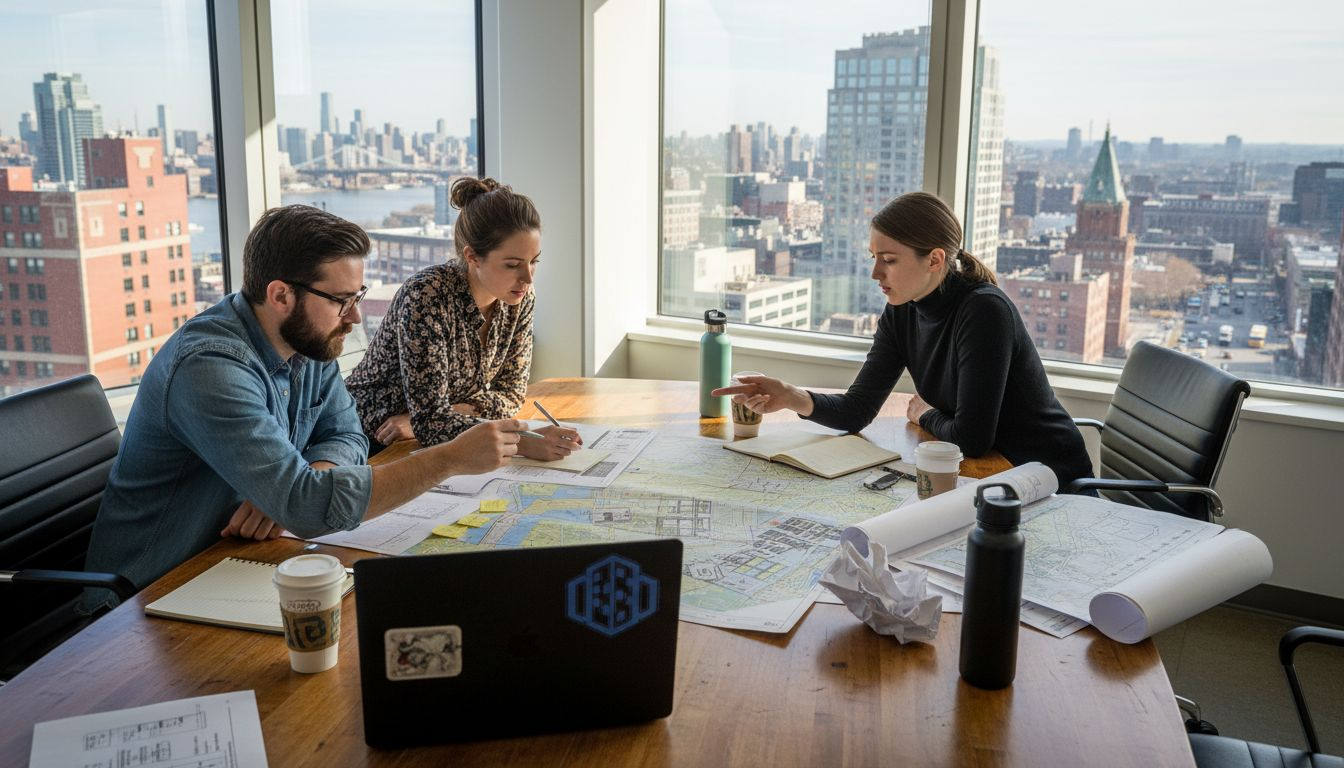
Urban design projects frequently suffer from misalignment between stakeholders, fragmented data systems, and disjointed communication that trigger costly redesigns and timeline overruns. Studies show that poor workflow management causes up to 30% of project delays in urban planning. This guide provides a proven, step-by-step workflow leveraging advanced 3D technologies to streamline collaboration, enhance decision-making, and deliver sustainable urban outcomes faster.
Table of Contents
- Prerequisites: Tools And Knowledge You Need
- Step 1: Assess Project Requirements And Set Objectives
- Step 2: Import Site Data And Select 3D Modelling Tools
- Step 3: Design Urban Layouts And Simulate Scenarios
- Step 4: Analyse Visual Impact And Environmental Factors
- Step 5: Present Findings Clearly And Engage Stakeholders
- Common Mistakes And Troubleshooting In Urban Design Workflows
- Expected Results And Success Metrics
- Optimize Your Projects With 3D Cityplanner
Key takeaways
| Point | Details |
|---|---|
| Integrated tools | Combining 3D, BIM, and GIS platforms reduces data silos and accelerates project delivery. |
| Clear objectives | Measurable goals align all stakeholders and guide design decisions from the start. |
| Iterative modeling | Collaborative 3D workflows with continuous feedback loops minimize errors and rework. |
| Environmental analysis | Sunlight, noise, and heat island simulations ensure compliance and sustainable outcomes. |
| Avoiding pitfalls | Preventing software incompatibility and communication gaps saves up to 20% in costs. |
Prerequisites: tools and knowledge you need
Before diving into an optimized urban design workflow, you need the right foundation. This means securing software, hardware, and expertise that enable efficient 3D modeling, analysis, and collaboration.
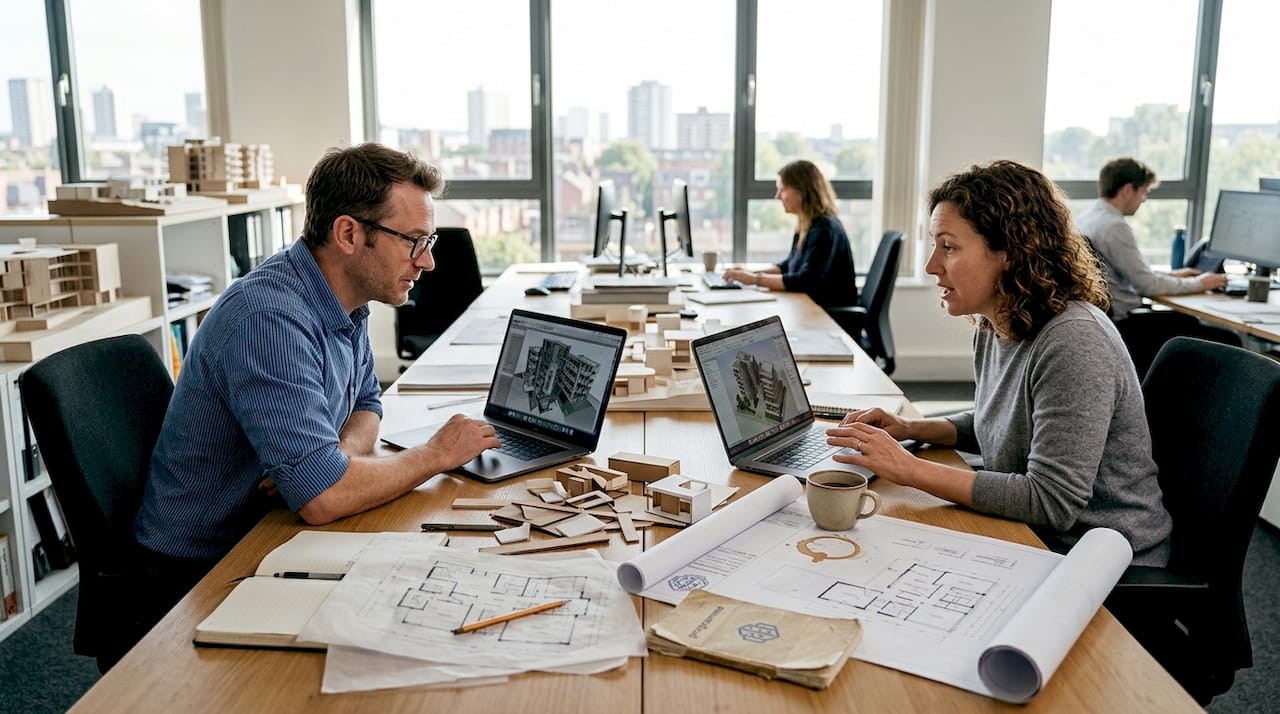
Essential software includes 3D modeling platforms like SketchUp or Rhino, BIM tools such as Revit or ArchiCAD, and GIS systems like ArcGIS or QGIS. These applications must integrate seamlessly to avoid data translation errors. Proficiency in BIM, GIS, and 3D modeling software is essential for workflow efficiency, enabling your team to move data between platforms without costly manual rework.
Your team should possess:
- Deep understanding of BIM principles for coordinated multi-disciplinary design
- GIS expertise to manage spatial data layers and perform geospatial analysis
- Generative design skills to explore layout options algorithmically
- Proficiency in environmental simulation tools for impact assessments
Hardware requirements include workstations with robust GPUs for real-time rendering, sufficient RAM (32GB minimum), and fast SSD storage for large datasets. Cloud computing resources can supplement local hardware for intensive simulations.
Pro Tip: Invest in structured training programs early. Teams with formal software training complete projects 15% faster than those relying on self-taught skills.
Regular practice sessions, tutorials, and vendor-led workshops accelerate skill development. Dedicate time each month for your team to experiment with new features in tools that integrate GIS data, ensuring they stay current with evolving capabilities.
Step 1: assess project requirements and set objectives
Every successful urban design project begins with crystal-clear goals and comprehensive data collection. This phase prevents scope creep and misalignment that derail timelines later.
Start by engaging all stakeholders through workshops and interviews. Document each group’s priorities, whether they focus on sustainability, economic development, traffic flow, or community amenities. Transparent stakeholder engagement ensures everyone commits to shared objectives from day one.
Next, gather foundational spatial data:
- Existing infrastructure maps including roads, utilities, and public transit networks
- Topographic surveys and elevation models showing terrain constraints
- Zoning regulations, building codes, and environmental compliance requirements
- Demographic data to inform housing density and service placement
- Environmental baselines like air quality, noise levels, and green space distribution
Translate stakeholder input into measurable objectives. Instead of vague goals like “improve livability,” specify targets such as “increase green space coverage by 25%” or “reduce peak hour traffic congestion by 18%.” Quantifiable benchmarks enable progress tracking throughout the urban development workflow.
Document all constraints early. Regulatory limits on building heights, protected heritage zones, and environmental buffers must inform design from the outset. Ignoring these factors causes expensive redesigns when issues surface during permitting.
Step 2: import site data and select 3D modelling tools
With objectives defined, you now establish a robust data environment and choose software that matches your project’s complexity and collaboration needs.
Importing diverse data formats efficiently is critical. Most projects involve GIS shapefiles, CAD drawings, BIM models, and point cloud surveys. Your chosen platform must handle these inputs without manual conversion that introduces errors. Look for native import capabilities or reliable plugins that preserve data integrity.
When selecting 3D modeling software, consider these criteria:
- Project scale and complexity: Large mixed-use developments need different tools than small infill projects
- Data format compatibility: Ensure seamless exchange with stakeholder systems
- Collaboration features: Real-time multi-user editing reduces coordination bottlenecks
- Parametric and procedural capabilities: Generative tools accelerate layout exploration
- Rendering and simulation integration: Visual impact and environmental analysis must flow directly from design models
Software selection based on compatibility reduces rework by up to 20%. Mismatched file formats and data translation errors consume hours of manual fixing. Verify interoperability before committing to a toolset.
Managing large datasets requires strategic approaches. Use level-of-detail (LOD) specifications to simplify distant buildings while maintaining detail in focus areas. This keeps models responsive during editing. Implement version control systems to track changes and enable rollback if needed.
Pro Tip: Run a small pilot import with sample data from all sources before full project setup. This reveals compatibility issues early when they cost minutes, not weeks, to resolve. Testing GIS and BIM data integration upfront prevents painful surprises mid-project.
Confirm that your software supports both parametric design for flexible adjustments and direct modeling for quick edits. This combination maximizes efficiency across different project phases. Early technology validation ensures you avoid software incompatibility that causes delays.
Step 3: design urban layouts and simulate scenarios
This phase represents the creative heart of your workflow, where collaborative tools and iterative feedback transform data into viable urban designs.
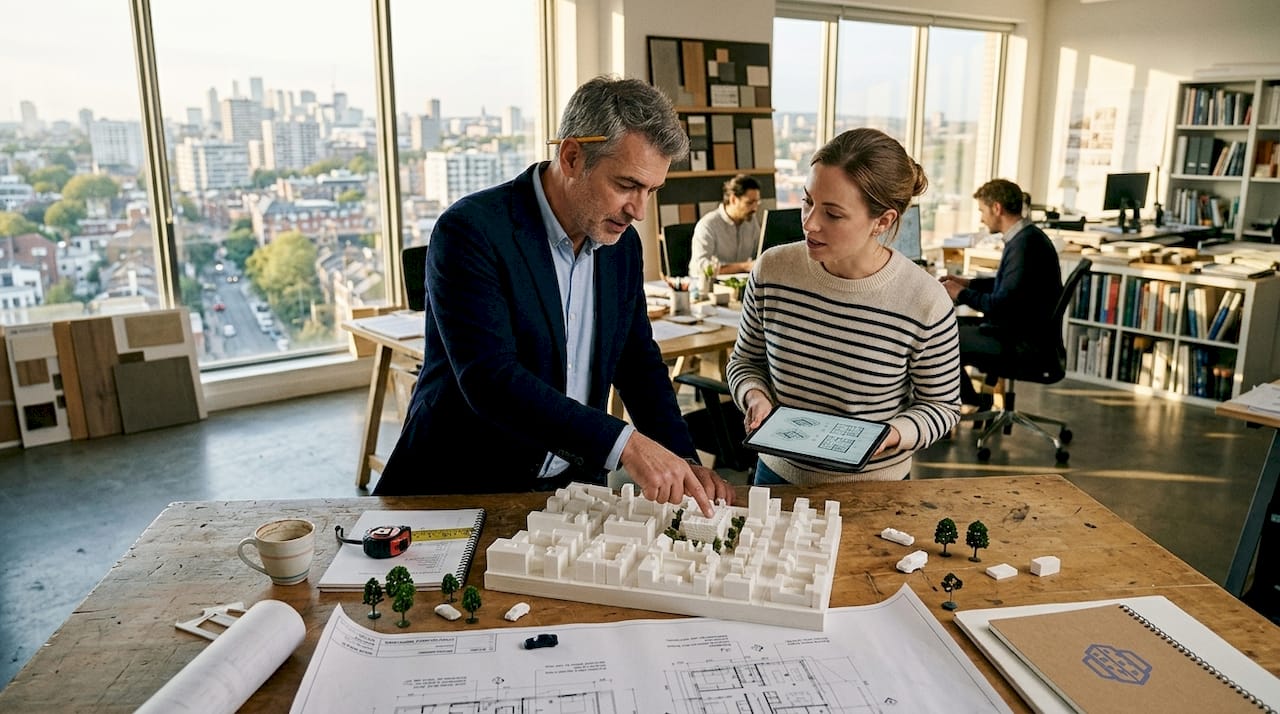
BIM platforms enable real-time multi-disciplinary coordination. Architects, engineers, landscape designers, and transportation planners work simultaneously in a shared model. When one team updates road alignments, building placements automatically adjust to maintain setbacks. This coordination eliminates the weeks-long review cycles common in traditional workflows.
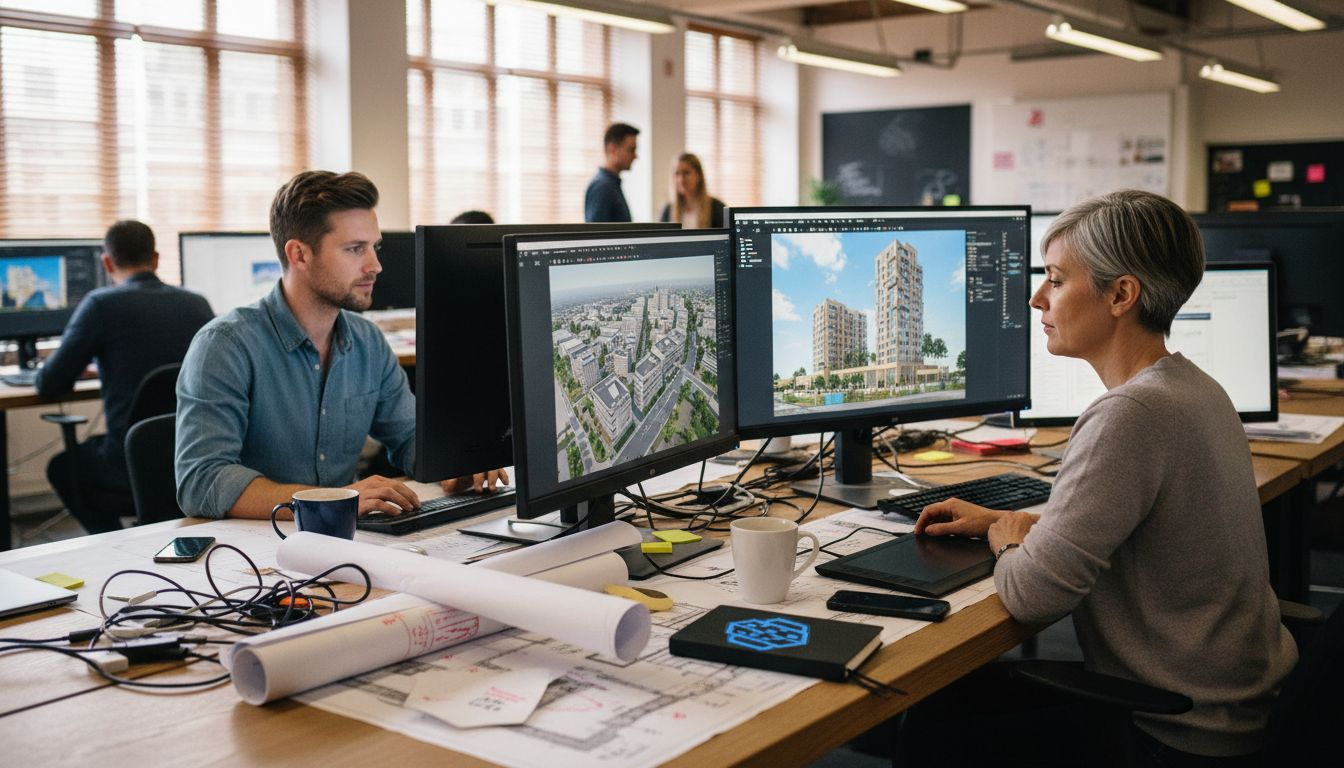
BIM integration boosts collaboration efficiency by 30-40% and reduces errors by 25%. Teams spend less time reconciling conflicting drawings and more time refining designs. Clash detection algorithms flag conflicts like utilities intersecting building foundations before construction begins.
Generative design tools accelerate layout exploration. Define parameters like building heights, setbacks, green space minimums, and street widths, then let algorithms generate hundreds of layout options. Evaluate each against your measurable objectives, filtering for designs that optimize sunlight access, pedestrian connectivity, and sustainability targets.
Establish regular feedback loops with stakeholders. Schedule biweekly review sessions where you present multiple design scenarios in interactive 3D. Stakeholders explore options from street level, rooftops, and aerial views, providing input that shapes the next iteration. This continuous engagement prevents the shock of unveiling a final design that misses expectations.
Incorporate environmental simulation data directly into design decisions:
- Run sunlight analysis to ensure residential units receive adequate natural light
- Model wind patterns to optimize tower spacing and minimize uncomfortable downdrafts
- Simulate pedestrian flows to validate sidewalk widths and plaza dimensions
- Test acoustic performance to shield sensitive uses from traffic noise
The urban development workflow with BIM enables these analyses to inform design in real time, not as afterthought validations.
“Integrating environmental performance feedback during design, not after, transforms sustainability from a compliance checkbox into a design driver that enhances livability and marketability.”
Document design rationale at each iteration. When stakeholders question decisions months later, you can demonstrate how each choice responded to specific data, constraints, or feedback. This transparency builds trust and expedites approvals.
Step 4: analyse visual impact and environmental factors
With layouts developed, rigorous impact analysis verifies that designs meet sustainability standards and regulatory requirements while optimizing urban livability.
Sunlight and shadow simulations reveal how proposed buildings affect neighboring properties and public spaces. Model solar access across seasons to ensure parks and plazas remain inviting year-round. Quantify shadow impacts on adjacent residential buildings, demonstrating compliance with right-to-light regulations. These analyses often reveal opportunities to adjust massing or orientation for better outcomes.
Noise modeling protects sensitive uses from disturbance. Simulate traffic noise propagation, showing decibel levels at building facades and outdoor spaces. Test barrier effectiveness by modeling walls, berms, and building placement strategies. Document compliance with residential noise limits, typically 55 dB during daytime and 45 dB at night in urban contexts.
Assess green space distribution and connectivity. Calculate percentage coverage, proximity metrics, and ecological corridor continuity. Urban heat island analysis identifies areas needing additional tree canopy or reflective paving. These metrics demonstrate environmental performance to regulatory agencies and community groups.
Common environmental simulation techniques include:
| Simulation Type | Primary Software Options | Key Outputs | Compliance Applications |
|---|---|---|---|
| Sunlight/shadow | Rhino+Grasshopper, Revit Insight | Annual solar hours, shadow maps | Right-to-light, LEED daylighting credits |
| Noise propagation | CadnaA, SoundPLAN | Decibel contour maps, facade levels | Residential noise limits, WHO guidelines |
| Heat island | ENVI-met, Grasshopper plugins | Surface temperature maps, cooling demand | Green building certification, climate adaptation |
| Wind comfort | Autodesk CFD, Butterfly | Wind speed zones, comfort categories | Pedestrian safety, outdoor space usability |
Data-driven tools enable precise environmental impact analysis that satisfies increasingly stringent regulations. Export results as maps, charts, and reports formatted for permit applications. Visual representations help non-technical reviewers understand complex performance data.
Iterate designs based on analysis results. If noise simulations show residential units exceeding limits, test building reorientation, upgraded glazing, or acoustic barriers. This feedback loop ensures designs meet standards before expensive construction commitments.
Step 5: present findings clearly and engage stakeholders
Effective communication transforms technical analysis into actionable insights that secure stakeholder approval and expedite project advancement.
Interactive 3D models revolutionize stakeholder engagement. Instead of static renderings, provide web-based viewers where reviewers navigate designs freely. They explore street-level experiences, examine views from proposed buildings, and toggle between day and night lighting conditions. This immersion builds understanding and confidence that 2D drawings cannot match.
Tailor presentations to audience expertise and interests. Community groups care about neighborhood character, parks, and traffic. Planning commissioners focus on code compliance and environmental performance. Financial stakeholders prioritize phasing, costs, and market positioning. Prepare customized views and data summaries for each group.
Online collaboration platforms enable asynchronous review. Upload models to secure portals where stakeholders leave comments tied to specific locations. This distributed feedback collection respects busy schedules while maintaining comprehensive input. Real-time editing sessions let you adjust designs during meetings, immediately addressing concerns.
Communicate complex data visually. Transform spreadsheet tables into color-coded maps, comparison charts, and infographics. Show before-and-after scenarios side by side. Use animations to demonstrate phasing sequences or seasonal variations in performance.
Pro Tip: Prepare at least three scenario variations for each major decision point. Presenting options demonstrates responsiveness to diverse concerns and facilitates compromise. Stakeholders appreciate choice and collaborative problem-solving over take-it-or-leave-it ultimatums.
Interactive 3D presentations reduce approval cycles by making designs tangible and understandable to all participants. Clear communication prevents the misunderstandings that trigger late-stage redesigns.
Common mistakes and troubleshooting in urban design workflows
Even experienced teams encounter workflow pitfalls that derail timelines and budgets. Recognizing these issues early enables quick corrections.
Data incompatibility causes the most frequent problems. Teams using incompatible software versions or file formats spend days manually rebuilding geometry. Standardize on specific versions and establish import/export protocols. Test data exchanges between all team members before production work begins.
Skipping early stakeholder alignment creates painful surprises. Teams that defer community engagement until design completion often face organized opposition requiring major revisions. Front-load engagement, making stakeholders co-creators rather than critics.
Underutilizing environmental simulations reduces design quality. Teams pressured by tight deadlines sometimes skip impact analyses, discovering compliance failures during permitting. Build simulation time into schedules as non-negotiable checkpoints. The time invested prevents exponentially longer delays from failed permits.
Inadequate training on software capabilities leaves efficiency gains unrealized. Teams struggle with manual workarounds for tasks their software automates. Invest in comprehensive training and maintain relationships with software vendors for technical support.
Key pitfalls to avoid:
- Fragmented software ecosystems forcing manual data translation
- Unclear project objectives allowing scope creep and misalignment
- Infrequent stakeholder communication creating expectation gaps
- Insufficient environmental analysis risking regulatory non-compliance
- Poor version control losing track of design evolution and decisions
“Integrated platforms that unify BIM, GIS, and simulation workflows eliminate the data handoff errors that cause 20% of urban project cost overruns. The savings from prevented rework typically exceed software investment within a single project.”
Avoiding incompatible software reduces rework and cost overruns by up to 20%. When evaluating common workflow mistakes, incompatibility consistently ranks as the most expensive.
Monitor team velocity metrics. If modeling progress slows unexpectedly, investigate whether skill gaps or software limitations create bottlenecks. Address issues immediately rather than hoping teams work through them. The urban development workflow requires proactive troubleshooting to maintain momentum.
Expected results and success metrics
Quantifying workflow improvements demonstrates value and guides continuous optimization. Track these key performance indicators across projects.
Project timeline acceleration represents the most visible benefit. Teams using integrated 3D workflows complete projects up to 20% faster than traditional methods. Design development phases compress as real-time collaboration eliminates sequential review bottlenecks. Permitting accelerates when comprehensive impact documentation accompanies applications.
Stakeholder engagement metrics show dramatic improvements. Interactive 3D presentations increase meeting attendance by 40% and generate 60% more substantive feedback compared to 2D drawings. Broader participation builds community support and reduces opposition.
Environmental performance gains prove sustainability commitments. Optimized layouts achieve 15% noise reduction in residential areas, 25% increases in usable green space, and measurable urban heat island mitigation. These improvements enhance livability while satisfying regulatory requirements.
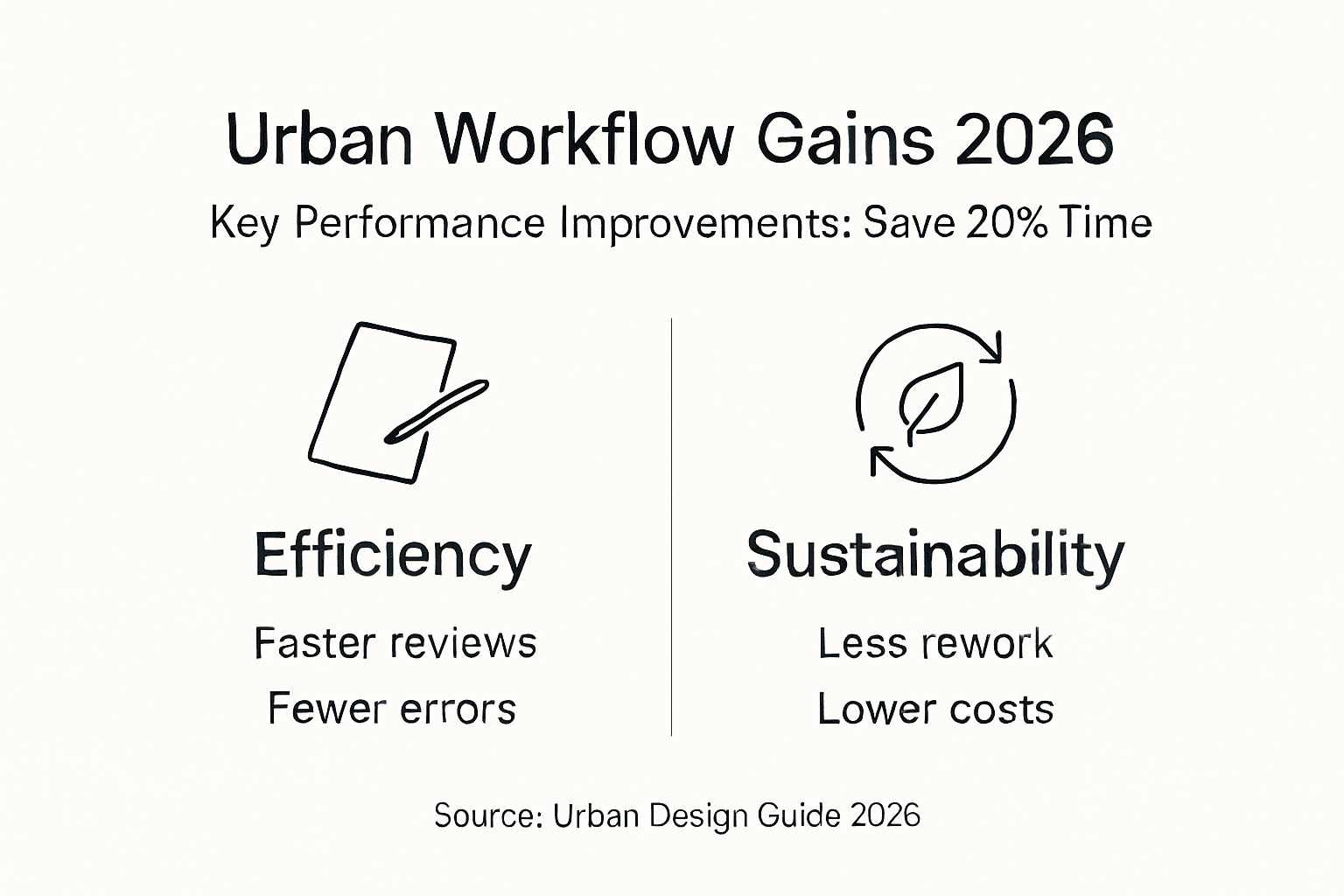
Cost savings from reduced rework and errors reach 20% of design budgets. Clash detection prevents construction conflicts. Data-driven decisions minimize change orders. Comprehensive stakeholder input eliminates late-stage redesigns.
| Metric | Traditional Workflow | Optimized 3D Workflow | Improvement |
|---|---|---|---|
| Project timeline (design to permit) | 18-24 months | 14-19 months | 20% faster |
| Stakeholder feedback quality | Moderate (2D drawings) | High (interactive 3D) | 60% increase |
| Environmental compliance issues | 8-12 per project | 2-4 per project | 70% reduction |
| Design error rework costs | 15-20% of budget | 3-5% of budget | 80% savings |
| Green space optimization | Baseline requirement | 25% above baseline | Significant gain |
Document these outcomes to build organizational support for continued workflow investment. Demonstrated success makes the case for training, software upgrades, and process improvements far more effectively than theoretical benefits.
Optimize your projects with 3D Cityplanner
Implementing the workflow outlined in this guide requires integrated software that unifies design, analysis, and collaboration. 3D Cityplanner provides exactly this comprehensive platform, purpose-built for urban design professionals seeking workflow optimization.
The platform seamlessly imports GIS and BIM data, enabling immediate work with existing spatial information. Automatic building generation, line-of-sight visualizations, and noise simulation tools deliver the environmental analysis capabilities described in this guide. The 4D planning timeline feature lets you present phasing scenarios interactively, accelerating stakeholder understanding and approval.
Explore how 3D Cityplanner streamlines each workflow stage. Request a demo to see the platform in action on projects similar to yours. Review the complete feature list to understand capabilities supporting your specific needs. Visit the homepage to learn how urban planning professionals worldwide optimize their workflows with this integrated solution.
FAQ
How can 3D modeling reduce urban project delivery times?
Integrated 3D workflows enable real-time multi-disciplinary collaboration, eliminating sequential review cycles that consume weeks in traditional processes. Automated clash detection and impact simulations catch issues during design rather than construction, preventing costly delays. Projects using comprehensive 3D workflows complete design and permitting phases up to 20% faster.
What are best practices for stakeholder collaboration in 3D workflows?
Provide interactive web-based model viewers that let stakeholders explore designs on their schedules, leaving location-specific comments for organized feedback collection. Schedule regular review sessions presenting multiple scenario options rather than single proposals, demonstrating responsiveness to diverse concerns. Tailor presentations to audience expertise, emphasizing community livability for residents and financial phasing for investors.
Which software features are critical for environmental impact analysis?
Prioritize platforms offering integrated sunlight/shadow simulation, noise propagation modeling, and microclimate analysis within the design environment. Native GIS data import ensures terrain and context accuracy. Automated reporting that exports analysis results in permit-ready formats saves documentation time. Real-time feedback during design iteration enables performance optimization rather than compliance validation after decisions lock.
How often should urban design workflows be updated with new technology?
Review workflow tools annually, evaluating whether new software versions or emerging platforms address current pain points more effectively. Major workflow overhauls typically occur every 3-5 years as technologies mature and industry standards evolve. Incremental updates like plugin additions or cloud collaboration upgrades can happen quarterly. Balance innovation adoption with team learning curves and project continuity needs.
What training resources help urban planners master 3D workflow tools?
Vendor-led certification programs provide structured skill development aligned with software capabilities and best practices. Online learning platforms offer project-based courses demonstrating real-world applications. Industry conferences and workshops facilitate peer learning and emerging technique exposure. Dedicate monthly practice sessions where teams experiment with new features on non-critical projects, building proficiency before production deployment.
Recommended
- Urban Development Workflow for Efficient 3D Planning – 3D Urban Development
- How to Plan City Layouts with 20% Faster Project Completion – 3D Urban Development
- 3D Site Planning Step by Step: Boost Approval 40% Faster – 3D Urban Development
- 6 Top Urban Design Strategies for Modern Planners – 3D Urban Development