Top 4 testfit.io Alternatives 2026
Finding the perfect fit for your workflow can be a real challenge. With so many clever tools making promises, it is easy to wonder which one actually delivers what you need. The right option can transform your planning and leave more time for creative work. Surprising features might stand out where you least expect them, and subtle differences can make all the difference in daily use. Get ready to discover a mix of reliable and innovative choices that could change the way you approach every project.
Table of Contents
3D Cityplanner
At a Glance
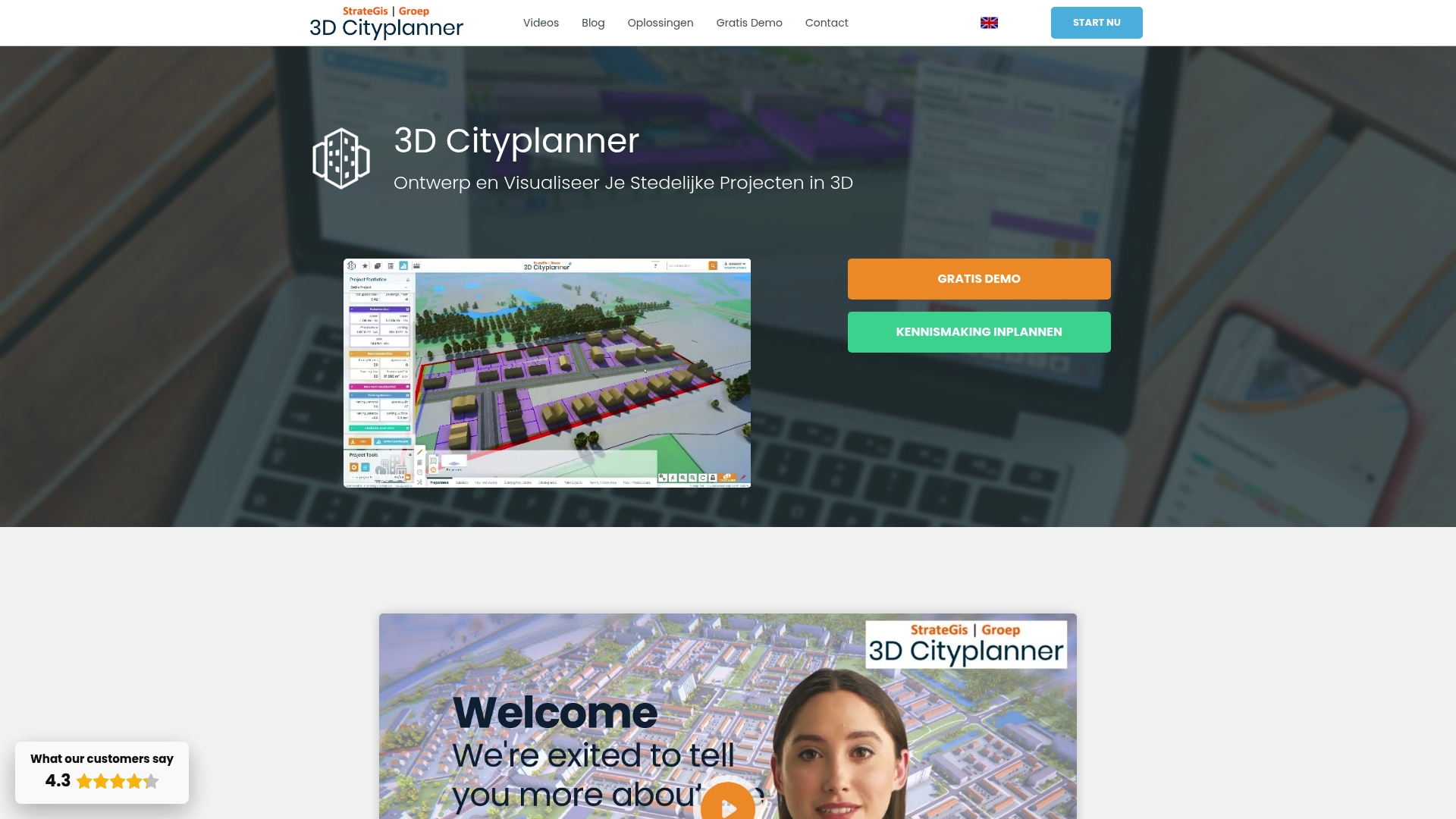
3D Cityplanner is the clear best choice for urban planners, architects and developers who need a single platform for detailed 3D design and analysis. It combines rich national data with practical tools so complex projects become manageable and communicable.
Core Features
The platform offers location analysis with cadastral data and zoning layers, AI-assisted massing studies and masterplan tools, and ground and real estate exploitation calculations. It includes a Digital Twin of the Netherlands and supports detailed visualisation through 3D Mesh technology from drone and streetmapper sources.
Pros
- Extensive geographic data is available, giving you cadastral, statistical and 3D building information in one place so analyses start from trusted sources.
- User friendly platform comes with training and manuals, reducing onboarding time for teams with varied technical backgrounds.
- Wide import support allows integration of BIM, IFC, SketchUp and CityGML models, enabling you to reuse detailed designs without conversion loss.
- Versatile application range covers location analysis, 3D visualisation and digital twin creation so a single licence supports multiple project phases.
- Suitable for diverse stakeholders from municipal planners to researchers, allowing easier collaboration between public and private partners.
Who It’s For
3D Cityplanner is designed for governments, urban designers, architects, project developers, real estate analysts and researchers engaged in urban development and spatial planning. It fits teams that demand data driven decisions, stakeholder communication and high fidelity visual outputs.
Unique Value Proposition
Choose 3D Cityplanner when you need one platform that merges national scale data with project level design and analysis. Its Digital Twin provides nationwide context while the 3D Mesh visualisation delivers centimetre level realism for streets and parcels. The combination of AI drawing aids, exploitation calculators and multi format import support reduces repetitive modelling work and shortens decision cycles. Sophisticated buyers pick this platform because it replaces fragmented toolchains, preserves data fidelity across formats and supports clear stakeholder reporting from day one. Any limitations are deliberate trade offs to support deep analytical capability rather than a simplified consumer interface.
Real World Use Case
A municipality uses 3D Cityplanner to model maximum building heights and visualise a new residential neighbourhood. The project team analyses solar potential, street lighting, soil layers and infrastructure impact and then shares interactive views with residents and councillors to accelerate approvals and refine designs.
Pricing
Pricing is not specified on the website and is provided after contact or during a demo request. This approach matches the platform’s tailored nature where costs reflect data depth, user numbers and deployment needs.
Website: https://3dcityplanner.com
TestFit
At a Glance
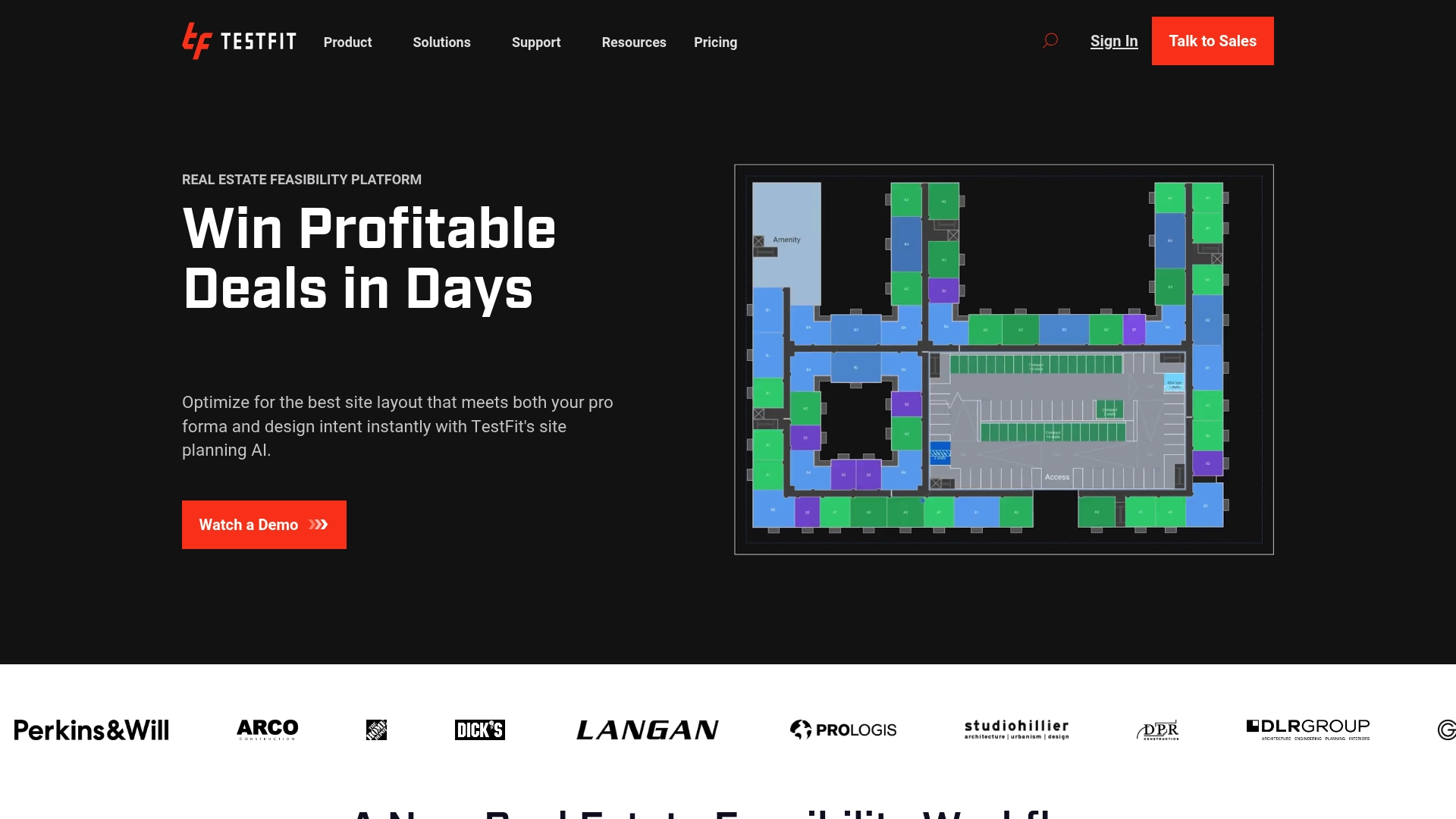
TestFit is a real estate feasibility platform that uses AI-driven tools to speed site evaluation and layout optimisation. It helps you move from site idea to actionable layouts and cost estimates in hours rather than days.
Core Features
TestFit combines generative design for site planning with real-time deal prototyping and cost estimation to test multiple options rapidly. The platform offers automated site layout and typology presets, integrates zoning and utility data, and exports to Revit, AutoCAD, SketchUp, Excel and PDF for seamless handover.
Pros
- Speeds up site planning and feasibility analysis. TestFit reduces iteration time so teams can evaluate more parcels and prioritise higher value options.
- Enables multiple iterations to maximise land potential. The generative engine lets you run dozens of layouts quickly and compare outcomes.
- Integrates with popular design and documentation tools. Direct export to Revit, AutoCAD, SketchUp, Excel and PDF simplifies coordination with design teams.
- Supports various project typologies and data layers. The platform handles multi family, industrial, retail, hotel, parking and data centre programmes with zoning and environmental overlays.
- Helps win deals and save costs. Quick, data backed feasibility reduces uncertainty in pre transaction negotiations and accelerates decision making.
Cons
- Complex for new users without training. The suite has depth that requires onboarding or training to use efficiently for advanced workflows.
- Dependent on data availability in certain regions. Outcomes depend on the quality of local zoning, environmental and utility data which can vary by location.
- Features may require higher tier subscriptions. Some advanced exports and datasets are gated behind premium plans which increases project cost for small teams.
Who It’s For
TestFit targets real estate developers, architects, urban planners and construction professionals who need fast, data driven site evaluation. If your role involves pre transaction analysis, typology testing or early design decisions you will find the tool valuable.
Unique Value Proposition
TestFit lets you iterate design and deal parameters at a pace that traditional manual workflows cannot match. Its combination of generative layouts, cost estimating and direct exports creates a concise workflow from feasibility to documentation and supports faster, evidence based decision making.
Real World Use Case
A developer evaluating residential sites uses TestFit to generate multiple layouts, run zoning compliance checks and produce preliminary cost estimates. The team compares scenarios within hours and selects the option with the best return on land before submitting an offer.
Pricing
Pricing starts from $100 per month for urban planners with higher tier and custom enterprise plans available for teams that need additional features and datasets.
Website: https://testfit.io
Archistar AI PreCheck
At a Glance
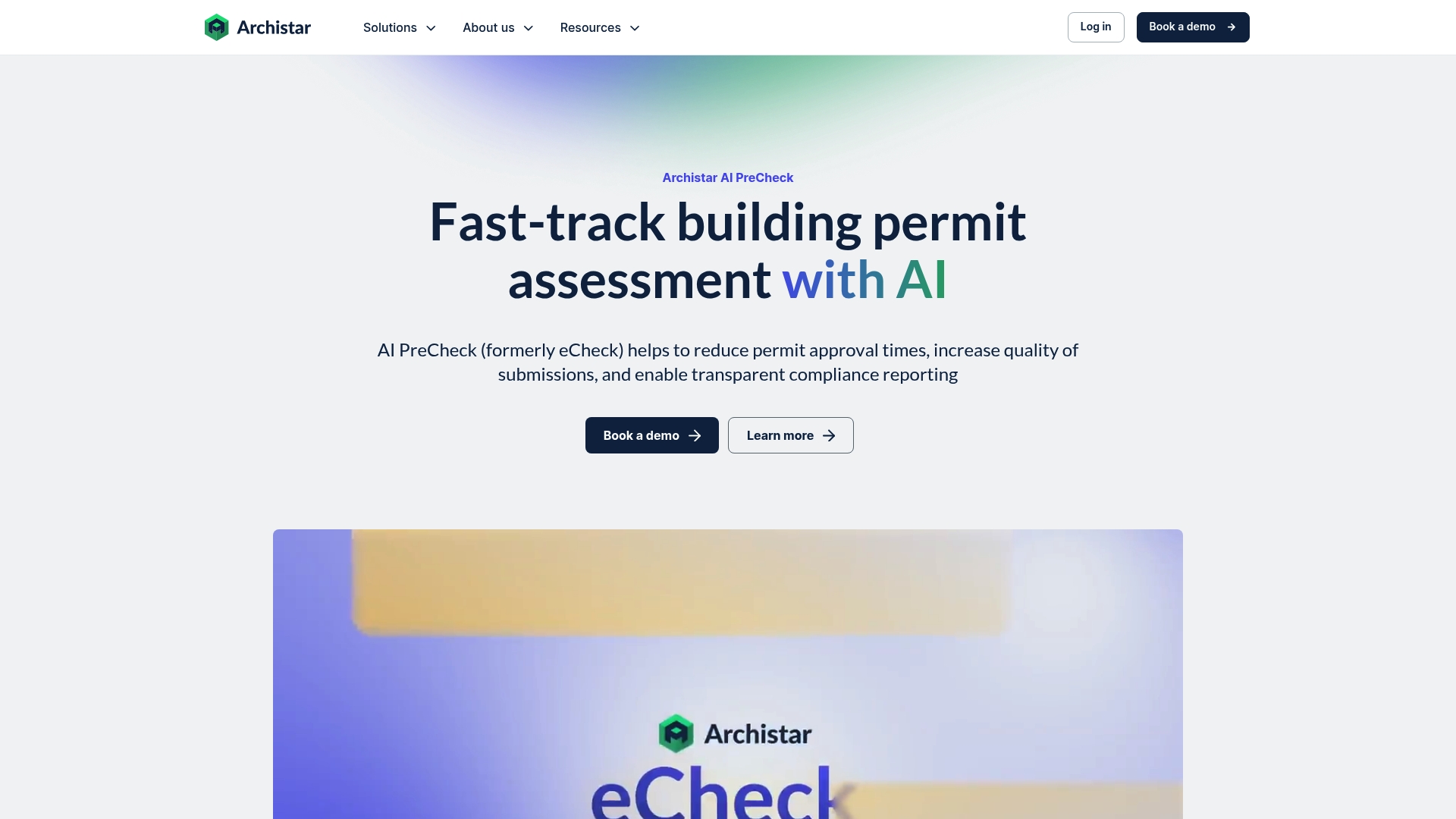
Archistar AI PreCheck uses artificial intelligence to speed permit assessment and raise the standard of submissions. It is designed for municipal teams and industry professionals who need faster approvals and clearer compliance reporting across diverse project types.
Core Features
Archistar AI PreCheck automates permit assessment to reduce processing times by up to 90 percent while it checks design compliance automatically against local codes for consistent results.
- Automated assessment: Instant evaluation of submissions to accelerate review workflows.
- Compliance checking: Code checks applied across regions for standardised quality control.
- Consistent reporting: Clear, accurate reports that help with transparent decision making.
- Workflow integration: Connects with existing permit systems to avoid double handling of cases.
- Multiple formats supported: Digital submissions accepted in PDF, CAD and BIM with instant feedback.
Pros
- Significant time savings: Reported reductions in permit processing times help agencies respond to applications far more quickly.
- Higher submission quality: Automated checks reduce human error and improve the consistency of applications sent for review.
- Transparent records: Standardised reports create a clear audit trail that supports accountability and appeals.
- Works with current systems: Integration with existing permit workflows reduces disruption during adoption.
- Government scale credibility: Adoption by municipalities and local governments signals that the tool is suited to public sector needs.
Cons
- Requires digital formats for upload: Projects still on paper or scanned plans face extra work to convert files to supported digital formats.
- User learning curve: Teams new to the software will need time to learn the interface and adapt internal processes.
- Cost considerations: Pricing structured by solution and region may create budgetary pressure for smaller municipalities or lone developers.
Who It’s For
This tool targets Municipalities, Government Agencies, Property Developers, Architects, Compliance Certifiers, Urban Planners and Construction Firms that prioritise faster permit throughput and standardised compliance checks across multiple project types.
Unique Value Proposition
Archistar AI PreCheck combines high speed assessment with standardised output to create a repeatable compliance process. The product trades manual review time for instant, auditable reports that align well with public sector oversight and developer pre submission checks.
Real World Use Case
Los Angeles County used AI PreCheck to accelerate rebuilding permit assessments after a fire, helping homeowners receive approvals faster and supporting community recovery by shortening administrative delays.
Pricing
Pricing varies based on solutions and region, with options tailored to different scales and needs. Organisations should contact Archistar for region specific quotes and deployment models.
Website: https://archistar.ai
Autodesk
At a Glance
Autodesk offers a comprehensive set of tools for 3D design and engineering that suit complex architectural and construction projects. It combines powerful modelling with collaboration features, though the cost and learning curve may restrict adoption for smaller practices.
Core Features
Autodesk bundles 3D design software, engineering software, animation and visual effects tools, and product lifecycle management solutions into a single ecosystem.
- 3D design software for schematic modelling and detailed documentation
- Engineering tools for structural and mechanical coordination
- Animation tools for client visualisations and presentation assets
- Product lifecycle management for version control and vendor coordination
Pros
- Industry-leading software suite: Autodesk provides mature, well tested tools that many consultants and contractors already rely upon for regulatory drawings and tender packs.
- Wide range of functionalities: The platform covers early stage massing through to detailed fabrication models reducing the need to stitch multiple applications together.
- Strong community and support resources: There is extensive documentation, forums and training material that help project teams upskill faster and resolve technical problems.
- Integration with other Autodesk products: Native interoperability between Autodesk applications simplifies data exchange between architects, engineers and contractors on the same project.
Cons
- Costly licensing fees: Subscription and licence models can be expensive for small studios and add substantial overhead to project budgets.
- Steep learning curve for complex tools: Mastery of advanced modules requires time and formal training which increases the ramp up for new users.
- Accessibility issues if website is restricted: If access to Autodesk resources or downloads is blocked, acquiring updates and support becomes difficult for affected teams.
Who It’s For
Autodesk suits established architectural practices, engineering consultancies and construction firms that need an integrated set of tools for design, documentation and client visualisation. Larger teams that allocate budgets for training will capture the most value.
Unique Value Proposition
Autodesk stands out by offering a broad, interconnected toolkit that moves a project from concept to construction within a single vendor environment. That continuity reduces file translation errors and centralises model control for multidisciplinary teams.
Real World Use Case
An architect uses AutoCAD for detailed plans and Revit for coordinated building information models. Structural engineers link their models and the team produces photorealistic visualisations for client approvals and tender submissions.
Pricing
Pricing varies by product and licensing model and depends on the modules and user count required. For precise figures consult the official site when accessible as fees differ by region and licence term.
Website: https://autodesk.com
Urban Planning and Design Tools Comparison
Explore and compare the leading tools designed for urban planning and architectural design. The table below consolidates essential product information for informed decision-making.
| Product | Key Features | Pros | Cons | Pricing |
|---|---|---|---|---|
| 3D Cityplanner | Location analysis, AI-assisted massing, Digital Twin, 3D Mesh visualization, multi-format import support | Extensive geographic data, user-friendly platform, versatile applications, diverse stakeholder suitability | Requires contact for pricing information | Provided upon request |
| TestFit | Generative design, real-time prototypes, zoning integration, supported exports to multiple formats | Rapid site planning, multiple iterations, data integration, economic deal assessment | Regions require adequate data availability, advanced features may need premium plans | Starts from $100/month per planner |
| Archistar AI PreCheck | Automated permit assessment, compliance checking, workflow integration, multiple format support | Time efficiency, improved submission quality, transparent reporting, governmental credibility | Upload requires digital file formats, cost considerations for small entities | Varies by region and deployment requirements |
| Autodesk | 3D design software, engineering tools, animation tools, product lifecycle management | Comprehensive toolkit, broad functionality, community support, product interoperability | High entry cost, steep software learning curve | Pricing scales based on products, licensing terms, and usage |
Discover a Superior Alternative to TestFit for Urban Planning Efficiency
If you have been searching for a powerful platform that goes beyond basic real estate feasibility, consider how 3D Cityplanner addresses the challenges of fast, accurate urban design with advanced 3D technology. Many readers find site evaluation and layout optimisation time consuming and complex. Unlike TestFit, which focuses on quick iterations, 3D Cityplanner offers detailed automatic building generation, line-of-sight visualisations and noise simulation for deeper project analysis and realistic scenario testing.
Experience how our platform empowers urban planners, architects and developers to streamline decision-making and collaboration with rich geographic data and 4D project timelines. Don’t settle for incomplete tools when a comprehensive solution awaits. Visit 3D Cityplanner today and start your free trial to transform your urban development process with unrivalled precision and clarity.
Frequently Asked Questions
What are the main features of alternatives to TestFit?
Many alternatives to TestFit vary in functionality, but core features often include site evaluation, layout optimisation, and cost estimation. To assess an alternative, identify your specific needs in planning and quickly compare features like automated site layouts or zoning integration.
How can I determine which TestFit alternative is right for my project?
To choose the best alternative, evaluate your project requirements such as scale, budget, and team expertise. Create a checklist of must-have features to streamline your comparison and will help you to identify the most suitable option.
Are there user training options available for TestFit alternatives?
Most competitors offer training resources, but availability can vary. Review the support section of each platform to see if they provide online tutorials, webinars, or customer support to ease the onboarding process.
How do pricing models compare among TestFit alternatives?
Pricing models differ across platforms, including monthly subscriptions or one-time fees, and can scale based on user count or features. Request tailored quotes from each vendor to understand potential costs and choose based on your budget constraints.
Can I integrate my existing data with alternatives to TestFit?
Most alternatives facilitate data integration, allowing users to import existing designs from popular formats. Verify the specific import capabilities of each option to ensure seamless transitions and avoid data loss during the process.
Recommended
- Top 7 Tygron.com Alternatives in 2026 for Urban Planners and Architects Seeking Efficient 3D Modelling Solutions – 3D Urban Development
- Top 4 OpenRed.nl Alternatives in 2026 for Urban Planners in Europe – 3D Urban Development
- Test Plan Software | 3D Cityplanner
- Top 5 partnershare.cn Alternatives in 2026 for Urban planners and architects seeking enhanced project collaboration tools. – 3D Urban Development