The role of 3D visualisation for architects in 2026
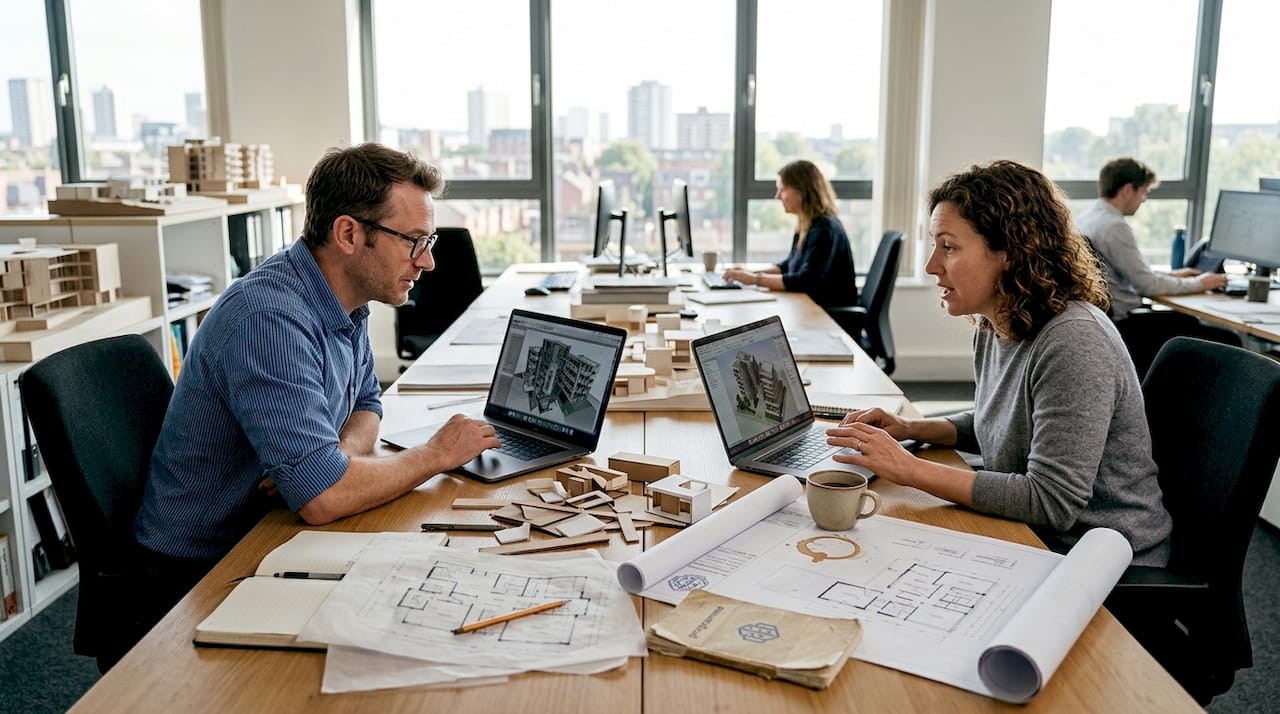
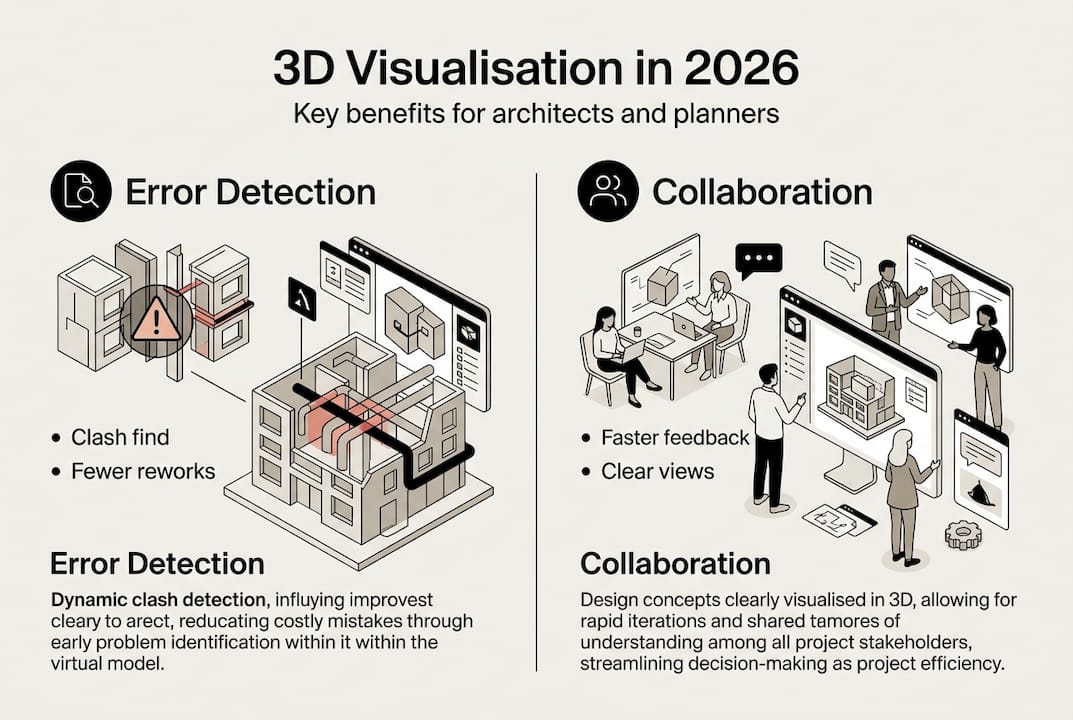
Many architects and urban planners still view 3D visualisation as merely a presentation tool for client meetings. This perception overlooks its transformative role in modern design workflows. Today’s 3D visualisation technology serves as a diagnostic engine, enabling early error detection through clash detection, facilitating seamless collaboration among multidisciplinary teams, and bridging the communication gap between technical experts and non-technical stakeholders. This guide explores how 3D visualisation has evolved beyond aesthetics to become an essential component of architectural and urban planning processes, examining its integration with Building Information Modelling workflows, its impact on stakeholder engagement, and practical strategies for overcoming implementation challenges.
Table of Contents
- Key takeaways
- The evolving role of 3D visualisation in architecture and urban planning
- Integrating 3D visualisation with BIM workflows for error detection
- Enhancing collaboration and stakeholder engagement through immersive 3D views
- Challenges and best practices in 3D visualisation for urban projects
- Discover how 3D Cityplanner enhances urban development with 3D visualisation
- Frequently asked questions about the role of 3D visualisation for architects
Key Takeaways
| Point | Details |
|---|---|
| Early clash detection | 3D visualisation acts as a diagnostic engine that identifies design conflicts before construction, reducing rework and costly changes. |
| Stakeholder collaboration | Immersive 3D views enable non technical participants to understand spatial relationships and contribute effectively. |
| BIM integration from inception | Integrating visualisation with BIM unlocks clash detection and data driven checks from project inception. |
| Rendering balance across phases | 3D visualisation blends real time previews with high quality renders to suit different project stages. |
The evolving role of 3D visualisation in architecture and urban planning
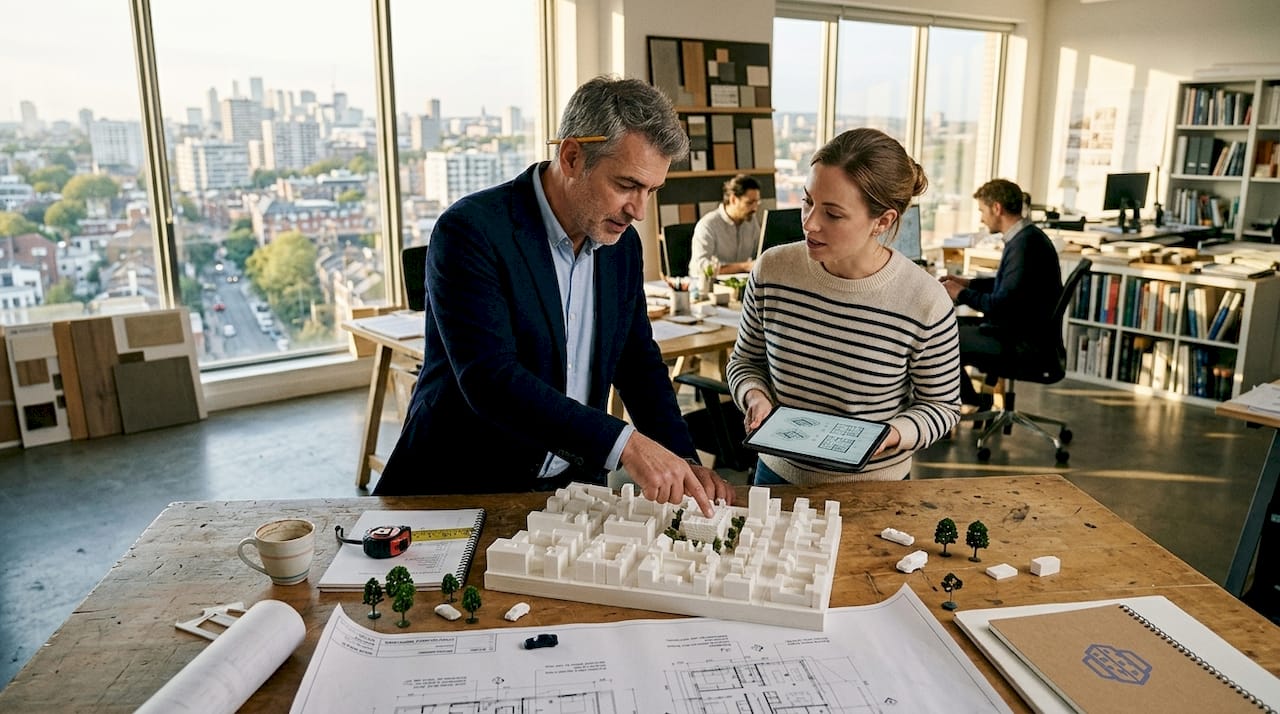
Historically, architectural practices deployed 3D visualisation primarily at project conclusion to showcase finished designs to clients and investors. This narrow application underutilised the technology’s analytical capabilities. Modern workflows integrate 3D visualisation from project inception, transforming it into a diagnostic engine that identifies design conflicts, spatial inefficiencies, and constructability issues before they escalate into costly construction problems.
The technology now supports critical early-stage activities including feasibility studies, massing explorations, and contextual analysis within existing urban fabric. Architects can rapidly iterate design options, evaluate solar exposure patterns, assess sightline impacts, and test circulation flows through 3D urban visualisation environments. This shift enables data-driven decisions during conceptual phases when design modifications remain cost-effective and schedule impacts minimal.
Urban planning projects particularly benefit from this expanded role. Complex developments involving multiple stakeholders, regulatory bodies, and community groups require clear communication tools that transcend technical jargon. Three-dimensional representations make abstract planning concepts tangible, allowing non-technical participants to understand spatial relationships, scale implications, and neighbourhood integration effects.
Pro Tip: Implement 3D visualisation during schematic design rather than waiting for design development. Early integration reveals spatial conflicts and circulation issues when design flexibility remains high and modification costs stay low.
Key applications transforming architectural practice include:
- Massing studies evaluating building volumes against zoning envelopes and contextual constraints
- Stakeholder alignment sessions using interactive models to gather feedback and build consensus
- Feasibility assessments testing programmatic requirements within site constraints
- Regulatory approval processes demonstrating compliance with height limits and setback requirements
“The ability to visualise design intent in three dimensions before construction dramatically reduces misunderstandings between design teams and contractors. We’ve seen rework costs drop by identifying coordination issues during the design phase rather than discovering them on site.”
This diagnostic capability transforms project economics. Identifying a structural beam conflicting with ductwork during design costs hours of modelling time. Discovering the same clash during construction triggers change orders, schedule delays, and potential redesign of multiple building systems.
Integrating 3D visualisation with BIM workflows for error detection
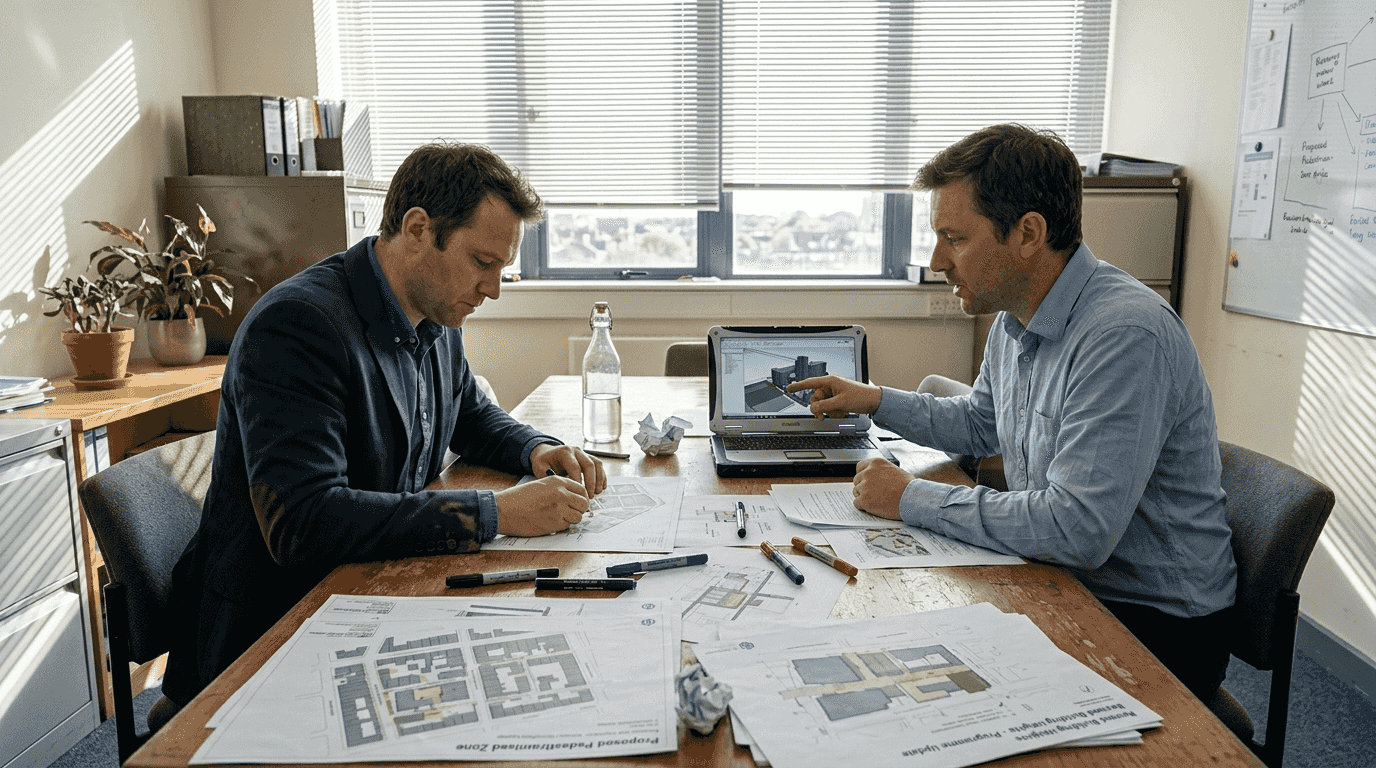
Building Information Modelling platforms generate rich three-dimensional databases containing geometric and parametric data for every building component. When architects integrate visualisation capabilities with BIM workflows, they unlock powerful clash detection functionality that identifies spatial conflicts between architectural, structural, and mechanical systems before fabrication begins.
Clash detection algorithms analyse 3D model geometry to identify locations where building elements occupy the same physical space. A structural column penetrating a ventilation duct, electrical conduit intersecting a water pipe, or architectural finishes conflicting with fire suppression equipment all represent clashes requiring resolution. Traditional two-dimensional drawings often mask these conflicts until construction crews attempt physical installation.
Typical clash detection workflows examine three primary conflict categories:
- Hard clashes where solid objects physically intersect, such as structural members penetrating mechanical equipment
- Soft clashes involving clearance violations, like insufficient maintenance access around HVAC units
- Workflow clashes reflecting construction sequencing problems, such as finishes specified before rough-in completion
Pro Tip: Schedule weekly clash detection reviews during design development rather than waiting for construction documents. Frequent checks catch coordination issues when design teams can still adjust layouts without triggering cascade effects across multiple disciplines.
A systematic BIM-integrated visualisation workflow proceeds through defined stages. Design teams model their respective systems in native authoring software, then aggregate models into a federated coordination environment. Clash detection engines analyse the combined model, generating reports categorising conflicts by severity and discipline responsibility. Project teams review flagged clashes through 3D visualisation interfaces, evaluating spatial context and determining resolution strategies. Approved solutions flow back to discipline-specific models for implementation.
| Clash type | Detection method | Typical resolution time | Cost impact if undetected |
|---|---|---|---|
| Hard structural | Automated geometry analysis | 2-4 hours design time | £8,000-£15,000 field changes |
| MEP coordination | Clearance rule checking | 4-8 hours coordination | £12,000-£25,000 rework |
| Architectural finish | Visual inspection in 3D | 1-2 hours adjustment | £3,000-£8,000 material waste |
Empirical data demonstrates substantial value. Projects implementing rigorous BIM-based clash detection report 40-60% reductions in request-for-information volume during construction. Field coordination time decreases by similar margins as contractors receive models with pre-resolved conflicts. These improvements translate directly to streamlined urban development workflows and compressed project schedules.
Enhancing collaboration and stakeholder engagement through immersive 3D views
Architectural projects involve diverse participants with varying technical literacy. Engineers interpret structural calculations and load diagrams fluently. Clients and community stakeholders often struggle with construction documents and orthographic projections. This comprehension gap creates communication friction that delays approvals, generates misaligned expectations, and triggers costly late-stage design revisions.
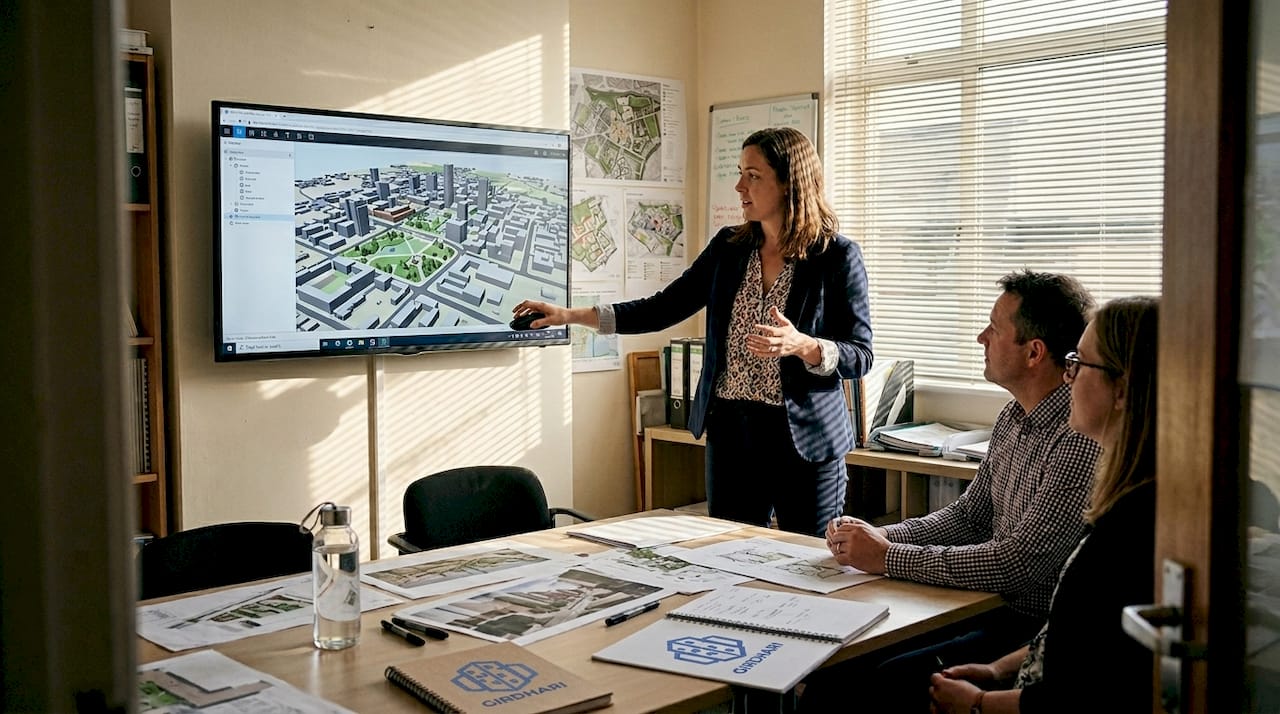
Three-dimensional visualisation bridges this divide by presenting design information in immediately comprehensible formats. Stakeholders without technical training can evaluate spatial quality, understand scale relationships, and assess aesthetic character through photorealistic renderings and interactive walkthroughs. This shared visual language enables productive dialogue between technical and non-technical project participants.
The technology supports collaboration across distinct project phases. During feasibility and conceptual design, massing models help clients and planning authorities evaluate building volumes against contextual constraints. Schematic design benefits from exterior renderings that test material palettes and facade articulation. Design development employs interior visualisations showing spatial sequences and finish selections. Marketing phases leverage photorealistic imagery for pre-sales and community engagement.
Interactive 3D models particularly enhance collaborative decision-making. Rather than passively viewing static images, stakeholders navigate virtual environments, adjusting viewpoints to examine designs from personally relevant perspectives. Planning commissioners assess street-level pedestrian experience. Neighbouring property owners evaluate shadow impacts and privacy concerns. Building users test wayfinding clarity and circulation efficiency.
Benefits of immersive visualisation for project stakeholders:
- Faster approval cycles as reviewing bodies quickly grasp design intent without extensive explanation
- Reduced revision requests stemming from misunderstood drawings or ambiguous specifications
- Enhanced community support through transparent presentation of development impacts
- Improved internal team alignment on design direction and material selections
Research demonstrates measurable engagement improvements. Projects incorporating 3D visualisation for stakeholder collaboration report 35% faster planning approval timelines compared to traditional presentation methods. Client satisfaction scores increase significantly when design teams employ interactive models during review sessions.
“Presenting our urban development proposal through an interactive 3D model completely changed the community consultation dynamic. Residents could explore the design from their own flat perspectives, ask specific questions about views and access, and provide feedback grounded in actual spatial understanding rather than abstract concerns.”
The technology proves particularly valuable for complex urban projects requiring coordination among multiple agencies, utilities, and jurisdictions. Shared 3D urban visualisation environments create common reference points for discussing design trade-offs, evaluating alternative scenarios, and documenting agreed decisions. This transparency reduces conflicts and accelerates consensus-building processes.
Challenges and best practices in 3D visualisation for urban projects
Despite substantial benefits, architectural practices face real constraints implementing 3D visualisation workflows. Computational complexity represents the primary technical hurdle. Detailed urban models containing thousands of buildings, extensive landscape elements, and high-resolution textures generate massive polygon counts that strain hardware capabilities. Rendering times extend from minutes to hours depending on scene complexity and desired image quality.
The fundamental tension between interactivity and visual fidelity shapes workflow decisions. Real-time rendering engines prioritise frame rates, enabling smooth navigation through 3D environments at the cost of lighting accuracy and material realism. Traditional offline rendering produces photorealistic imagery through physically accurate light simulation but requires substantial processing time that precludes interactive exploration.
Neither approach dominates universally. Real-time visualisation suits design development phases requiring rapid iteration and stakeholder interaction. Teams can adjust materials, test lighting conditions, and evaluate design alternatives during live meetings. Traditional rendering serves final presentation needs where image quality directly impacts client perception and marketing effectiveness.
Level-of-detail management strategies help balance performance and visual quality. Models incorporate multiple geometry versions for each element, displaying simplified representations during navigation and detailed versions for close-up views. A distant building might render as a basic massing block, switching to detailed facade geometry only when cameras approach. This selective complexity maintains interactive frame rates while preserving visual richness where viewers focus attention.
| Rendering approach | Typical frame rate | Image quality | Best application | Hardware requirements |
|---|---|---|---|---|
| Real-time GPU | 30-60 fps | Good approximation | Design reviews, client interaction | High-end graphics card |
| Progressive CPU | 1-5 fps | Excellent accuracy | Lighting studies, material testing | Multi-core processor |
| Offline production | N/A (minutes per frame) | Photorealistic | Marketing, presentations | Render farm or cloud |
Practical strategies for optimising 3D visualisation workflows:
- Establish clear level-of-detail standards defining geometry complexity for different view distances
- Implement asset libraries with pre-optimised models reducing per-project modelling time
- Separate visualisation models from construction documentation to avoid unnecessary detail
- Schedule rendering tasks during off-hours utilising workstation capacity when staff leave
- Evaluate cloud rendering services for peak demand periods avoiding capital hardware investment
Pro Tip: Create a simplified visualisation model parallel to your detailed BIM model rather than attempting to render construction-level geometry directly. Strip out internal components, simplify structural framing, and reduce fixture detail. This approach maintains design accuracy while dramatically improving rendering performance.
Scalability challenges intensify for large urban planning projects. A neighbourhood-scale development might encompass dozens of buildings, kilometres of infrastructure, and extensive landscape areas. Loading complete models into memory exceeds typical workstation capacity. Successful practices partition large projects into manageable zones, loading only relevant areas for specific visualisation tasks. Strategic camera placement and scene composition techniques focus viewer attention on project areas while suggesting broader context through simplified background geometry.
Discover how 3D Cityplanner enhances urban development with 3D visualisation
Navigating the technical complexities of 3D visualisation whilst maintaining project schedules requires purpose-built tools designed specifically for architectural and urban planning workflows. 3D Cityplanner provides an integrated platform combining immersive visualisation capabilities with BIM coordination, enabling architects and planners to leverage the diagnostic and collaborative benefits discussed throughout this guide.
The platform addresses key challenges facing urban development projects through automated building generation, comprehensive clash detection, and real-time visualisation supporting both design iteration and stakeholder engagement. Built-in 4D timeline functionality extends visualisation beyond static views, allowing teams to communicate construction phasing and temporal impacts throughout project lifecycles. Whether you’re conducting feasibility studies, coordinating multidisciplinary teams, or presenting proposals to planning authorities, 3D Cityplanner streamlines workflows whilst enhancing decision quality.
Architects and urban planners worldwide rely on the platform’s intuitive interface and extensive functionality to optimise project outcomes. The comprehensive city planning toolset supports everything from initial massing studies through detailed design coordination and community consultation. Integration with global building databases and flexible import options ensure compatibility with existing workflows and data sources. Experience how digital twin technology transforms urban development through a trial period requiring no upfront payment commitment.
Frequently asked questions about the role of 3D visualisation for architects
What distinguishes real-time from traditional rendering in architectural visualisation?
Real-time rendering prioritises interactive frame rates using GPU acceleration and simplified lighting calculations, enabling navigation and design iteration during meetings. Traditional rendering employs physically accurate light simulation producing photorealistic images but requires minutes to hours per frame. Projects typically use real-time methods for design development and traditional approaches for final presentations.
How do architects overcome computational challenges when visualising large urban models?
Successful practices implement level-of-detail strategies displaying simplified geometry for distant objects and detailed models only for close views. Partitioning large projects into manageable zones and loading relevant areas selectively prevents memory overflow. Cloud rendering services provide additional capacity during peak demands without capital hardware investment.
Does 3D visualisation integration with BIM require specialised software beyond standard modelling tools?
Most architectural practices use federated BIM coordination platforms that aggregate models from discipline-specific authoring software. These coordination environments provide clash detection and visualisation capabilities without requiring teams to abandon familiar modelling tools. The workflow involves periodic model exports to the coordination platform rather than real-time synchronisation.
What evidence demonstrates 3D visualisation improving stakeholder communication effectiveness?
Projects incorporating interactive 3D visualisation for stakeholder engagement report 35% faster planning approvals and significantly higher client satisfaction scores. Community consultation sessions using 3D models generate more specific, actionable feedback compared to traditional two-dimensional presentations. Request-for-information volumes during construction decrease 40-60% when contractors receive clash-detected models.
Are emerging artificial intelligence tools replacing human judgement in 3D visualisation workflows?
AI assists with repetitive tasks like vegetation placement, texture generation, and lighting setup but cannot replace architectural judgement regarding design intent, spatial quality, or contextual appropriateness. Architects remain essential for directing visualisation focus, interpreting stakeholder feedback, and making design decisions. AI tools function as productivity enhancers rather than autonomous design agents.
How early should architects integrate 3D visualisation into project timelines?
Implement visualisation during schematic design when design flexibility remains high and modification costs stay minimal. Early integration reveals spatial conflicts, circulation issues, and contextual relationships whilst teams can still adjust fundamental design decisions. Waiting until design development or construction documents reduces visualisation value by limiting response options to identified issues.