How to Plan City Layouts with 20% Faster Project Completion

Urban planners often struggle to communicate complex designs effectively while engaging stakeholders meaningfully. Traditional methods leave communities confused and projects delayed. This guide demonstrates how advanced 3D tools streamline city layout planning, reduce project timelines by 20%, and boost community engagement by up to 60% through interactive visualization that transforms how European cities are designed.
Table of Contents
- Prerequisites And What You Need Before Starting
- Core Steps To Use 3D Tools In City Layout Planning
- Community Engagement With 3D Visualization
- Simulation And Automated Processes In City Layout Design
- Common Mistakes And Troubleshooting In 3D City Planning
- Expected Results And Outcomes
- Explore Advanced 3D City Planning Solutions
- Frequently Asked Questions
Key Takeaways
| Point | Details |
|---|---|
| Prerequisites | GIS proficiency, 3D modeling basics, and access to geospatial urban data are essential for success. |
| Workflow Integration | Follow structured steps integrating automated building generation and 4D planning timelines. |
| Stakeholder Engagement | Interactive 3D visualization increases community participation by up to 60% compared to traditional methods. |
| Performance Optimization | Avoid excessive model detail to prevent software lag affecting 40% of users. |
| Timeline Efficiency | 4D planning integration reduces project phase delays by approximately 20%. |
Prerequisites and What You Need Before Starting
Successful 3D city layout planning demands specific skills and resources before you begin. Minimum GIS proficiency and 3D modeling skills are essential for effective urban design execution. Without these foundations, you risk spending weeks correcting avoidable errors.
You need reliable access to current geospatial datasets covering buildings, infrastructure, and terrain. These data layers form the foundation of accurate 3D models. Poor data quality undermines every subsequent planning decision.
Essential requirements include:
- GIS software proficiency for handling spatial data imports and exports
- Basic 3D modeling understanding to manipulate digital building representations
- Access to municipal geospatial databases with building footprints and heights
- User-friendly urban planning software supporting automated workflows
- Training resources to minimize the learning curve during adoption
Choosing platforms that support efficient 3D planning workflow features dramatically reduces setup time. Look for software offering import compatibility with common formats like CityGML, IFC, and Shapefile. This flexibility prevents data conversion headaches.
Pro Tip: Start with a small pilot area rather than modeling an entire city. This approach lets you test workflows, identify data gaps, and build confidence before scaling to larger districts.
Adequate preparation cuts your learning curve in half. Invest time verifying data accuracy and completing introductory tutorials before launching full projects. Teams that skip preparation typically face three times more revision cycles.
Core Steps to Use 3D Tools in City Layout Planning
Effective city layout planning follows a methodical process that transforms raw data into actionable urban designs. This systematic approach ensures nothing gets overlooked.
Begin by gathering comprehensive geospatial datasets covering your project area. Collect building footprints, elevation data, infrastructure networks, and zoning boundaries. Verify data completeness and accuracy by cross-referencing multiple municipal sources.
Follow these implementation steps:
- Import verified geospatial data into your 3D planning platform
- Configure coordinate systems and projection settings to match local standards
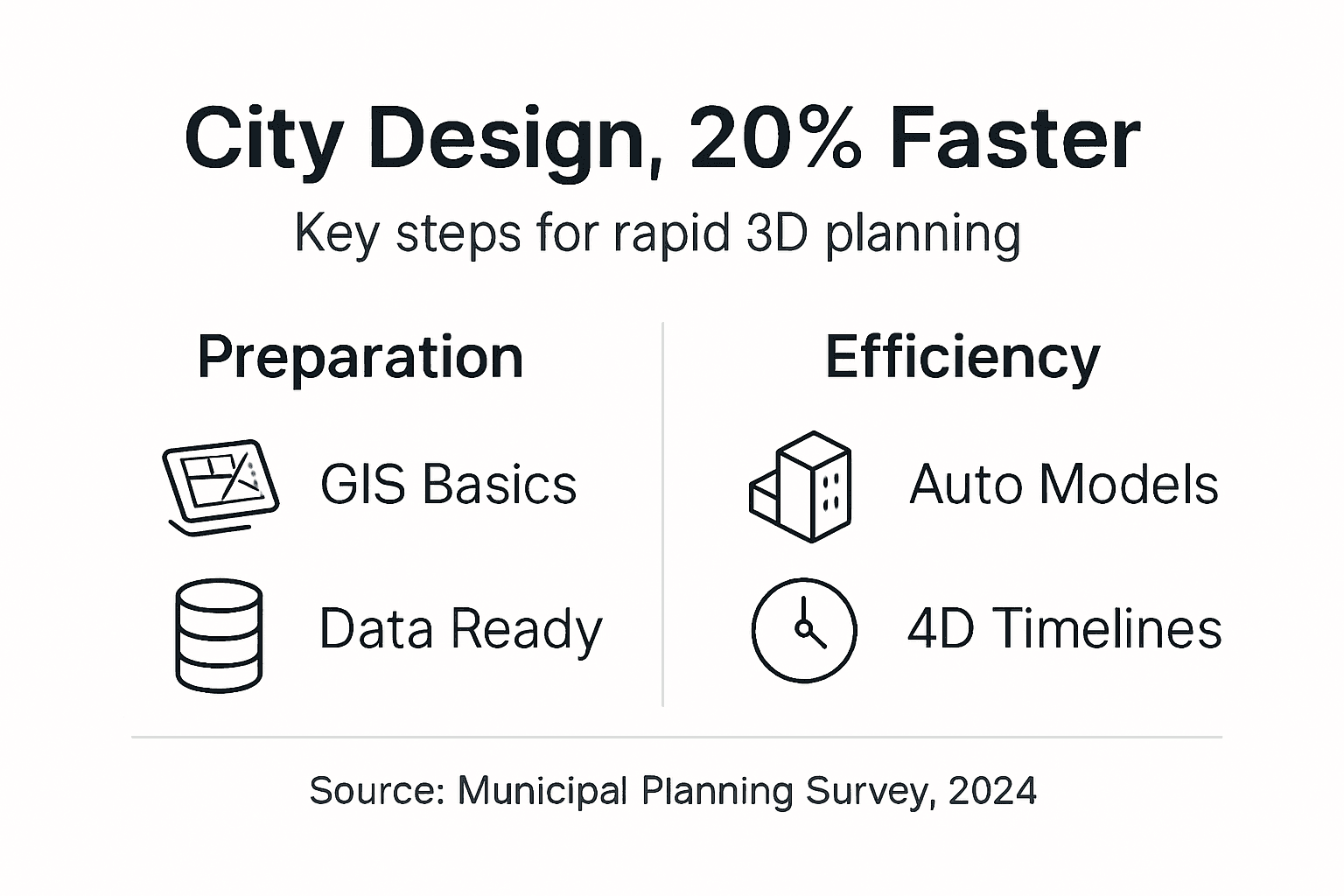
- Use automated tools to generate initial 3D building models from footprint data
- Apply height attributes and refine architectural details where precision matters
- Run spatial simulations including noise analysis, line-of-sight studies, and environmental impact assessments
- Incorporate 4D timeline visualizations to coordinate construction phases and milestones
- Iterate designs based on simulation results and stakeholder feedback sessions
Automated building generation features increase efficiency by approximately 30% compared to manual modeling. These tools analyze footprint geometry and attribute data to create volumetric representations within minutes. The time savings compound across large projects with hundreds of structures.
The create 3D city models for planning process integrates seamlessly with zoning analysis tools that validate compliance automatically. This integration catches regulatory conflicts before they delay approvals.
| Phase | Duration | Key Activities |
|---|---|---|
| Data Preparation | 2-4 weeks | Gather datasets, verify accuracy, establish coordinate systems |
| Model Creation | 3-6 weeks | Import data, generate buildings, apply attributes |
| Simulation Analysis | 2-3 weeks | Run noise, environmental, and visual impact studies |
| Stakeholder Review | 2-4 weeks | Present models, gather feedback, iterate designs |
Implementing 4D planning with automated timelines improves coordination while reducing project phase delays by approximately 20%. Dynamic scheduling visualizes how construction activities unfold over months, revealing conflicts before crews mobilize.
Pro Tip: Export still images and video flyovers at each major revision. This documentation helps stakeholders understand design evolution and speeds approval workflows by providing clear visual comparisons.
Follow the comprehensive 3D building modeling tutorial to master advanced techniques. Regular practice with 4D BIM planning research methodologies elevates your coordination capabilities beyond traditional approaches.
Community Engagement with 3D Visualization
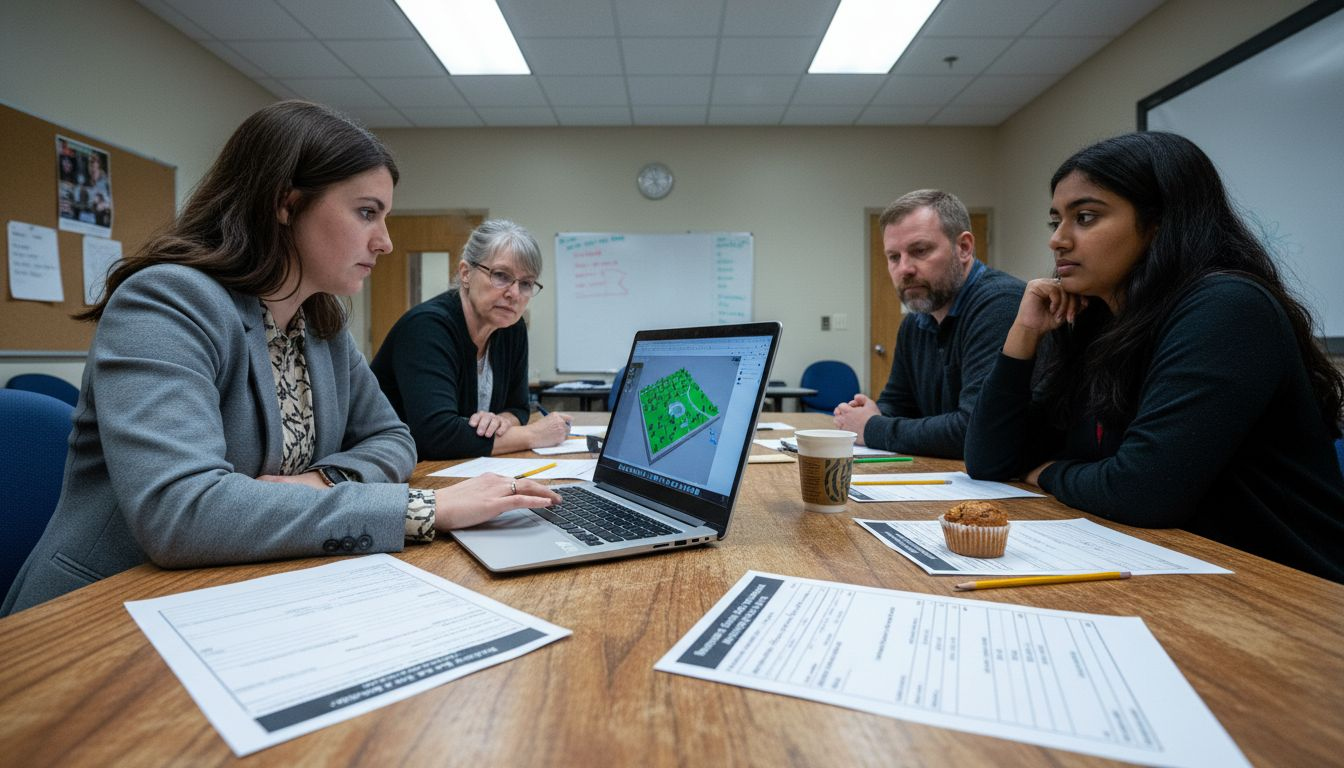
Interactive 3D visualization transforms stakeholder participation from passive observation to active collaboration. Community engagement increases by up to 60% when participants explore designs through immersive digital models rather than reviewing static drawings.
Clear visual communication eliminates technical jargon barriers that typically exclude non-experts from planning discussions. Residents grasp spatial relationships immediately when navigating virtual neighborhoods. This accessibility democratizes urban planning input.
Effective engagement strategies include:
- Hosting interactive workshops where stakeholders manipulate building heights and layouts
- Providing web-based model viewers accessible from home computers and tablets
- Presenting environmental impact simulations showing noise propagation and shadow patterns
- Collecting structured feedback through annotation tools embedded in visualization platforms
- Scheduling multiple sessions to accommodate diverse community schedules and preferences
Early stakeholder involvement through community engagement with 3D planning prevents costly redesigns. Feedback gathered during initial concept phases costs one-tenth what changes require after detailed design completion. This economic reality makes engagement essential, not optional.
Transparency builds trust when communities see their input reflected in updated models. Document how suggestions shaped design evolution by comparing before and after visualizations. This accountability strengthens relationships between planners and residents.
Environmental simulations address practical concerns that matter most to communities. Show how proposed buildings affect afternoon sunlight in public parks. Demonstrate traffic flow changes through animated vehicle paths. These tangible impacts resonate far more than abstract statistics.
Simulation and Automated Processes in City Layout Design
Advanced simulations optimize designs by predicting real-world performance before construction begins. This predictive capability prevents expensive mistakes that plague projects relying solely on intuition.
Automated modeling saves about 30-40% planning time while improving accuracy through consistent application of design rules. Software executes repetitive tasks like building extrusion and texture application in seconds. Planners redirect saved time toward creative problem-solving and stakeholder engagement.
Key simulation capabilities include:
- Noise pollution analysis identifying areas exceeding acceptable decibel thresholds
- Line-of-sight studies preserving view corridors and privacy buffers
- Shadow analysis tracking seasonal sunlight access for parks and residential areas
- Pedestrian flow modeling optimizing sidewalk widths and intersection timing
- Climate resilience assessment evaluating heat island effects and wind patterns
Noise pollution simulations identify conflict areas early, aiding better design decisions. Position noise-sensitive uses like schools and hospitals away from arterial roads and industrial zones. These spatial decisions emerge naturally from simulation insights.
Integrate local climate data layers through environmental impact assessments to enhance sustainability. Analyze how building orientations affect energy consumption. Evaluate green infrastructure placement for stormwater management. Climate-responsive design reduces operational costs while improving livability.
Early conflict detection through comprehensive simulations minimizes redesign expenses and schedule overruns. Projects using simulation-driven design report 50% fewer change orders during construction compared to traditional approaches.
Optimize model detail levels to maintain software responsiveness during complex simulations. Use simplified geometry for distant buildings while reserving high detail for focal areas. This selective refinement strategy keeps urban planning simulations tools performing smoothly even with thousands of buildings.
Automation extends beyond modeling into analysis workflows. Schedule batch simulations to run overnight, testing multiple design alternatives simultaneously. This parallel processing approach accelerates iteration cycles from weeks to days.
Common Mistakes and Troubleshooting in 3D City Planning
Even experienced planners encounter obstacles when adopting new 3D methodologies. Recognizing common pitfalls helps you avoid frustrating delays.
Excessive model complexity causes software lag in about 40% of users. Overly detailed textures and high-polygon geometry overwhelm graphics processors. This performance degradation frustrates teams and slows decision-making.
Frequent mistakes include:
- Creating unnecessarily detailed building models that slow rendering and analysis
- Postponing stakeholder engagement until designs are nearly finalized
- Using unverified geospatial data from single sources without accuracy checks
- Skipping available training resources during initial software adoption
- Neglecting regular model optimization and file maintenance procedures
Engage stakeholders from project inception rather than waiting for polished presentations. Early feedback prevents the crushing disappointment of discovering fundamental objections after months of detailed work. Iterative involvement costs less than wholesale redesigns.
Verify data accuracy by cross-referencing municipal databases, aerial imagery, and field surveys. Single-source data frequently contains errors that propagate through your entire model. Spending extra days validating inputs saves weeks correcting downstream problems.
Pro Tip: Establish model complexity standards at project start. Define maximum polygon counts per building category and texture resolution limits. These guardrails prevent performance issues before they emerge.
Invest time learning software capabilities through structured tutorials rather than trial-and-error experimentation. Most urban planning software challenges stem from underutilizing built-in features. Training reveals efficient workflows that intuitive exploration misses.
Regularly audit model file sizes and purge unused data layers. Accumulated clutter gradually degrades performance over project lifecycles. Schedule monthly optimization sessions to maintain responsiveness.
Expected Results and Outcomes
Properly executed 3D city layout planning delivers measurable improvements across multiple project dimensions. Understanding realistic benchmarks helps set appropriate expectations.
Typical initial design phases complete within three to six months, depending on project scale and complexity. Automated tools can cut planning time by 30 to 40% compared to traditional CAD workflows. These efficiency gains free resources for deeper analysis and community engagement.
Quantifiable improvements include:
- Stakeholder engagement rising by up to 60% through interactive 3D visualization
- Redesign frequency decreasing by 50% when feedback integrates early
- Project phase delays reducing by approximately 20% with 4D timeline planning
- Regulatory approval cycles shortening through clearer compliance documentation
- Construction change orders dropping due to better coordination and conflict detection
| Metric | Traditional Approach | 3D Planning Approach | Improvement |
|---|---|---|---|
| Design Phase Duration | 6-9 months | 3-6 months | 40% faster |
| Stakeholder Participation | 25% attendance | 60% attendance | 140% increase |
| Major Redesigns | 3-4 cycles | 1-2 cycles | 50% reduction |
| Approval Timeline | 8-12 weeks | 5-8 weeks | 30% faster |
Four-dimensional planning visualization enhances coordination among design, engineering, and construction teams. Everyone sees how activities sequence over time, revealing resource conflicts and logical dependencies. This shared understanding prevents the miscommunication that typically derails schedules.
Sustainability metrics improve when simulations guide decisions. Projects optimizing building orientations and green infrastructure placement achieve 15 to 25% better energy performance ratings. These environmental benefits translate to lower operational costs and higher property values.
Applying city planning best practices consistently produces superior outcomes. Document lessons learned after each project to continuously refine methodologies. Teams that systematically improve processes see compounding efficiency gains year over year.
Explore Advanced 3D City Planning Solutions
Transforming urban planning workflows requires tools specifically designed for municipal scale complexity. The 3D Cityplanner platform integrates automated building generation, comprehensive simulations, and 4D timeline coordination in one unified environment.
Experience how interactive visualization elevates stakeholder engagement beyond what traditional presentations achieve. Navigate proposed developments through intuitive web interfaces accessible to technical and non-technical participants alike.
Streamline your next city layout project with proven workflows that reduce planning time while improving design quality. Explore 3D Cityplanner features including noise analysis, environmental impact assessment, and automated compliance checking. Register for a 3D Cityplanner demo to see how European planning teams accelerate projects while enhancing community collaboration.
Frequently Asked Questions
What level of 3D modeling skill is needed to start?
Basic knowledge of 3D modeling and GIS is recommended, with many tools offering user-friendly interfaces and tutorials. You can advance skills progressively with available training resources. Most planners become proficient within two to three months of regular practice.
How does 4D planning reduce project delays?
Four-dimensional planning visualizes project phases over time, enhancing coordination and reducing phase delays by about 20%. This dynamic scheduling helps identify and resolve conflicts early. Teams spot resource bottlenecks and logical sequencing problems before they impact construction.
Can non-technical stakeholders easily engage with 3D models?
Interactive 3D visualization platforms are designed to be intuitive for all stakeholders. Early involvement through clear visuals increases participation by up to 60%. Web-based viewers eliminate software installation barriers, making models accessible from any device with a browser.
What are typical software performance issues and how can they be solved?
Overly complex models can cause lag; optimize by limiting details and using level-of-detail controls. Regular updates and training also improve performance. Establish polygon count standards and texture resolution limits at project inception to prevent issues.
How long does a typical 3D city layout planning project take?
Initial design phases usually complete within three to six months, depending on project scale and complexity. Automation tools can reduce this time by up to 40%. Larger district-scale projects may extend to eight or nine months when including comprehensive stakeholder engagement.
Recommended
- Urban Development Workflow for Efficient 3D Planning – 3D Urban Development
- 3D Site Planning Step by Step: Boost Approval 40% Faster – 3D Urban Development
- 6 Best City Planning Best Practices for Urban Modelling – 3D Urban Development
- How to Create 3D City Models for Urban Planning Projects – 3D Urban Development