Optimise city development with advanced 3D strategies
TL;DR:Advanced 3D technology enables thorough city environment modeling before construction begins.Standardizing data with CityGML and involving diverse specialists ensures scalable, accurate urban planning.Using digital twins and AI-driven optimization improves decision-making and stakeholder engagement.
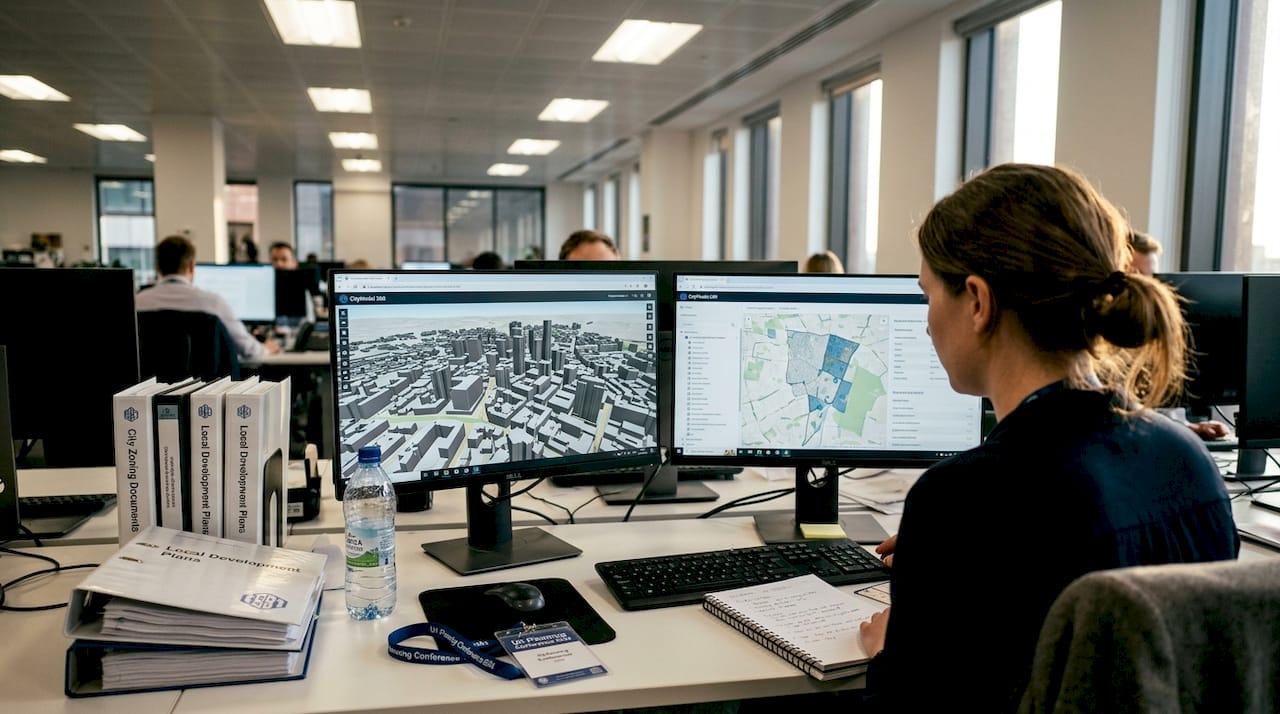
Modern city development sits at a crossroads of competing pressures: sustainability targets, community expectations, tight budgets, and ever-more-complex infrastructure requirements. Traditional 2D planning tools simply cannot keep pace with the scale and nuance these challenges demand. Advanced 3D technology is changing that reality, giving urban planners and real estate developers the ability to model, simulate, and refine entire city environments before a single foundation is laid. This guide walks you through the practical steps, tools, and expert strategies needed to optimise urban development projects using 3D technology, from initial data preparation through to stakeholder engagement and real-time verification.
Table of Contents
- Set your project up for digital success
- Step-by-step: The 3D-driven optimisation workflow
- Generate, simulate, and optimise: Advanced techniques
- Measure, verify, and engage with digital twin insights
- A practical perspective: What most city planners miss in the 3D optimisation race
- Take your city development project to the next level
- Frequently asked questions
Key Takeaways
| Point | Details |
|---|---|
| Adopt open 3D standards | Using CityGML and open data portals is foundational for scalable, interoperable city projects. |
| Master 4-step 3D workflows | A structured process keeps urban development efficient and error-resistant. |
| Leverage multi-objective optimisation | Balance sustainability, satisfaction, and spatial quality with advanced generative design tools. |
| Verify with digital twins | Continuous monitoring and real-time insights drive confident decision-making and public support. |
Set your project up for digital success
Before any simulation runs or scenario is tested, your project needs a solid digital foundation. The quality of your 3D city model determines everything downstream, from the accuracy of environmental impact analysis to the credibility of stakeholder presentations.
The first step is standardising your data. Adopting CityGML standards for 3D model interoperability gives your models semantic richness, meaning each building, road, and green space carries structured attributes that software can read, query, and analyse. This is what enables city-wide scaling. Without semantic data, you are essentially working with visual geometry rather than a living information model. Open data portals are equally important, as they provide stakeholder access and ensure scalability across project phases.
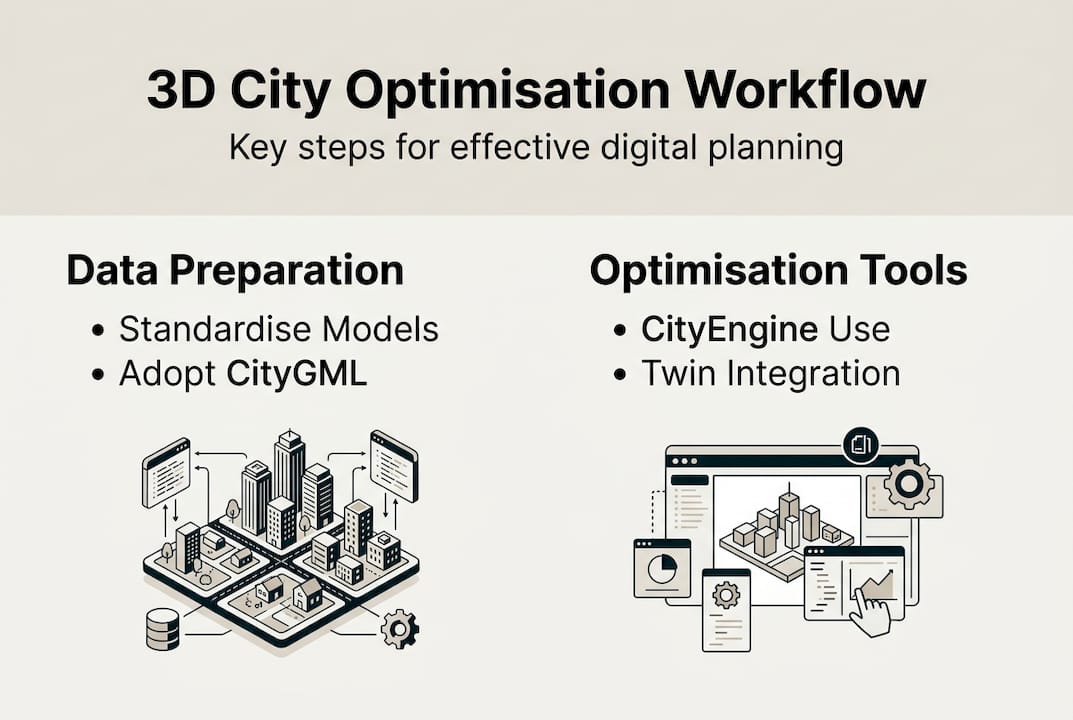
For software, two platforms dominate professional workflows. Esri CityEngine excels at procedural modelling, generating entire urban blocks from rule-based parameters. Autodesk InfraWorks bridges infrastructure design and 3D city context, making it ideal for transport and utility planning. Both integrate well with GIS pipelines and support the import of LiDAR point clouds.
Research into bi-directional mapping between urban morphology and performance metrics confirms that semantic-rich models are far more valuable than geometry-only files when running optimisation cycles.
You can explore how CityGML is applied in European cities for concrete examples of standards in practice. For a broader overview of living simulation environments, the digital twin city guide is an excellent reference.
Your project team should include a GIS specialist, a 3D modeller, a sustainability analyst, and a stakeholder liaison. Each role feeds a different stage of the workflow.
| Role | Primary tool | Key contribution |
|---|---|---|
| GIS specialist | Esri ArcGIS | Data integration and spatial analysis |
| 3D modeller | Esri CityEngine | Procedural model generation |
| Sustainability analyst | Autodesk InfraWorks | Environmental impact modelling |
| Stakeholder liaison | Presentation platforms | Scenario communication |
Key prerequisites to confirm before starting:
- All base data is available in CityGML or a compatible open format
- Cloud collaboration tools are configured for multi-user access
- Open data portals are identified and access permissions confirmed
- Team roles and data handoff protocols are agreed upon
Pro Tip: If your project spans multiple municipalities, opt for harmonised 3D models that follow a shared CityGML schema. For single-site projects, localised models with custom attribute sets often deliver faster iteration cycles.
Step-by-step: The 3D-driven optimisation workflow
With your digital foundations in place, you can move directly into the optimisation sequence. A structured four-step workflow covering requirements assessment, data import, scenario simulation, and impact analysis is the most reliable path to consistent results.
- Assess requirements. Define your project’s performance targets upfront. These might include floor area ratios, green space percentages, shadow limits, or traffic thresholds. Documenting these as measurable criteria ensures that every simulation has a clear benchmark to test against.
- Import GIS and LiDAR data. Bring your spatial data into your chosen platform. LiDAR point clouds provide accurate terrain and existing building heights, while GIS layers add land use, zoning, and infrastructure context. Clean your data before import to avoid misaligned layers or missing attribute values.
- Simulate scenarios. Run multiple design variants against your performance criteria. Solar access, wind flow, and traffic load simulations can all be executed within platforms like Esri CityEngine and Autodesk InfraWorks. For urban redevelopment projects with 3D digital twins, this step is where the most significant time savings occur.
- Analyse visual and environmental impacts. Review outputs across all performance dimensions. Compare variants using side-by-side dashboards. Identify which design decisions drive the largest gains and which create trade-offs that require stakeholder input.
The table below compares the core tools for each workflow stage:
| Stage | Recommended tool | Key capability |
|---|---|---|
| Data import | Esri ArcGIS Pro | GIS and LiDAR integration |
| Procedural modelling | Esri CityEngine | Rule-based urban generation |
| Infrastructure simulation | Autodesk InfraWorks | Transport and utility modelling |
| Scenario analysis | Advanced 3D tools | Multi-criteria performance review |
For digital twin planning, linking your 3D data to real-time performance feeds adds another layer of analytical depth that static models cannot provide.
Pro Tip: Before committing to a full-scale simulation run, test your scenario logic on a small representative block. This catches parameter errors early and reduces processing time significantly on large city models.
Generate, simulate, and optimise: Advanced techniques
Once you have completed the standard optimisation cycle, you can augment your workflow with more advanced approaches that deliver measurably better outcomes.
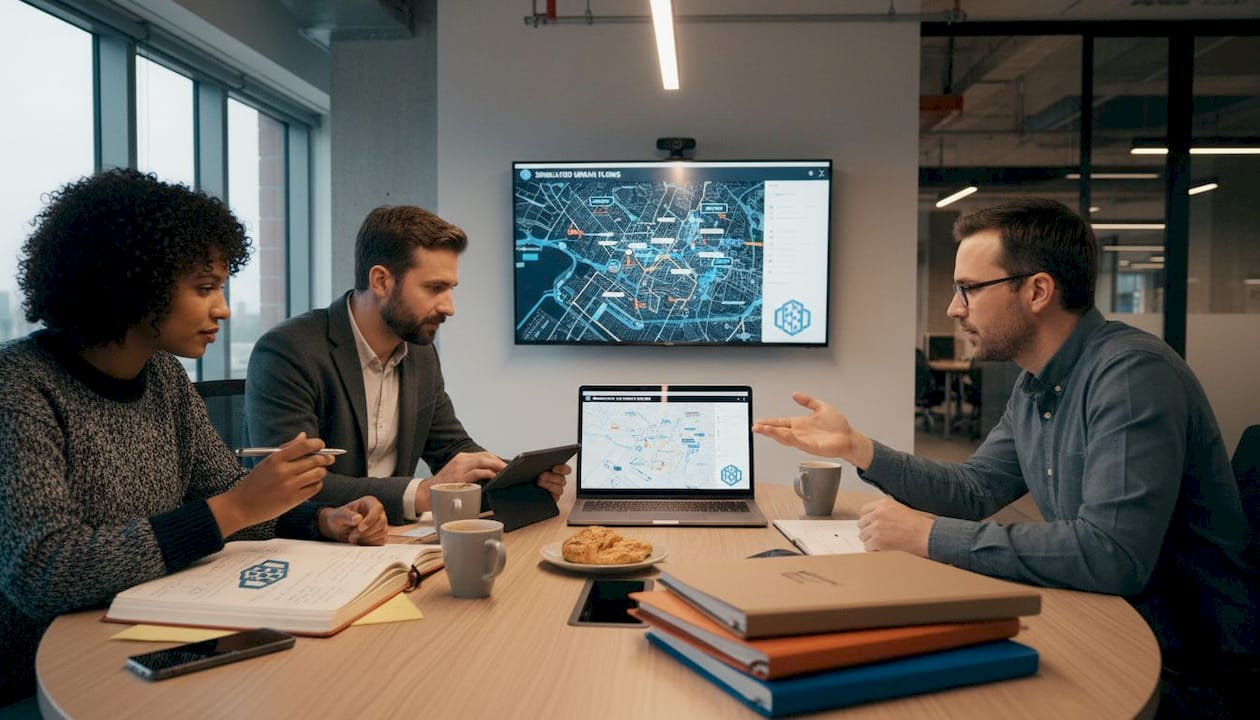
Multi-objective optimisation and generative design within 3D platforms allow teams to balance sustainability, user satisfaction, and spatial quality simultaneously, rather than optimising for a single metric and accepting trade-offs elsewhere. This is a significant shift from manual design iteration.
Advantages of these approaches over manual design include:
- Faster exploration of a wider solution space, often generating hundreds of viable variants in the time it takes to manually draft a dozen
- Objective scoring against sustainability criteria such as carbon output, energy demand, and green space provision
- Reduced cognitive bias, as the algorithm evaluates options without favouring familiar design patterns
- Clearer audit trails showing why one variant was selected over another, which is valuable for planning approvals
A practical scenario: a development team uses generative design to produce 300 massing variants for a mixed-use block. Each variant is automatically assessed against a carbon budget and a daylight threshold. Only variants that meet both criteria are passed to the design team for further refinement. This process compresses weeks of manual work into hours.
Research confirms that 3D metrics outperform 2D in predicting perceptions of vitality, security, and aesthetics, with sweet spots such as a 3D volume of 1 to 3 million cubic metres associated with higher vibrancy scores. This means that optimising in three dimensions is not just a technical preference; it produces designs that people actually experience more positively.
“3D morphological metrics provide a more accurate basis for predicting urban quality perception than traditional 2D measurements, enabling planners to design for measurable human experience outcomes.”
For teams working on virtual city planning, integrating generative outputs into a digital twin environment allows real-time validation against live city data, closing the gap between design intent and actual performance. Bi-directional mapping between morphology and performance further strengthens this validation loop.
Measure, verify, and engage with digital twin insights
Optimisation only delivers value if its outcomes are rigorously verified and clearly communicated. This is where many projects lose momentum, either through misinterpreted simulation outputs or delays in updating data layers as conditions change.
Using 3D digital twins for scenario simulation integrates BIM, GIS, and IoT data streams into a single environment, enabling multi-criteria decision analysis (MCDA) that accounts for social, environmental, and economic factors simultaneously. This is the most robust verification framework available to urban planners today.
Steps for measuring and verifying optimisation results:
- Define your key performance indicators (KPIs) before the project starts, not after. Common KPIs include energy use intensity, green space ratio, pedestrian accessibility scores, and projected traffic volumes.
- Run baseline simulations against existing conditions to establish a credible reference point.
- Compare optimised variants against the baseline using MCDA scoring. Weight criteria according to project priorities.
- Update your digital twin with real-time IoT data feeds as construction progresses, so the model reflects actual conditions rather than design assumptions.
- Schedule quarterly data layer reviews to catch drift between the model and reality before it compounds.
Common errors to avoid: treating simulation outputs as definitive rather than indicative, failing to update zoning or infrastructure layers when regulations change, and presenting single-scenario results to stakeholders without showing the range of alternatives considered.
Research into participatory planning with digital twins shows that VR visualisation significantly boosts citizen engagement, as demonstrated in the Herrenberg case study, where residents could navigate a virtual version of their neighbourhood and provide structured feedback. This kind of engagement produces better decisions and reduces the risk of late-stage objections.
A traffic congestion success case from the National Renewable Energy Laboratory illustrates how real-time digital twin data can reduce urban congestion by enabling adaptive signal control, a direct benefit of keeping data layers current.
For a broader view of how these tools are reshaping practice, five ways digital twins are revolutionising urban planning is worth reading alongside this guide.
Pro Tip: Automate routine verification checks using built-in analytics dashboards within your digital twin platform. Setting threshold alerts for key KPIs means your team is notified immediately when a metric drifts outside acceptable bounds, rather than discovering it during a quarterly review.
A practical perspective: What most city planners miss in the 3D optimisation race
The most common failure mode in 3D-optimised city development is not technical. It is organisational. Teams invest heavily in sophisticated platforms and high-resolution models, then struggle to make decisions because the data is not understood by the people who matter most.
The uncomfortable truth is that a well-structured workflow with clear feedback loops and early stakeholder visualisation will outperform a technically superior but poorly communicated process every time. Planners who share iterative 3D scenarios with decision-makers from the earliest stages consistently report faster approvals and fewer costly revisions late in the project cycle.
Open data and simple visualisation tools are often more persuasive than the most advanced algorithm. When a councillor or community representative can navigate a 3D model and see the impact of a design decision for themselves, the quality of the dialogue changes fundamentally. As explored in digital twins in practice, the technology is only as valuable as the conversations it enables.
Prioritise people and process discipline first. The technology will deliver its full value when the team around it is aligned.
Take your city development project to the next level
The strategies and workflows covered in this guide represent the current standard for high-performance urban development. Implementing them consistently requires a platform that brings all these capabilities together in one place.
3D Cityplanner is built specifically for urban planners and developers who need to design, simulate, and optimise city environments efficiently. From automatic building generation and line-of-sight visualisations to sound impact simulations and 4D timeline planning, the platform supports every stage of the optimisation workflow discussed here. You can explore the full range of capabilities through the city planning tool and start a trial without any upfront payment. The next step towards smarter, faster, and more sustainable city development is ready when you are.
Frequently asked questions
What is the best starting point for 3D-optimised city development?
Standardise your city models with CityGML and integrate open data portals to enable flexible collaboration and ensure your project can scale across phases and stakeholders.
How do 3D digital twins improve city planning compared to 2D models?
3D metrics outperform 2D in predicting perceptions of vitality, security, and aesthetics, while also enabling real-time impact analysis and richer stakeholder engagement that 2D approaches cannot match.
Which tools should I use for procedural 3D city modelling?
Esri CityEngine and Autodesk InfraWorks are the leading platforms for procedural modelling and simulation, offering robust capabilities for creating, analysing, and refining 3D city models at scale.
How does real-time data integration benefit city development projects?
Integrating BIM, GIS, and IoT into a digital twin enables faster scenario response, supports multi-criteria decision analysis, and keeps your model aligned with actual site conditions throughout the project lifecycle.
Recommended
- Top urban development strategies for city optimisation 2026 – 3D Urban Development
- How to optimise city layouts with advanced 3D tools – 3D Urban Development
- Why optimise city planning: 3D tools for better design – 3D Urban Development
- Urban project optimisation with advanced 3D tools in 2026 – 3D Urban Development