How to Create 3D City Models for Urban Planning Projects
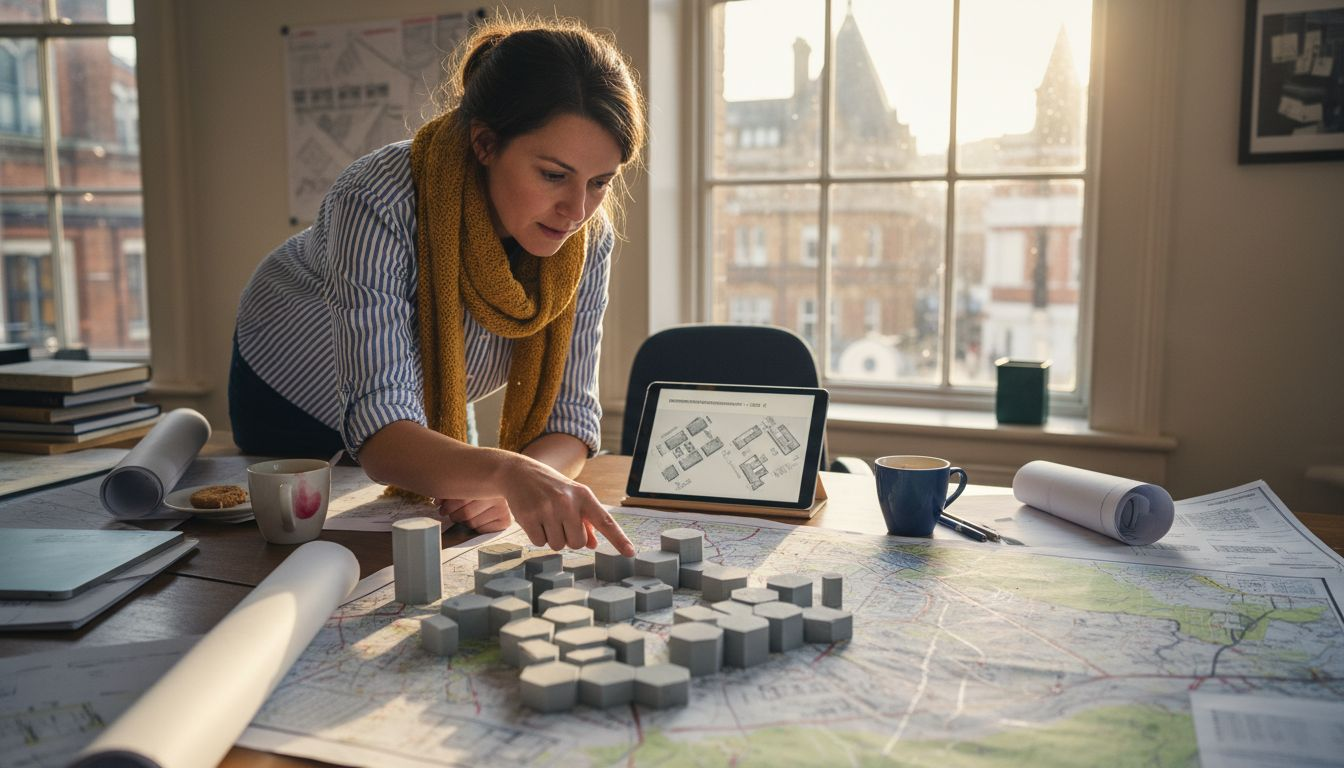
Clear project goals and robust spatial data are the starting point for truly effective 3D city modelling. European urban planners and architects need tools that transform complex datasets into precise digital frameworks, supporting evidence-based planning and sustainable urban development. This guide will highlight practical steps for selecting advanced modelling software, integrating diverse spatial sources, and creating a multidimensional urban representation ready for collaboration.
Table of Contents
- Step 1: Define Project Goals And Collect Spatial Data
- Step 2: Select Appropriate 3D Modelling Software
- Step 3: Import Datasets And Configure Georeferencing
- Step 4: Construct City Models Using Automated Tools
- Step 5: Refine Models And Verify Data Accuracy
- Step 6: Export And Share Models For Collaboration
Quick Summary
| Key Point | Explanation |
|---|---|
| 1. Define clear project goals | Establishing specific objectives guides data gathering and ensures relevance for urban planning needs. |
| 2. Use diverse spatial data sources | Employing multiple authoritative data sources enhances the accuracy and comprehensiveness of city models. |
| 3. Select suitable 3D modelling software | Choosing software that aligns with project goals is critical for effective urban planning and data utilisation. |
| 4. Validate and refine models continuously | Regular validation against ground truth data helps maintain model accuracy and relevance throughout the planning process. |
| 5. Facilitate collaboration through model sharing | Exporting 3D models in standard formats promotes teamwork and enhances the urban planning process among stakeholders. |
Step 1: Define project goals and collect spatial data
Successful 3D city modelling begins with establishing clear project objectives and gathering comprehensive spatial information. This crucial initial phase determines the accuracy, utility, and effectiveness of your urban planning digital model.
To define robust project goals, urban planners must first conduct a systematic evaluation of their specific requirements. These objectives typically include understanding urban infrastructure needs, analysing population density patterns, or developing sustainable development strategies. Urban planning data collection frameworks emphasise the importance of identifying precise outcomes before initiating data gathering.
When collecting spatial data, leverage multiple authoritative sources to ensure comprehensive coverage:
- Official government geospatial databases
- OpenStreetMap crowdsourced geographic information
- LiDAR terrain scanning results
- Aerial and satellite imagery repositories
- Municipal infrastructure records
- Demographic statistical centres
Each data source provides unique insights that contribute to building a multidimensional urban representation. High-resolution data enables planners to create accurate digital models that reflect complex urban environments with remarkable precision.
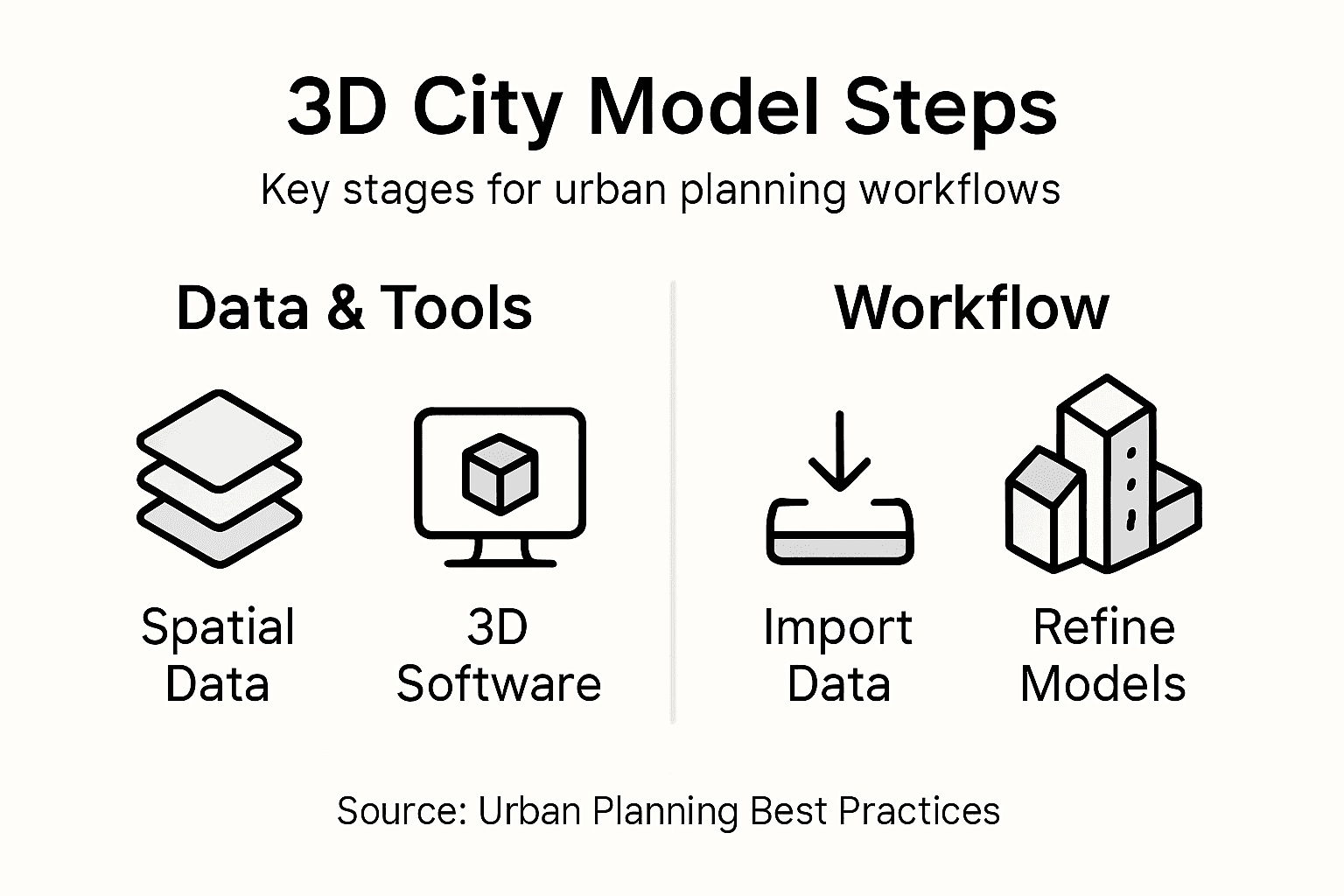
Here is a summary of major spatial data sources and their unique urban planning value:
| Data Source | Unique Value | Typical Use In Urban Planning |
|---|---|---|
| Government geospatial databases | Official, accurate boundaries | Master plans, infrastructure mapping |
| LiDAR terrain scanning | Precise elevation and surface detail | Flood modelling, terrain analysis |
| OpenStreetMap | Community-driven, up-to-date | Pedestrian/cycle analysis, amenities |
| Satellite imagery | Large area coverage, historic trend | Land use change, urban expansion |
| Municipal records | Local infrastructure information | Utility and transport planning |
| Demographic statistical centres | Verified population data | Housing, density, social services |
Effective spatial data collection requires a strategic, multi-source approach to capture comprehensive urban characteristics.
Professional advice: Cross-reference multiple data sources to validate spatial information and minimise potential inconsistencies in your 3D city model.
Step 2: Select appropriate 3D modelling software
Choosing the right 3D modelling software is a critical decision that can significantly impact the quality and efficiency of your urban planning project. The software you select will determine your ability to transform spatial data into meaningful digital representations.
Urban planning software platforms vary widely in their capabilities, ranging from open-source solutions to sophisticated commercial tools. When evaluating potential software, consider these essential selection criteria:
- Compatibility with existing GIS datasets
- Level of geometric and semantic detail
- Simulation and visualisation features
- Integration with urban planning workflows
- Computational performance and rendering speed
- Cost and licensing requirements
The most effective tools offer flexible workflows that support multiple stages of urban development. Professional urban planners typically require software that can seamlessly translate raw spatial data into comprehensive 3D city models with high levels of accuracy and detail.
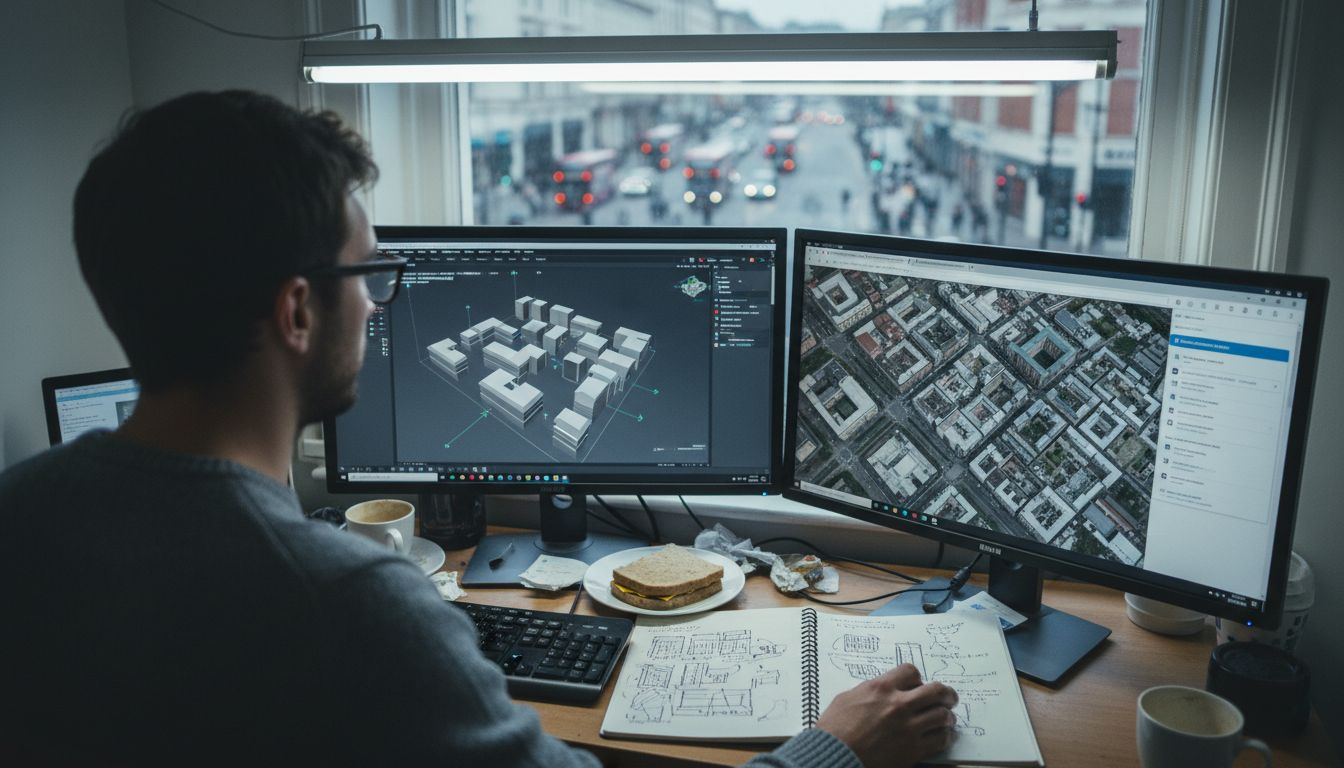
The following compares leading 3D modelling software options for urban planning projects:
| Software Type | Key Strengths | Potential Limitations | Ideal Project Context |
|---|---|---|---|
| Open-source | Cost-effective, customisable | Limited advanced features | Academic, small consultancy |
| Commercial | High detail, robust support | Higher licensing cost | City government, large developments |
| Cloud-based | Collaboration, scalability | Data privacy concerns | Remote, multi-team collaboration |
Selecting the right 3D modelling software is not just about features, but about finding a tool that aligns perfectly with your specific urban planning objectives.
Professional advice: Request trial versions of multiple software platforms to thoroughly test their compatibility with your specific project requirements before making a final investment.
Step 3: Import datasets and configure georeferencing
Importing spatial datasets and establishing precise georeferencing are crucial steps in creating accurate 3D city models. This process transforms raw spatial information into a coherent, spatially-aligned digital representation of urban environments.
Urban spatial data integration requires careful consideration of coordinate systems and data formatting. Urban planners should follow these essential steps when importing and configuring datasets:
- Identify the original coordinate reference system
- Verify datum and projection parameters
- Select appropriate transformation methods
- Check spatial resolution and accuracy
- Validate metadata and attribute information
- Ensure compatibility between different data sources
The goal is to create a seamless geospatial environment where multiple datasets align perfectly, enabling comprehensive urban analysis. Different data types such as LiDAR point clouds, GIS shapefiles, and satellite imagery must be carefully transformed to maintain spatial integrity.
Accurate georeferencing is the foundation of reliable 3D city modeling, ensuring that every digital element corresponds precisely to its real-world location.
Professional advice: Always maintain a backup of original datasets and document each transformation step to ensure reproducibility and track potential spatial adjustments.
Step 4: Construct city models using automated tools
Automated tools have revolutionised the process of creating detailed 3D city models, significantly reducing manual effort and improving spatial accuracy. Urban planners can now leverage sophisticated machine learning algorithms to transform raw spatial data into comprehensive digital representations.
Automated 3D city modelling techniques enable rapid generation of complex urban environments by integrating multiple data sources. Urban planning professionals should consider the following strategies when using automated modeling tools:
- Utilise machine learning classification algorithms
- Incorporate multi-source spatial data
- Apply semantic segmentation techniques
- Validate model accuracy through cross-referencing
- Implement iterative refinement processes
- Integrate social media and open-source information
The advanced computational approaches allow for dynamic simulation of urban scenarios, capturing intricate details that traditional manual methods might overlook. By combining high-resolution imagery, geospatial data, and intelligent processing algorithms, planners can create remarkably precise digital representations of urban landscapes.
Automated city modeling transforms complex spatial information into actionable digital insights, bridging the gap between raw data and strategic urban planning.
Professional advice: Always validate automated model outputs against ground truth data and maintain a critical perspective on machine-generated interpretations.
Step 5: Refine models and verify data accuracy
Refining 3D city models is a critical process that transforms initial computational outputs into reliable, precise representations of urban environments. Urban planners must meticulously validate and improve their digital models to ensure they accurately reflect real-world spatial characteristics.
Model refinement methodologies involve systematic approaches to identifying and correcting potential inaccuracies. Urban planning professionals should implement these key verification strategies:
- Compare models against ground truth data
- Integrate high-resolution satellite imagery
- Conduct field survey cross-referencing
- Apply geometric consistency checks
- Validate semantic attributes
- Seek stakeholder feedback
The iterative model improvement process allows planners to progressively enhance spatial accuracy and semantic richness. By employing sophisticated validation techniques, you can develop digital urban representations that support robust decision-making and strategic planning.
Data accuracy is not a destination, but a continuous journey of refinement and verification in urban modeling.
Professional advice: Establish a structured validation workflow that includes multiple verification stages and maintains a comprehensive documentation trail of model modifications.
Step 6: Export and share models for collaboration
Exporting and sharing 3D city models is a critical phase that transforms individual work into collaborative urban planning efforts. This step enables multiple stakeholders to access, review, and contribute to the digital urban representation.
3D model sharing standards provide essential guidelines for ensuring interoperability across different software platforms. Urban planners should consider these key export and collaboration strategies:
- Select appropriate universal file formats
- Maintain model semantic integrity
- Implement robust access control
- Choose platforms supporting real-time collaboration
- Preserve spatial resolution during export
- Enable version tracking and change management
The collaborative digital environment empowers urban planning teams to work seamlessly across geographical boundaries. By selecting standardised file formats like CityGML, OBJ, and IFC, you ensure maximum compatibility and accessibility for all project participants.
Effective model sharing transcends mere file transfer, creating a dynamic ecosystem of collaborative urban design and strategic planning.
Professional advice: Always retain original high-resolution model versions and create lightweight, shareable copies to facilitate smoother collaborative workflows.
Elevate Your Urban Planning with Advanced 3D City Modelling Tools
Creating accurate and detailed 3D city models involves complex challenges such as precise georeferencing, data validation, and automated model generation. The need for seamless integration of diverse spatial datasets and the demand for collaborative, real-time planning solutions can be overwhelming. If you want to overcome these pain points and transform raw urban data into insightful, actionable 3D models, our platform offers the perfect solution.
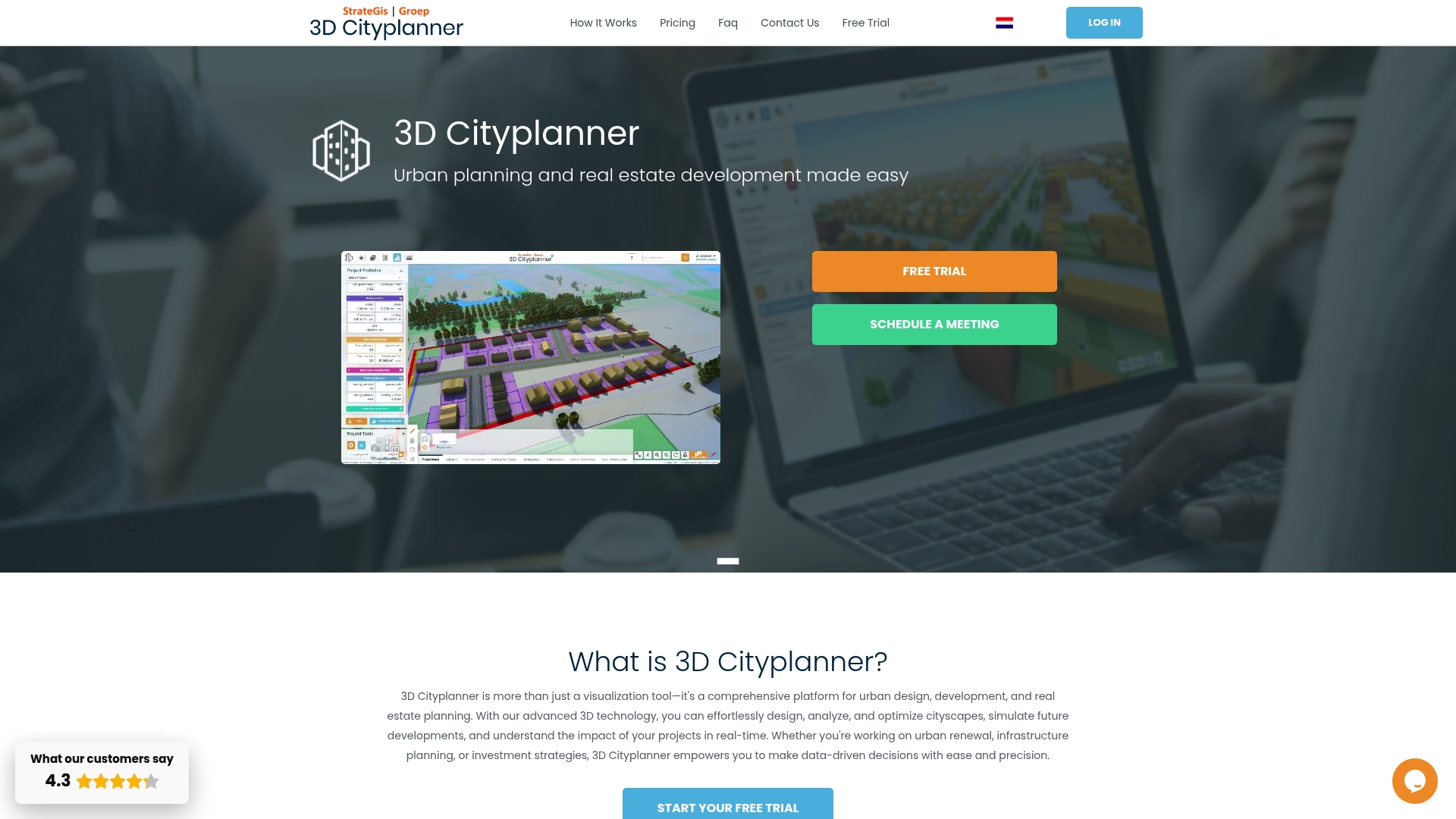
Experience how 3dcityplanner.com simplifies every step from importing varied 3D datasets to refining models with unparalleled accuracy. Benefit from automatic building generation, sound simulation, and 4D project timeline visualisation that empower you to enhance decision-making and streamline multi-stakeholder collaboration. Start your project with confidence and bring your urban planning vision to life today by visiting 3dcityplanner.com and discovering the full potential of advanced 3D city modelling. Take control of your spatial data challenges now with innovative tools designed specifically for urban planners and developers.
Frequently Asked Questions
What are the initial steps to create 3D city models for urban planning projects?
To create 3D city models, start by defining clear project goals and collecting spatial data from multiple authoritative sources. Identify your specific urban planning needs, such as infrastructure analysis or population density patterns, and compile data to support these objectives.
How do I select the right 3D modelling software for my urban planning project?
Choosing appropriate 3D modelling software involves assessing compatibility with existing datasets and considering features like simulation capabilities. Identify your project’s specific requirements, test trial versions of different software, and ensure it aligns with your modelling goals.
What are the key factors for accurate georeferencing of spatial data in 3D city models?
Accurate georeferencing requires identifying the original coordinate reference system and verifying the datum and projection parameters. Ensure compatibility between different data sources and validate metadata to maintain spatial integrity throughout the modelling process.
How can automated tools enhance the creation of 3D city models?
Automated tools can significantly streamline the modelling process by using machine learning algorithms to generate complex urban environments efficiently. Incorporate multi-source spatial data with these tools to enhance detail and accuracy while reducing manual effort by up to 50%.
What steps should I take to validate and refine my 3D city models?
To validate and refine your models, compare them against ground truth data, integrate high-resolution imagery, and conduct field surveys for cross-referencing. Establish a structured workflow that includes multiple verification stages to progressively enhance the spatial accuracy of your models.
How can I effectively share 3D city models with stakeholders for collaboration?
To share 3D city models, select universal file formats to maintain semantic integrity and implement platforms that support real-time collaboration. Ensure access control and enable version tracking so that all project participants can contribute and review updates effectively.