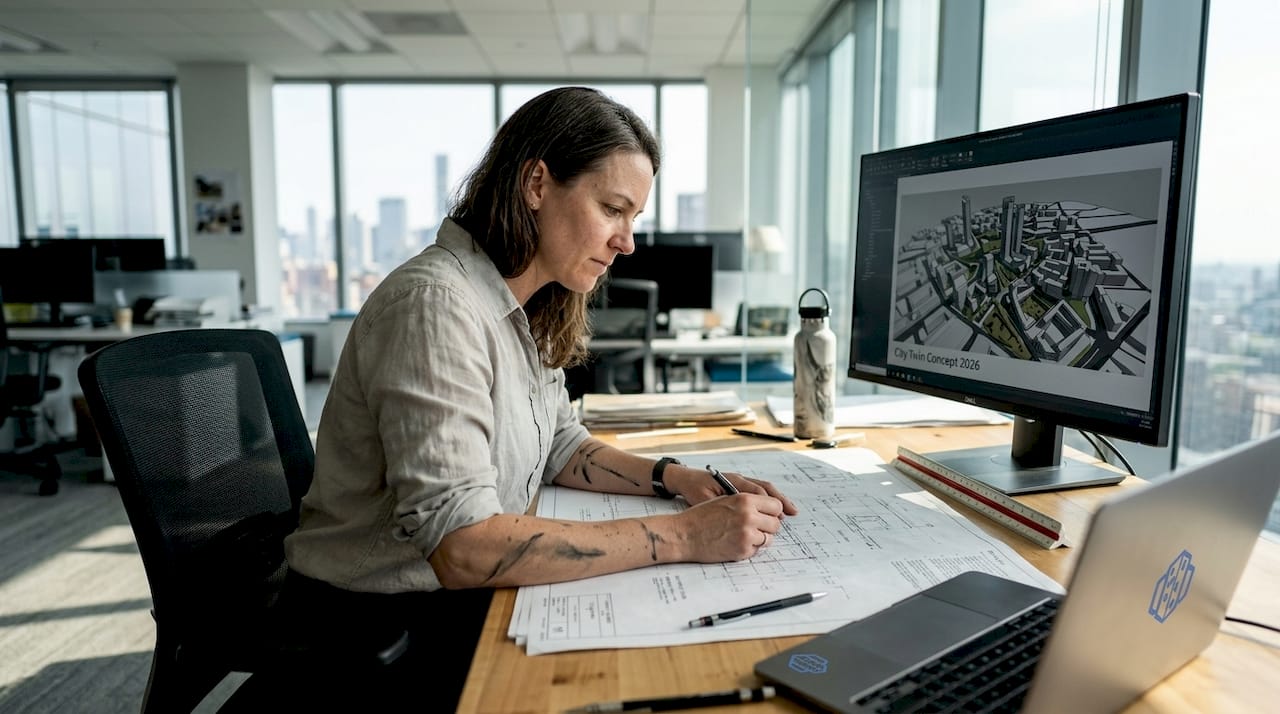
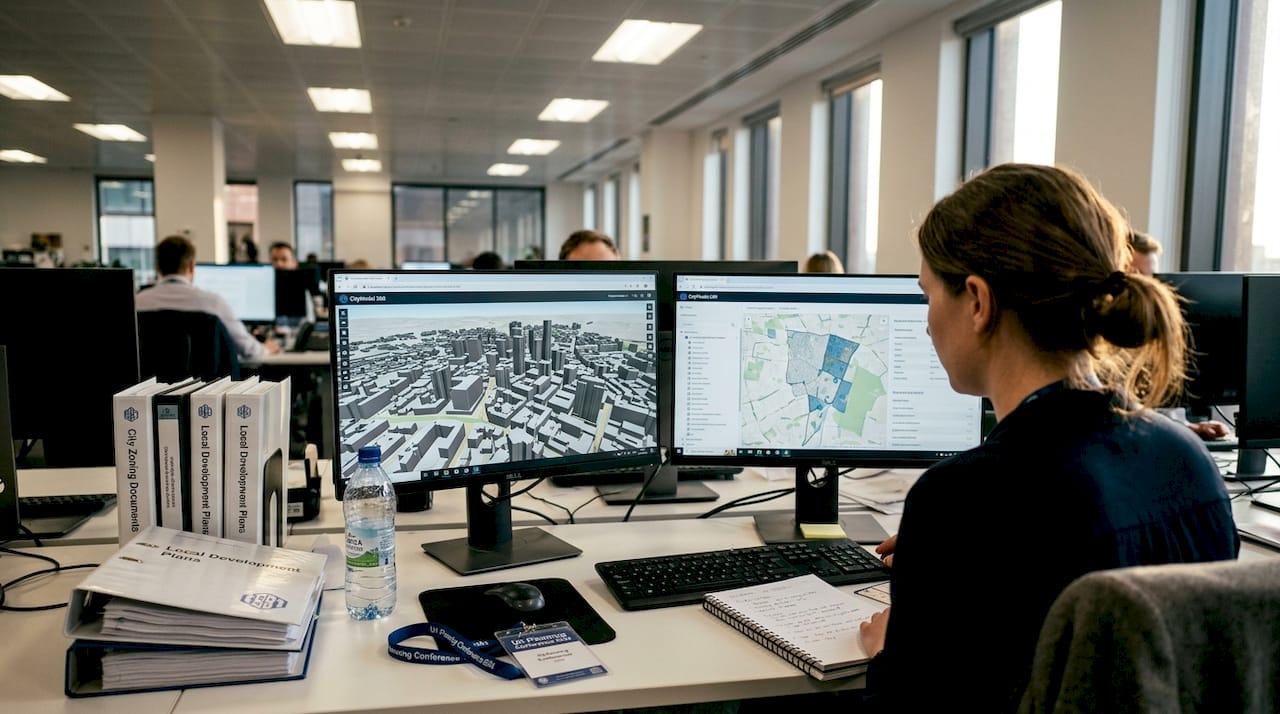
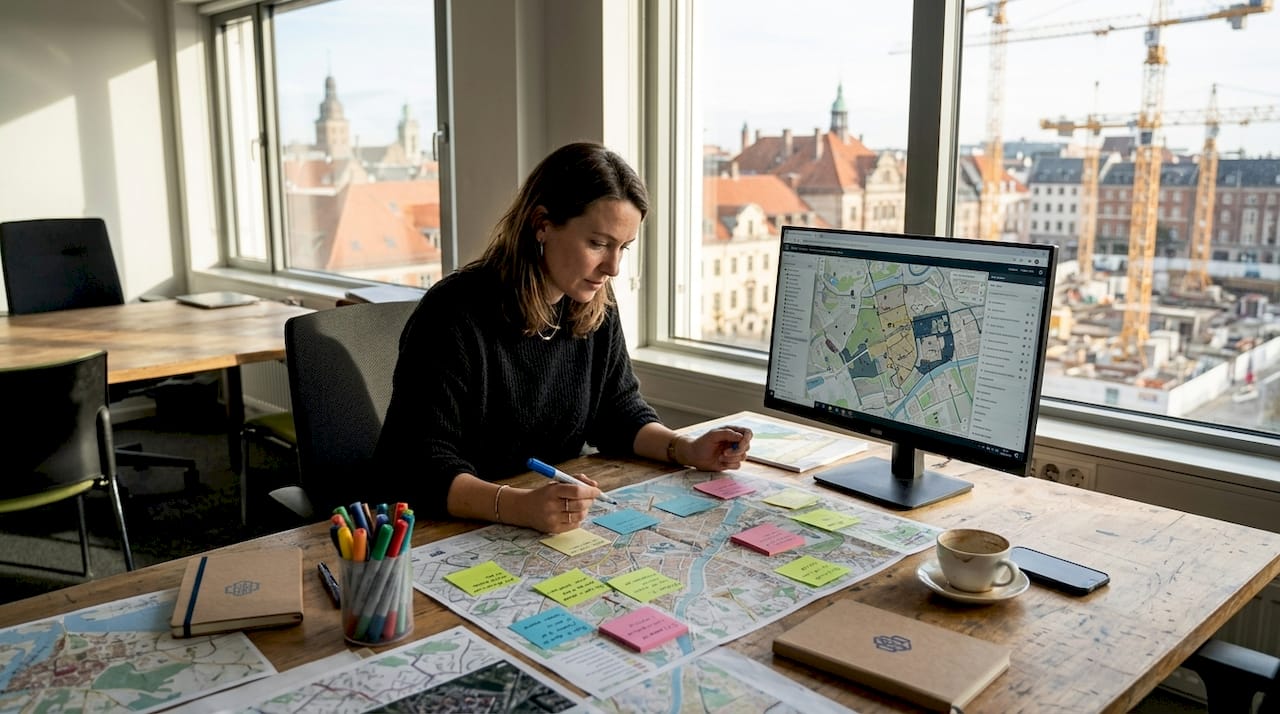
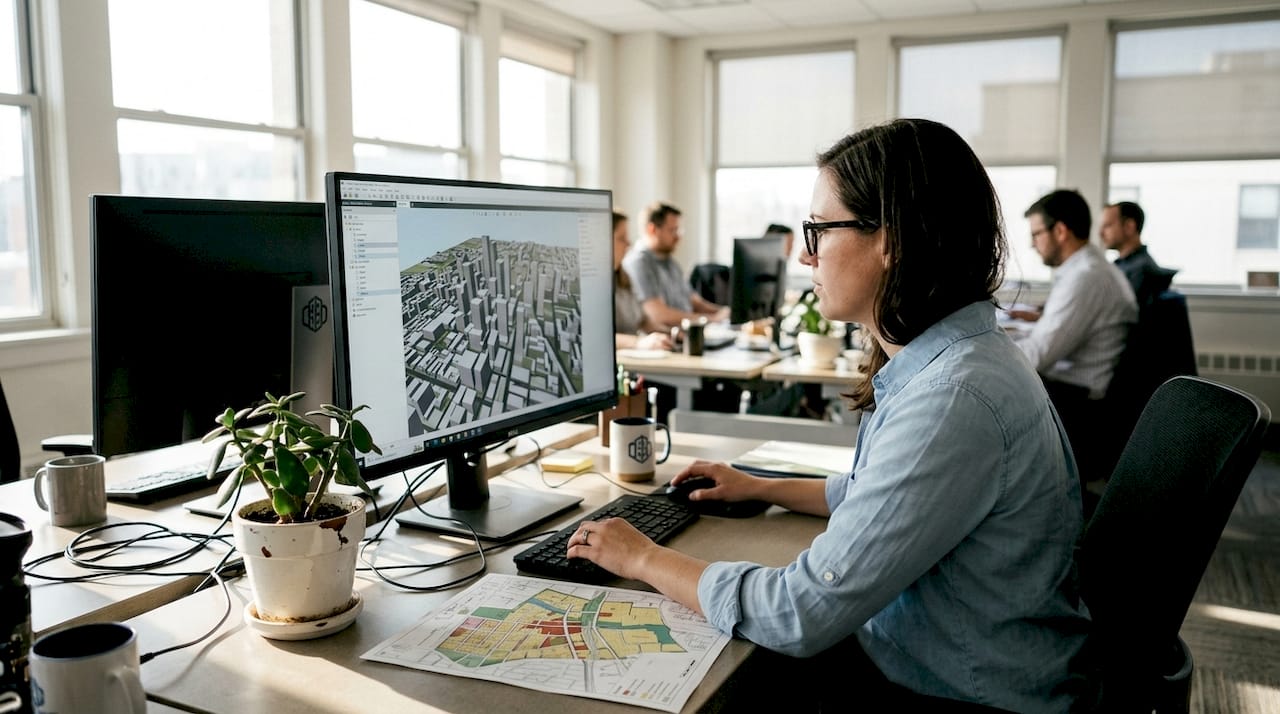
3D visualisation: a game-changer for urban planning projects
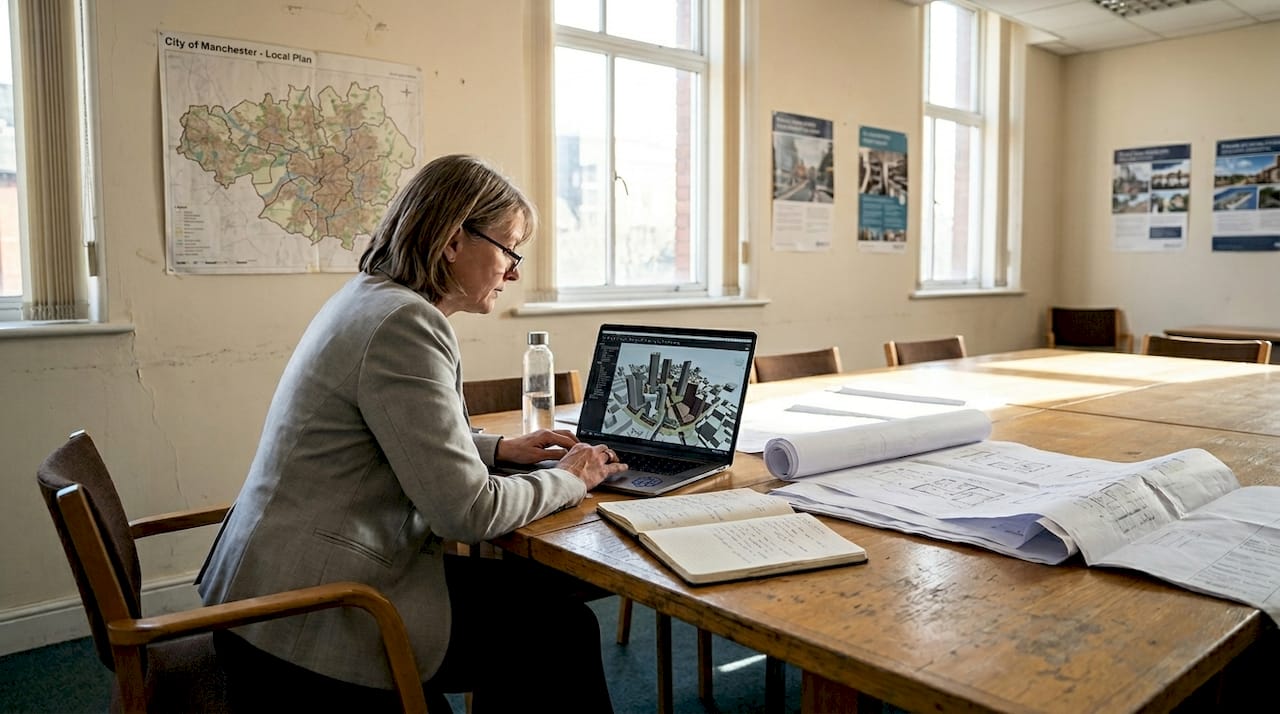
TL;DR:3D visualisation provides spatially accurate, interactive representations enhancing urban planning understanding.It reduces errors, speeds up approvals, and improves community engagement through better visual communication.Small pilot projects and phased adoption help teams integrate 3D tools effectively into their workflow.
Most urban planners assume their 2D drawings communicate everything stakeholders need to understand a project. They do not. Flat plans strip away depth, context, and spatial relationships, leaving room for misinterpretation at every stage. The result is costly revisions, delayed approvals, and communities that feel excluded from decisions shaping their neighbourhoods. 3D visualisation changes this equation entirely. By giving planners, architects, and developers a shared, interactive view of a project, it replaces guesswork with clarity. This guide explains what 3D visualisation is, why it matters, and how you can integrate it into your planning workflow to deliver better outcomes for every project.
Table of Contents
- What is 3D visualisation and why does it matter for urban planners?
- Key benefits of 3D visualisation for planners and stakeholders
- How 3D visualisation transforms collaboration and decision-making
- Real-world applications: 3D visualisation in urban planning projects
- Integrating 3D visualisation into your planning workflow
- Our perspective: The overlooked power of 3D visualisation
- Experience 3D Cityplanner: Transform your urban planning workflow
- Frequently asked questions
Key Takeaways
| Point | Details |
|---|---|
| Improved project clarity | 3D visualisation allows all stakeholders to easily understand complex proposals. |
| Faster decision-making | Interactive models enable teams to reach consensus and avoid costly errors. |
| Better community engagement | Public consultations are more effective with immersive, realistic visual representations. |
| Smooth integration | Planners can introduce 3D tools gradually, starting with pilot projects. |
What is 3D visualisation and why does it matter for urban planners?
3D visualisation in urban planning refers to the creation of spatially accurate, three-dimensional representations of proposed developments, infrastructure, and public spaces. Unlike a static floor plan or elevation drawing, a 3D model lets you rotate, zoom, and explore a project from any angle. It places buildings within their real environmental context, showing how a new structure relates to its surroundings, how shadows fall across public spaces, and how traffic flows through a corridor.
Traditional 2D methods have served the profession for decades, but they carry significant limitations. A plan view cannot show a resident how a proposed tower will affect their street-level experience. A cross-section cannot convey the full character of a mixed-use development. These gaps in communication lead to misaligned expectations between planners, clients, and communities.
As 3D urban visualisation demonstrates, the technology transforms how planners explore, test, and communicate complex urban projects. The key 3D features available today go well beyond simple rendering. They include:
- Automatic building generation based on GIS data and zoning parameters
- Line-of-sight analysis to assess visual impact and overlooking
- Noise simulation to model environmental constraints
- 4D timeline planning to visualise phased construction sequences
- Digital Twin integration for live data overlays on city models
Research consistently shows that poor visual communication is a leading contributor to urban development errors, with studies attributing up to 60% of late-stage design changes to misunderstandings that better visualisation could have prevented. When every member of a project team, from the structural engineer to the local councillor, can see and interact with the same model, the risk of costly misalignment drops sharply.
Masterplans, building placement studies, and environmental integration assessments all benefit from the added dimension. A 3D model is not merely a prettier version of a 2D plan. It is a richer, more honest representation of what a project will actually become.
Key benefits of 3D visualisation for planners and stakeholders
With the basics clear, it is vital to understand the tangible benefits 3D visualisation offers across the planning process.
Interactive models lead to 30% faster stakeholder decisions than static drawings. That is a significant efficiency gain on projects where approval timelines directly affect financing and delivery schedules. But speed is only one part of the story.
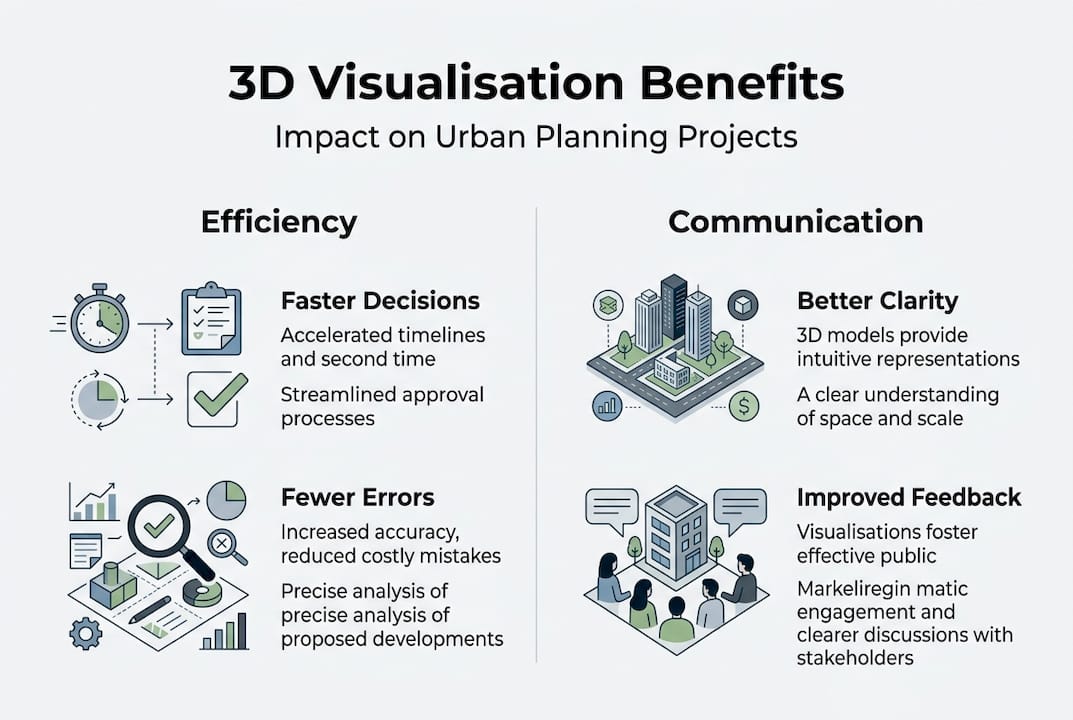
Enhanced communication sits at the heart of the benefit. When everyone on a project sees the same three-dimensional picture, there is less room for competing interpretations. Architects, planners, developers, and community representatives all engage with a shared reference point.
Reduced project errors and cost overruns follow naturally. Catching a design conflict in a 3D model during the concept phase costs a fraction of what it costs to resolve the same issue on site. Scenario testing, which is straightforward in a 3D environment, allows teams to explore alternatives before committing to a direction.
Improved community consultation is another measurable gain. Interactive walkthroughs help residents understand proposals in ways that technical drawings never could. Communities that feel genuinely informed are more likely to engage constructively rather than oppose reflexively.
Zoning analysis tools embedded within 3D platforms further support complex scenario planning, allowing planners to test density variations, setback rules, and height limits in real time.
| Outcome | 2D methods | 3D visualisation |
|---|---|---|
| Stakeholder comprehension | Limited | High |
| Error detection speed | Late stage | Early stage |
| Community engagement quality | Low | High |
| Approval timeline | Longer | Up to 30% faster |
| Revision frequency | High | Significantly reduced |
Pro Tip: For contentious projects where community opposition is likely, use a 3D walkthrough as the centrepiece of your public consultation. Letting residents experience a proposal at street level, rather than reading a plan, shifts the conversation from abstract objection to informed dialogue.
How 3D visualisation transforms collaboration and decision-making
Beyond benefits for individual communication, 3D visualisation genuinely revolutionises teamwork across disciplines and organisations.
The traditional planning workflow is sequential. The architect produces drawings, passes them to the planner, who consults with the developer, who presents to the committee. Each handover introduces delay and the risk of information loss. 3D platforms replace this linear chain with a shared environment where all parties work from the same model simultaneously.
3D city models offer real-time scenario testing, aiding collaborative decisions across teams. This means a developer can propose a massing change, a planner can immediately assess its zoning implications, and a transport engineer can evaluate its impact on pedestrian flow, all within a single session.
Here is a practical framework for moving from concept to consensus using 3D tools:
- Import base data from GIS and existing survey information to establish an accurate site context.
- Generate initial massing models to test scale, density, and placement against planning parameters.
- Run environmental analyses including shadow studies, wind modelling, and noise simulations.
- Share the model with all project stakeholders for simultaneous review and comment.
- Test alternative scenarios in real time, adjusting parameters and observing outcomes immediately.
- Document agreed decisions using model snapshots and version control to maintain a clear audit trail.
Real-time data visualisation tools make each of these steps faster and more transparent. The contrast with pre-3D workflows is stark. What previously required weeks of revised drawings and sequential sign-offs can now happen in a single collaborative session.
“The shift to 3D collaborative platforms has removed the single biggest bottleneck in our planning process: the gap between what designers intend and what decision-makers understand.”
Real-world applications: 3D visualisation in urban planning projects
To ground this discussion, consider how 3D visualisation is making a measurable difference in actual planning projects.
3D Cityplanner and other tools have helped cities like Rotterdam visualise and adjust city-scale developments before breaking ground. This kind of pre-construction validation is transformative. It allows planners to identify conflicts between proposed buildings and existing infrastructure, assess the visual impact of tall structures on heritage views, and model pedestrian movement through new public spaces before a single foundation is poured.
The city visualisation platform at 3D Cityplanner has been applied across a range of project types. Outcomes from real projects include:
- Mixed-use developments: 3D massing studies revealed that a proposed residential tower would overshadow a planned public square for most of the day. The design was adjusted at concept stage, saving significant redesign costs later.
- Transport corridor analysis: A 3D model of a proposed tram route allowed planners to assess street-level impacts on shopfronts, cycling infrastructure, and pedestrian crossings simultaneously.
- Dutch city regeneration projects: Multiple municipalities have used 3D city models to engage communities in neighbourhood renewal programmes, achieving higher rates of public support than comparable projects using traditional consultation methods.
- Phased masterplans: 4D timeline tools have enabled developers to present construction phasing to planning committees in a format that is immediately understandable, reducing the number of committee meetings required for approval.
Pro Tip: Document each planning phase using model snapshots saved at key decision points. This creates a clear visual record of how a project evolved, which is invaluable for planning appeals, public inquiries, or future reference.
Integrating 3D visualisation into your planning workflow
If you are inspired to adopt 3D visualisation, here is how to get started realistically and sustainably.
Successful adopters start with small pilot projects and scale up as teams gain confidence with 3D tools. Attempting to transform your entire workflow overnight is a recipe for frustration. A phased approach works far better.
- Assess your current needs. Identify which project types generate the most miscommunication or revision cycles. These are your best candidates for a 3D pilot.
- Select the right tool. Look for platforms that integrate with your existing GIS data, support the file formats your team already uses, and offer clear training resources.
- Run a bounded pilot. Choose one project and use 3D tools for a specific phase, such as the public consultation or the planning committee presentation. Measure the outcome against your usual approach.
- Train your team progressively. Avoid overwhelming staff with full system training upfront. Focus on the features most relevant to their immediate work.
- Expand based on evidence. Use the results of your pilot to build the case for broader adoption, whether that means securing budget, convincing leadership, or onboarding partner organisations.
Common barriers include upfront cost, data integration challenges, and resistance from team members comfortable with existing methods. Most modern platforms, including digital twin enabled tools, offer trial periods that allow teams to evaluate fit before committing.
Pro Tip: Collaborate directly with your software provider’s support team during onboarding. Most platforms offer dedicated assistance, and using it during the pilot phase dramatically shortens the learning curve.
Our perspective: The overlooked power of 3D visualisation
Most conversations about 3D visualisation focus on aesthetics. Clients are impressed by photorealistic renders. Committees appreciate the clarity of a well-produced walkthrough. These are real benefits, but they miss the deeper value.
3D visualisation is, at its core, a decision accelerator. The real advantage lies in early risk detection and more robust public engagement, not in producing impressive images. Data from major urban projects consistently shows that 3D reduces plan revisions by up to 40%, a figure that translates directly into saved time and money.
The teams that extract the most value from 3D tools are those that treat implementation as a process improvement, not a presentation upgrade. They use models to stress-test assumptions, surface conflicts early, and align stakeholders before positions harden. When 3D visualisation is embedded in how a team thinks and works, rather than applied at the end as a communication polish, its impact is transformative. That is the shift worth making.
Experience 3D Cityplanner: Transform your urban planning workflow
If you are ready to put these concepts into practice, the right tools make all the difference. 3D Cityplanner offers a purpose-built platform for urban planners, architects, and developers who want to move beyond flat drawings and static presentations.
Explore urban design software options tailored specifically to the needs of planning professionals, or use the software comparison tool to find the best fit for your team’s workflow and project scale. A trial period is available with no upfront payment, so you can see the real-world impact before committing. Start with a pilot project, and let the results speak for themselves.
Frequently asked questions
How does 3D visualisation differ from traditional 2D planning?
3D visualisation provides detail and context missing from 2D plans, delivering interactive, spatially accurate representations that reveal depth, environmental relationships, and real-world scale that flat drawings cannot convey.
Is 3D visualisation cost-effective for small planning teams?
Small teams can pilot 3D tools efficiently by starting with a single project phase, keeping initial investment low while building team confidence before expanding use across larger projects.
Can 3D visualisation improve public engagement in planning projects?
Yes. 3D models boost community engagement and feedback by helping residents understand proposals at street level, making it far easier for communities to engage meaningfully rather than react to abstract technical drawings.
What is the best way to begin integrating 3D visualisation?
Successful adopters begin small and scale up, starting with a pilot project on an existing workstream, investing in targeted training, and selecting user-friendly software designed specifically for planning professionals.