3D Site Planning Step by Step: Boost Approval 40% Faster

Many urban planners and architects struggle with fragmented data sources, software complexity, and unclear stakeholder communication when developing site plans in three dimensions. This step-by-step guide delivers a structured approach integrating essential tools, detailed data analysis, strategic software selection, and iterative design principles. You will discover how to create realistic, regulation-compliant site plans that accelerate stakeholder approval and foster meaningful collaboration across project teams.
Table of Contents
- Introduction And Prerequisites
- Gathering And Analyzing Site Data
- Selecting And Setting Up 3D Modeling Software
- Stepwise 3D Site Planning Workflow
- Common Mistakes And Troubleshooting
- Expected Outcomes, Timelines, And Success Metrics
- Conclusion And Next Steps
- Explore 3D Cityplanner For Smarter Site Planning
- Frequently Asked Questions
Key Takeaways
| Point | Details |
|---|---|
| Structured workflows improve accuracy | Following systematic steps reduces errors and enhances stakeholder engagement throughout the planning cycle. |
| Software choice depends on project needs | Select 3D modeling platforms based on GIS integration, collaboration features, and regulatory compliance tools. |
| Early compliance checks prevent delays | Ignoring zoning regulations can push timelines back 3–6 months, with 25% of projects requiring costly rework. |
| AI accelerates initial design phases | Generative design tools drastically cut time in early planning by generating multiple viable layout options automatically. |
| 3D visualization cuts approval time by 40% | Immersive models provide clarity that traditional 2D drawings cannot match, speeding stakeholder decisions. |
Introduction and Prerequisites
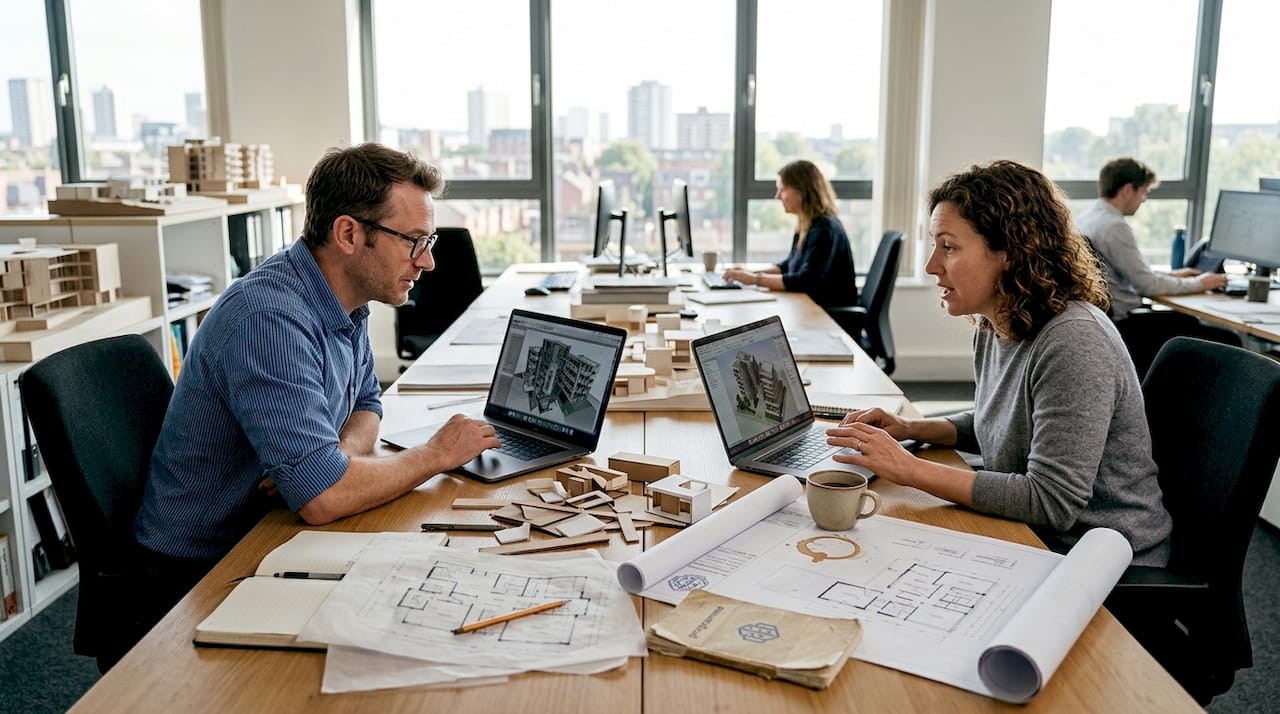
Three-dimensional site planning transforms flat drawings into immersive environments where stakeholders can walk through proposed developments before construction begins. Unlike traditional 2D methods, 3D visualization reveals spatial relationships, sight lines, and environmental impacts that remain hidden on paper. This clarity leads to better informed decisions and fewer costly changes during construction.
Successful 3D site planning requires specific tools and foundational knowledge. You need surveying equipment to capture accurate site measurements, GIS datasets for spatial context, and 3D modeling software with real-time collaboration capabilities. Your hardware must meet software requirements, typically demanding robust graphics processing and sufficient RAM for handling large spatial datasets. Beyond physical tools, you need working knowledge of local zoning regulations, urban planning principles, spatial data interpretation, and software-specific workflows.
Comprehensive site analysis including topography, vegetation, and infrastructure data is critical as a prerequisite to successful 3D site planning models. Before launching any project, verify you have access to the following data types and their reliable sources:
| Data Type | Sources | Purpose |
|---|---|---|
| Topography | LiDAR, drone surveys, USGS maps | Elevation modeling, slope analysis |
| Vegetation | Satellite imagery, field surveys | Environmental impact, visual screening |
| Infrastructure | Municipal GIS, utility companies | Service integration, constraint mapping |
| Zoning | Planning departments, regulatory databases | Compliance verification, restriction analysis |
| Environmental | EPA databases, soil surveys | Sustainability assessment, risk mitigation |
Pro tip: Invest at least two weeks in software training before starting your first project. Early proficiency prevents workflow bottlenecks and reduces frustration when deadlines approach. Many teams underestimate this learning curve and suffer delays as a result.
Gathering and Analyzing Site Data
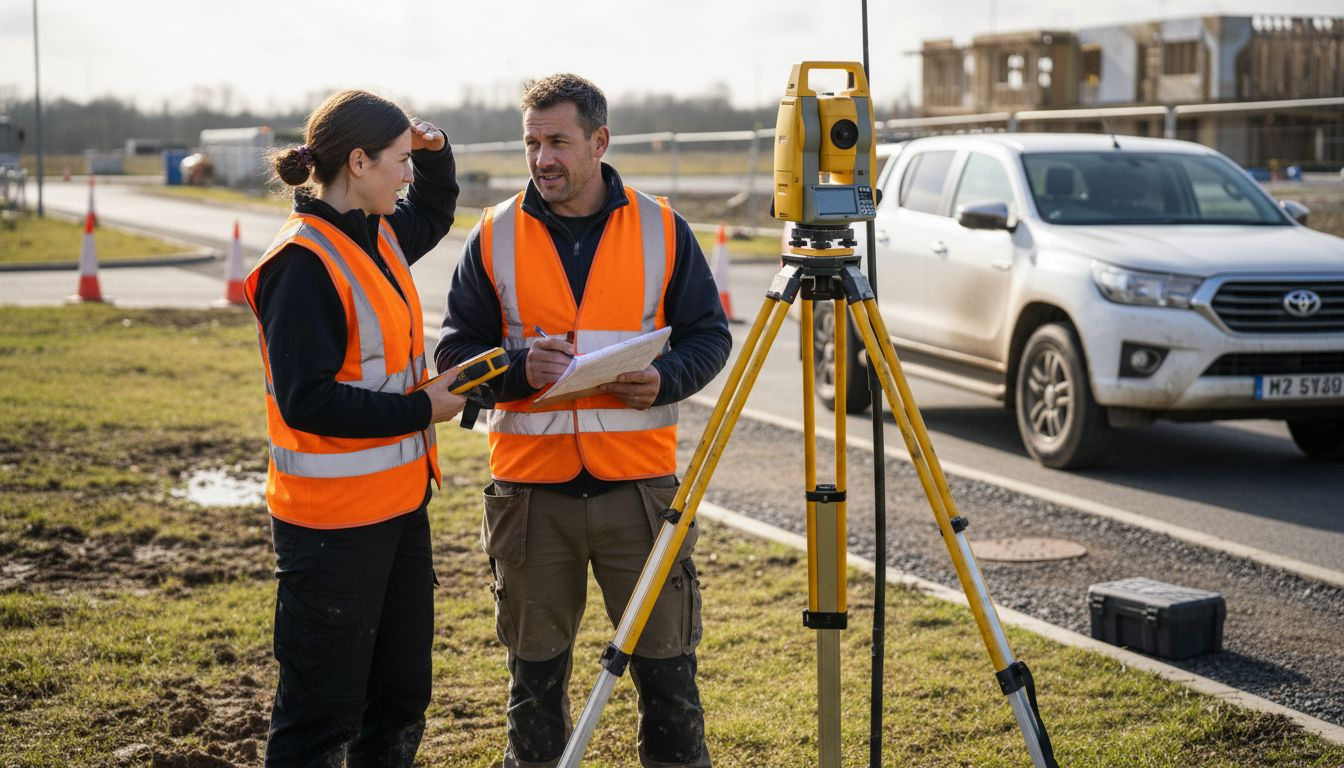
Accurate data forms the foundation of any credible 3D site plan. Begin by conducting comprehensive site surveys that capture elevation points, slope gradients, existing vegetation locations, and current infrastructure layouts. Modern approaches combine traditional surveying with drone photogrammetry and LiDAR scanning to create detailed point clouds representing every physical feature.
Follow these steps for thorough data collection:
- Establish ground control points using differential GPS for survey accuracy within 2–5 centimeters.
- Conduct aerial drone surveys to capture high-resolution imagery and generate photogrammetric models.
- Map existing vegetation by species, size, and health status for preservation planning and visual impact studies.
- Document all infrastructure elements including roads, utilities, drainage systems, and buried services.
- Perform environmental assessments covering soil composition, hydrology patterns, flood zones, and ecological sensitivity.
- Integrate spatial data from multiple sources including municipal GIS layers, utility company records, and environmental databases.
Site analysis including topography, vegetation, and infrastructure must be comprehensive to support accurate 3D modeling decisions. Environmental overlays reveal constraints and opportunities that influence design choices from the earliest stages. Hydrology data identifies natural drainage patterns you need to preserve or redirect. Soil quality assessments determine foundation requirements and landscaping feasibility.
Pro tip: Always cross-validate data from at least two independent sources. Municipal records may be outdated, and field conditions often differ from archival information. Discrepancies caught early prevent model inaccuracies that compound throughout the planning process.
Proper georeferencing ensures all data layers align precisely in three-dimensional space. Without this spatial registration, your infrastructure might float above terrain or buildings might sink below ground level. Use consistent coordinate systems across all datasets, typically matching the local planning authority’s standard projection.
Selecting and Setting Up 3D Modeling Software
Your software choice shapes every aspect of your workflow from data import through final presentation. Urban planning professionals need platforms that integrate seamlessly with GIS data, support team collaboration, and include regulatory compliance features. Ease of use matters because complex interfaces slow adoption and frustrate stakeholders unfamiliar with technical tools.
Consider these critical factors when evaluating 3D modeling platforms:
- GIS Integration: Native support for shapefiles, geodatabases, and coordinate systems eliminates manual data conversion.
- Collaboration Features: Cloud-based platforms enable real-time multi-user editing and stakeholder review without file versioning chaos.
- Regulatory Tools: Built-in zoning overlays, setback calculations, and compliance checks catch violations before they become problems.
- Learning Curve: Intuitive interfaces reduce training time and increase team adoption rates.
- Performance: Software must handle large datasets smoothly without crashes or lag during presentations.
| Software | Strengths | Weaknesses | Best For |
|---|---|---|---|
| SketchUp | Intuitive interface, extensive plugin library | Limited native GIS support, manual data integration | Small projects, conceptual design |
| ArcGIS CityEngine | Powerful GIS integration, procedural modeling | Steep learning curve, expensive licensing | Large municipal projects |
| 3D Cityplanner | Browser-based, real-time collaboration, automated building generation | Newer platform with evolving features | Teams needing instant access and coordination |
Configuration begins with establishing proper georeferencing to anchor your project in real-world coordinates. Import your base terrain model first, then layer infrastructure, existing buildings, and environmental features. Set collaboration permissions carefully, granting stakeholders view-only access while reserving editing rights for trained planners. Most platforms support role-based permissions that balance transparency with version control.
Common setup pitfalls include:
- Skipping coordinate system verification leads to misaligned data layers
- Importing excessively detailed models bogs down performance
- Neglecting backup protocols risks data loss from software crashes
- Poor layer organization makes updates tedious and error-prone
Stepwise 3D Site Planning Workflow
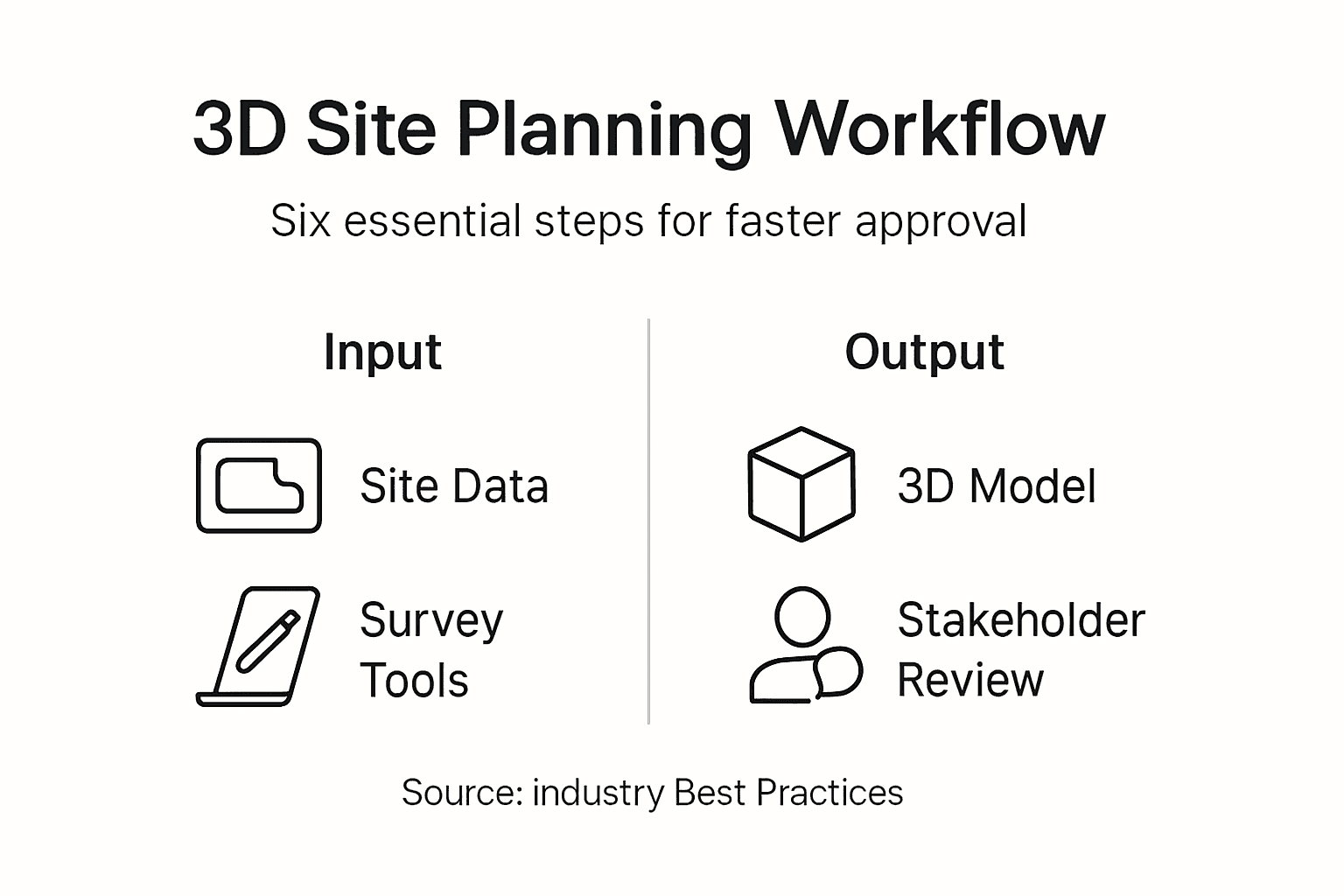
Structured workflows transform chaotic design processes into systematic progressions from concept through construction documentation. Each stage builds upon previous work while maintaining flexibility for refinement based on stakeholder input and regulatory feedback.
Follow this proven sequence:
- Define Project Goals and Constraints: Document objectives, budget limits, schedule requirements, and non-negotiable requirements before modeling begins. Clear goals prevent scope creep and guide design decisions.
- Build Base 3D Model: Import terrain and existing conditions, ensuring accurate alignment with survey data. This foundation supports all subsequent design iterations.
- Develop Initial Design Concepts: Create multiple layout options exploring different spatial arrangements, building orientations, and circulation patterns. Variety provides stakeholders meaningful choices.
- Apply Realistic Materials and Lighting: Add textures representing actual building materials, landscaping elements, and seasonal lighting conditions. Realism helps non-technical reviewers grasp design intent.
- Generate Stakeholder Presentations: Set up camera angles highlighting key features and potential concerns. Interactive walkthroughs engage reviewers more effectively than static renderings.
- Incorporate Feedback Systematically: Document all stakeholder comments, categorize by priority, and revise models methodically. Tracking changes prevents important input from being overlooked.
- Verify Regulatory Compliance: Check setbacks, height restrictions, parking requirements, and environmental regulations throughout design development, not just at submission.
Using AI-powered generative design tools like Autodesk Forma Site Automation enables rapid creation and evaluation of multiple 3D site layout options, saving significant time in early planning phases. These platforms analyze site constraints, apply zoning rules, and generate viable alternatives in minutes instead of days. You can explore design possibilities that manual methods would never surface due to time constraints.
“AI-assisted generative design doesn’t replace planning expertise but amplifies it. By automating routine layout tasks, planners focus creative energy on optimizing the best computer-generated options rather than starting from blank screens. This partnership between human judgment and machine speed delivers better results faster.”
Pro tip: Schedule design review checkpoints every two weeks during active development. Frequent feedback loops catch issues while they’re still easy to fix. Waiting until major milestones leads to expensive rework when fundamental problems emerge late.
Effective 3D planning workflows maintain version control through systematic file naming and incremental saves. Cloud-based platforms handle this automatically, but desktop software requires discipline to avoid losing work or confusing obsolete versions with current designs.
Common Mistakes and Troubleshooting
Even experienced planners encounter predictable pitfalls that delay projects and frustrate teams. Recognizing these patterns helps you avoid repeating them in your own work.
Frequent errors include:
- Ignoring Zoning Regulations Early: Developing designs without verifying setbacks, height limits, and use restrictions leads to major redesigns after stakeholder review.
- Data Misalignment: Failing to validate coordinate systems causes infrastructure and terrain to appear in wrong locations, undermining model credibility.
- Inadequate Team Training: Launching projects before staff master software basics creates bottlenecks as workers struggle with technical problems.
- Insufficient Hardware: Attempting to run demanding 3D software on underpowered computers results in crashes, slow performance, and lost productivity.
- Poor Stakeholder Communication: Presenting technical models without context confuses reviewers and generates vague, unhelpful feedback.
Common mistakes in 3D site planning include neglecting local zoning regulations and poor data alignment, leading to redesigns and project delays. The impact of overlooking zoning compliance is severe. Projects can face 3 to 6 month delays while designs undergo revision, and approximately 25% require substantial rework to meet requirements discovered late in the process.
Stakeholder approval times reduced by up to 40% when using 3D visualization tools, emphasizing how poor communication without immersive models costs time and goodwill.
Troubleshooting strategies address these problems directly:
- Conduct zoning analysis during initial planning, not after design completion
- Validate georeferencing by overlaying models on aerial imagery and verifying alignment
- Implement mandatory training programs before staff begin project work
- Upgrade hardware to meet or exceed software manufacturer specifications
- Develop presentation templates that explain context before showing detailed models
Establish version control protocols using either software-native features or disciplined file management. Document every significant change with brief descriptions so team members understand what changed and why. This practice prevents confusion when reviewing design evolution or reverting problematic updates.
Expected Outcomes, Timelines, and Success Metrics
Realistic expectations about project duration and quality benchmarks help you plan resources and communicate progress to stakeholders. Timelines vary based on project scale, data complexity, and review requirements, but patterns emerge across successful implementations.
Typical duration estimates:
- Small Projects (single buildings, simple sites): 2 to 4 weeks from data collection through final visualization
- Medium Projects (multi-building developments, moderate complexity): 6 to 12 weeks including iterative stakeholder reviews
- Large Projects (master plans, complex urban developments): 3 to 6 months incorporating extensive regulatory coordination
These ranges assume adequate resources, trained staff, and normal regulatory processes. Projects lacking prerequisites or facing unexpected complications require additional time.
Measure success using concrete metrics rather than subjective assessments. Effective benchmarks include:
- Spatial Accuracy: Models should match surveyed conditions within 5% margin across all measurements
- Schedule Adherence: Complete phases within ±10% of planned timelines
- Stakeholder Approval Time: Track days from presentation to decision, targeting continuous improvement
- Iteration Cycles: Count design revisions needed to reach approval, aiming for fewer cycles over time
- Regulatory Compliance: Achieve first-submission approval without major revisions
| Metric | Traditional 2D Planning | 3D Planning | Improvement |
|---|---|---|---|
| Approval Time | 8–12 weeks | 5–7 weeks | 40% faster |
| Design Iterations | 4–6 cycles | 2–3 cycles | 50% reduction |
| Spatial Accuracy | ±15% variance | ±5% variance | 3x improvement |
| Stakeholder Satisfaction | 65–70% positive | 85–90% positive | 25% increase |
Stakeholder approval times reduced by up to 40% when using 3D visualization tools, directly impacting project schedules and costs. This efficiency gain stems from clearer communication that reduces misunderstandings and helps reviewers grasp design intent faster than traditional methods allow.
Monitor compliance with local zoning, environmental regulations, and building codes throughout development, not just at submission. Continuous verification prevents discovering violations after substantial design investment. Many urban development workflows integrate automated compliance checking that flags potential issues as designs evolve.
Positive stakeholder feedback correlates strongly with immersive visualization quality. Teams achieving 85% or higher satisfaction rates typically invest in realistic materials, proper lighting, and multiple viewpoint presentations that help non-technical reviewers understand proposals fully.
Conclusion and Next Steps
Structured 3D site planning workflows deliver measurable improvements in visualization quality, spatial accuracy, stakeholder collaboration, and regulatory compliance. By following systematic approaches from data collection through iterative design, urban planning professionals create models that communicate intent clearly and facilitate informed decision-making across diverse project teams.
Platforms like 3D Cityplanner streamline these workflows by integrating essential tools within browser-based environments that eliminate software installation barriers and enable instant collaboration. Real-time editing, automated building generation, and built-in compliance overlays reduce technical friction so planners focus on design quality rather than wrestling with software limitations.
Your next steps toward mastering 3D site planning:
- Register for platform demonstrations to compare features and identify best-fit solutions for your project types
- Complete vendor-provided tutorials building proficiency before live project deadlines
- Join professional communities sharing best practices, troubleshooting advice, and workflow innovations
- Develop internal training programs ensuring all team members achieve baseline competency
- Establish project templates incorporating lessons learned from initial implementations
Explore 3D Cityplanner for Smarter Site Planning
3D Cityplanner offers browser-based 3D urban planning software enabling real-time collaboration without installation headaches. The platform integrates GIS data seamlessly with automated building generation, zoning overlays, and sight line analysis tools that accelerate early design phases. You gain access to comprehensive databases covering buildings and infrastructure worldwide, supporting projects from small site developments to citywide master plans.
AI-assisted design features generate multiple viable layout options rapidly, helping you explore possibilities that manual methods miss due to time constraints. Regulatory compliance tools flag potential violations as designs evolve, preventing costly late-stage discoveries. Register for a free demo to experience how integrated workflows improve project outcomes. Explore the complete feature list or discover specialized real estate development capabilities tailored to investment analysis and feasibility studies.
Frequently Asked Questions
What are the essential tools needed for 3D site planning?
Accurate site survey instruments capturing elevation and infrastructure data form the foundation. You also need GIS datasets providing spatial context, 3D modeling software with collaboration features, and computing hardware meeting software performance requirements. Basic knowledge of zoning regulations and planning principles is equally crucial for making informed design decisions.
How does 3D visualization improve stakeholder collaboration?
Interactive 3D models provide immersive views that help stakeholders understand spatial relationships impossible to grasp from 2D drawings. This clarity reduces misunderstandings and enables more productive feedback discussions. Research shows approval times decrease by up to 40% when using 3D visualization tools, accelerating project timelines substantially.
What are the common mistakes to avoid in 3D site planning?
Avoid ignoring zoning laws during initial design, which causes expensive redesigns when violations surface later. Data misalignment from improper georeferencing undermines model credibility, while inadequate team training creates workflow bottlenecks. Common mistakes include neglecting local regulations and poor data alignment leading to redesigns and delays. Implement early compliance checks and thorough data validation to minimize these errors.
How long does a 3D site planning project usually take?
Small projects with simple sites typically require 2 to 4 weeks from data collection through final visualization. Medium-complexity developments span 6 to 12 weeks including stakeholder review iterations. Large master plans may extend 3 to 6 months depending on data complexity, regulatory coordination requirements, and stakeholder feedback cycles. Adequate resources and trained staff are essential for meeting these timelines.